

5 Cheaper Alternatives To The Apple Studio Display For Mac Users
We may receive a commission on purchases made from links.
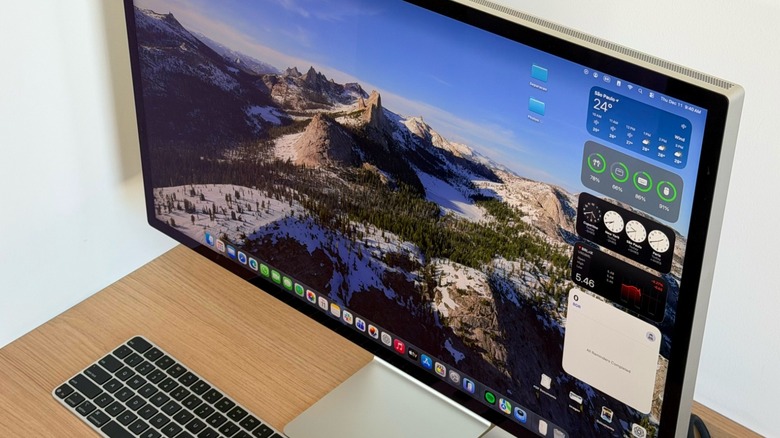
Mac users have two solid monitor choices: the Apple Studio Display and the Studio Display XDR. Both products were released in 2026 and represent the best display options for Mac mini, Mac Studio and MacBook models. What makes them so enticing is that they feature at least a 5K display, which offers the perfect pixel density for macOS, plus a built-in processor to handle image processing, webcam capabilities, and premium sound. Still, the regular Studio Display costs $1,599, and the XDR model is $3,299. If you want a bigger display without spending that much, several manufacturers offer 5K monitors for a fraction of the Studio Display, including Samsung's ViewFinity S8 5K, Asus ProArt 5K, and Dell's 5K ultrawide monitor.
We selected these displays with affordability in mind, as they're cheaper alternatives to the Apple Studio Display, while still delivering what Mac users want most: a proper resolution to enjoy macOS on a big screen, like the models we previously selected here. Real customers have reviewed all the brands below, and these companies are also known for making high-quality displays. While it's hard to find a model that beats the Studio Display in every way, these models give users options, so they can choose what matters most for their new screen.
Samsung ViewFinity S8 5K
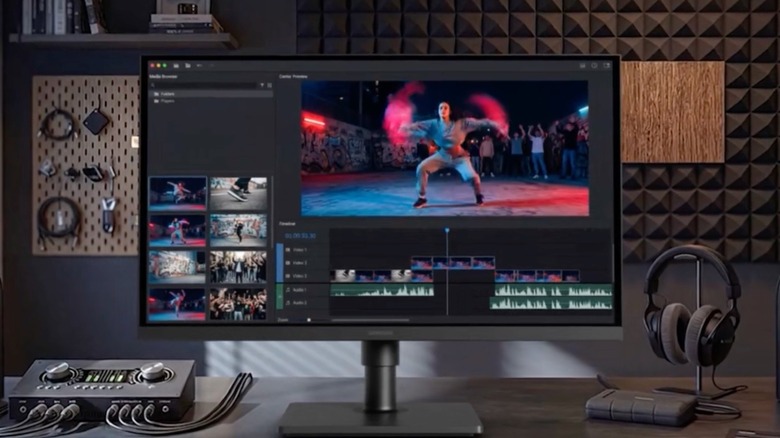
Samsung's ViewFinity S8, the closest rival to Apple's Studio Display, features a 27-inch IPS panel with a 5120 x 2880 resolution and a 218 PPI pixel density, matching Apple's sharpness. With 350 nits of SDR brightness, it also offers 10-bit colors, 99% sRGB coverage, and HDR10 support. While this is less than the 600 nits of brightness promoted by the Studio Display, customers just need to avoid using the screen in direct light. Samsung really shines with the hub. It features a USB-C port for 90W charging and data transfer, and a built-in LAN port gives laptops a wired Ethernet connection, so a MacBook can run on one cable with a clean desk.
With Auto Switch+, the Samsung ViewFinity S8 detects when a connected device powers on and automatically switches to that source. With Samsung Display Manager, you can set up split-screen layouts, KVM, PIP/BP, and software-based color calibration. On the hardware part, Samsung's display can pivot 90 degrees for reading long documents, and an Eye Saver Mode and flicker reduction can help during long sessions.
At less than half the price of the basic Studio Display, Samsung charges $699,99 for the ViewFinity S8 monitor. While it trades off a dimmer panel and no built-in camera or speakers like Apple's, Mac users can still get a bigger display, perfect for everyday users, writers, or developers who want sharp text, a wide desktop, and a one-cable Mac setup.
Asus ProArt 5K display
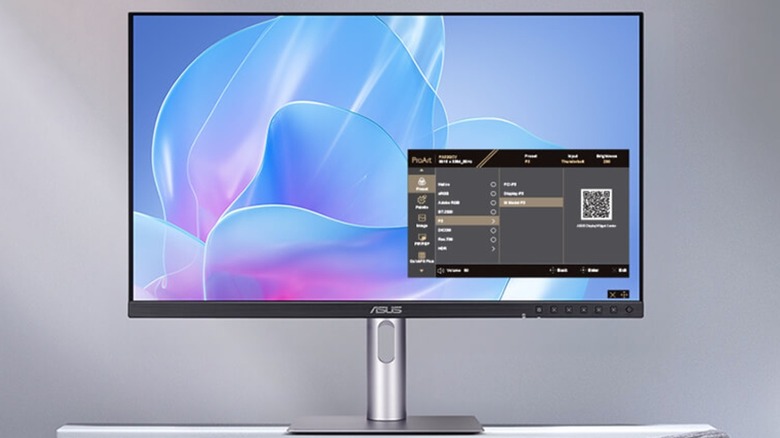
Another 5K IPS panel, Asus' ProArt Display (PA27JCV) features a 27-inch screen with a low-reflection anti-glare coating, 99% DCI-P3 and 100% sRGB with factory calibration to Delta E under 2, and Calman Verified certification. In other words, it delivers accurate colors out of the box, so users can plug it in and use it right away. It also covers 95% of Adobe RGB and reaches 400 nits typical and 500 nits peak in HDR, making it brighter than Samsung's panel, though it still falls short of Apple Studio Display's 600 nits max.
Focused on creators, Asus doesn't charge extra for the matte surface, unlike Apple, which adds an extra cost for nano-texture glass. With a front-facing ambient light sensor and backlight sensor, this monitor keeps color performance consistent. For connectivity, users get DisplayPort over USB-C with 96W power delivery, plus DisplayPort, HDMI, and a USB hub. The 96W matches the Studio Display's charging power for both 14-inch and 16-inch MacBook Pro models. With the Auto KVM feature, it lets one keyboard and mouse control two connected computers, which is great for anyone using both Mac and PC.
Compared with its predecessor, the Asus is 33% smaller and 30% slimmer. The stand offers tilt, swivel, pivot, and height adjustment, features Apple's entry-level model lacks entirely. Released for $699, customers can save a few dollars on Amazon by finding deals around $635.
Dell U4025QW Ultrawide

Although this wouldn't be my go-to choice, Dell's UltraSharp 40-inch curved monitor, the U4025QW, offers a different take on what Mac users might want. With 4120 x 2160 and 120Hz, you get a wide 21:9 desktop instead of a standard 16:9 panel. With a smaller pixel density at about 140 PPI, text might not look as crisp as on a Retina-class screen, but the trade-off is that you can get room for several windows side by side and a smoother refresh rate while scrolling than Apple's 60 Hz panel.
This Dell monitor also features 99% DCI-P3 and Display P3 coverage, and it's the first on the list to reach up to 600 nits and a 2000:1 contrast ratio, as it's designed to work well with macOS and P3 color. Another big selling point is connectivity. A Thunderbolt 4 upstream port delivers up to 140W, plus a second Thunderbolt 4 port for daisy-chaining. The product also offers four USB-A ports, HDMI, and DisplayPort.
Dell's display also features two 9W speakers, and the iMST feature can split the screen into two virtual 2560 x 2160 monitors, which could suit a Mac user with a work PC. Users can adjust the stand's height, tilt, and swivel, and Dell says the build uses 100% recycled aluminum and 85% post-consumer recycled plastic parts. Priced at $15,390, users can get this monitor at a discount, as Amazon can price it closer to $1,400.
LG UltraFine 6K
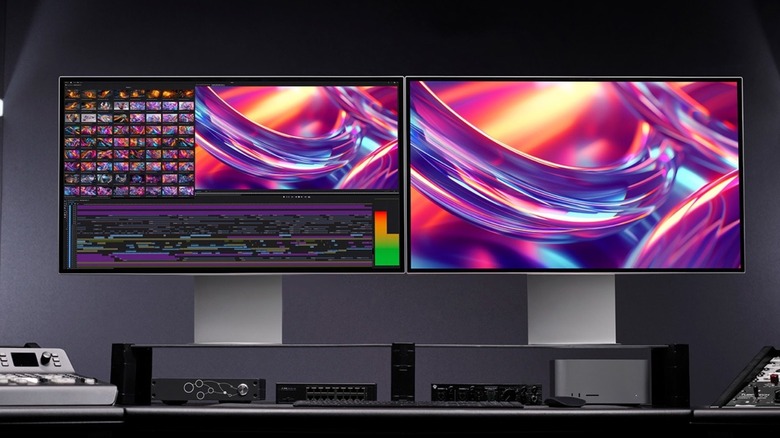
The priciest monitor on the list, the 32-inch 6K LG UltraFine, launched at $1,999, above the standard Apple Studio Display. However, customers can usually get it on Amazon for under $1,450. This monitor surpasses Apple's option in a few ways: it has a larger display and a higher resolution of 6144 x 3456 at 224 PPI, with over 21 million pixels. The Nano IPS Black panel covers up to 98% DCI-P3 and 99.5% Adobe RGB, offers real 10-bit color, and supports DisplayHDR 600 with a 2000:1 contrast ratio. In other words, the LG UltraFine 6K should look more vibrant than Apple's 5K display at peak brightness.
Like Apple, LG built this screen with Apple's Macs in mind. It supports Thunderbolt 5 with up to 96W charging and daisy-chaining for two additional 6K displays, matching the Studio Display's Thunderbolt 5, while adding DisplayPort 2.1, HDMI 2.1, and extra USB-C ports. For Mac users, LG includes Studio Mode color presets and M-Control, which lets users change brightness and volume from the Mac keyboard. It also includes a built-in KVM and speakers, though it lacks a built-in webcam.
LG offers a four-sided, virtually borderless look and an ergonomic stand with height, tilt, and pivot adjustment, features Apple charges extra for. Overall, this monitor looks very similar to Apple's Studio Display, despite lacking more powerful speakers and a dedicated camera. Still, anyone looking for a bigger, higher-resolution display will find this device the perfect product.
BenQ 275K PD2730S
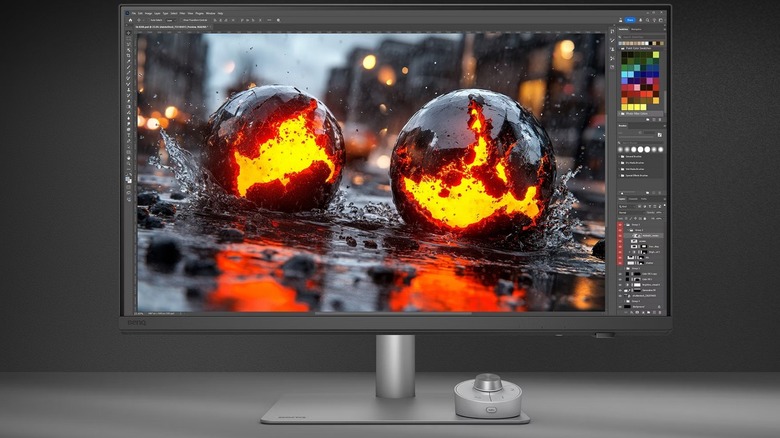
For designers who care about color matching on a Mac, BenQ's display matches the Studio Display's 218 PPI on a 27-inch 5K IPS panel, plus an anti-glare nano-matte coating, a feature Apple charges extra for. BenQ's display features AQColor technology that delivers 98% DCI-P3 and 100% sRGB coverage at Delta E under 2 and Pantone and Calman certifications.
For anyone considering this display, the Mac features are the selling point: an exclusive M-book mode matches the screen to Mac and MacBook Pro colors, and ICCsync automatically syncs ICC profiles when you change color modes. Display ColorTalk matches colors between a MacBook and the monitor without a calibrator, while the Hotkey Puck, tied to Display Pilot 2, lets you set monitor shortcuts from a desktop controller.
BenQ offers a Thunderbolt 4 port with 40Gbps, 90W power delivery and daisy-chaining, plus DisplayPort 1.4 and HDMI 2.1 inputs, with VESA wall-mounting support. Compared to the Studio Display, BenQ's option costs $1,199, and while it lacks a speaker or webcam, it focuses on what may matter most to Mac customers looking for a monitor: a bigger display with proper resolution.
How did we choose these products
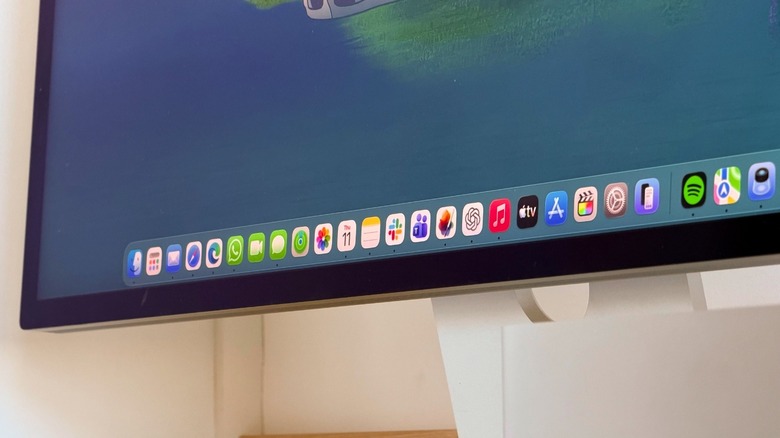
While the competitive monitor market is crowded, BGR focused on models with at least 5K resolution and mostly 218 PPI, Apple's standard for a Retina Display and what macOS is expected to run at. Another key point was making sure they cost less than Apple's Studio Display, which is great for anyone trying to save a few hundred dollars when buying a bigger display for their MacBook or as a main display for the Mac mini or Mac Studio.
The only exceptions when selecting these monitors were the ultrawide Dell monitor, which can be a great option for anyone wanting a bigger display that could be split between two computers, and the LG UltraFine 6K, which has a costlier price point than the base Studio Display, but is often available for less than Apple's model. Specialized media and real-world customers have also reviewed these devices, with general praise.
BGR doesn't think the Apple Studio Display isn't worth it; in fact, we believe it is the best way to enjoy the Mac on a bigger display, especially if you're willing to pay over $3,000 for the Studio Display XDR. However, we also know not every user needs or wants to spend that much for the extra perks and features, since most customers already want a bigger display with proper resolution.