

What Happens If You Run Your CPU Without A Cooler?
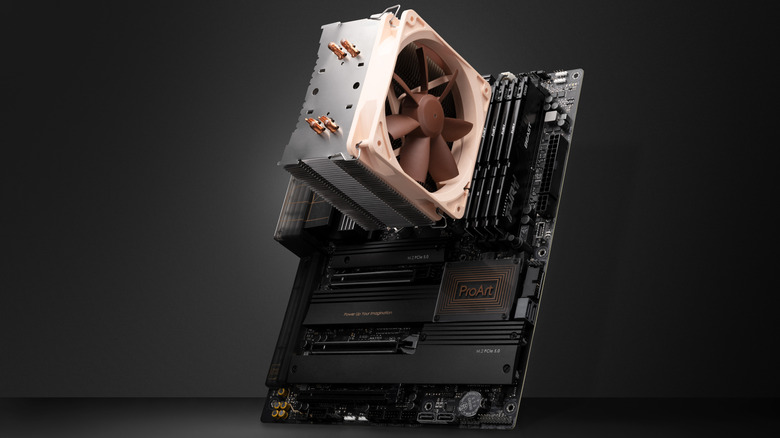
When building your own PC, sometimes you can mess up by forgetting or missing a plug on a component, or you may not have installed a part properly. That can happen, and the CPU cooler in particular, could pose a significant risk. Any critical component like RAM, CPU, or the GPU can pose a risk if not installed properly. Improper installation is a common mistake when building a PC, especially if you bend or damage pins in the worst-case scenario.
However, if you didn't plug the CPU cooler in properly and have turned on the PC, you may panic, especially since older CPUs can burn out when the cooler isn't installed properly. That's not typically the case with modern CPUs: Processors, even some older ones like the AMD Ryzen 5 5600X or Intel Core i5-12400, generally have built-in thermal protection. Your system will typically shut down on its own to prevent any permanent damage.
If you have mistakenly booted your PC without a cooler, generally there isn't high risk if it happens once, and the CPU shuts down. However, you should never boot your PC without a cooler. If it happens accidentally, avoid doing it again to prevent potential permanent damage.
How long can a CPU go without a cooler?
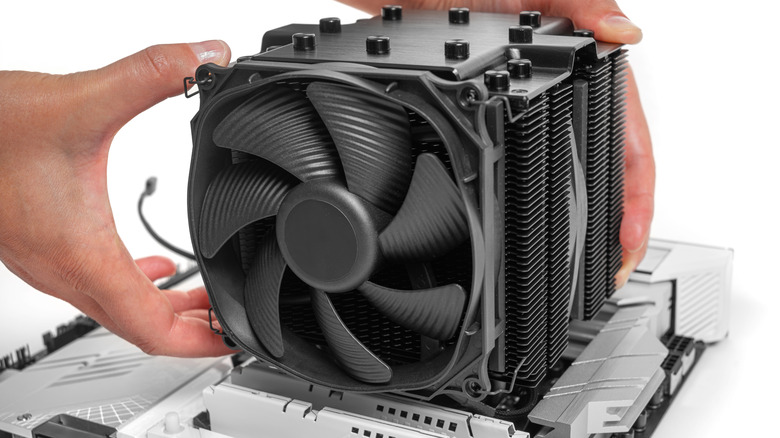
When a PC is turned on without the CPU cooler, there will be a sudden rise in temperature. However, modern CPUs detect that rise and initiate thermal throttling, which reduces power, but if the temperature keeps on rising, the PC will shut down itself to prevent any permanent damage to the CPU. Now, a CPU shutting off doesn't mean it is safe to turn on the computer again, so if that happens, you need to examine whether there is something wrong with the cooler.
The temperature limit varies by processor, but for Intel CPUs, it is generally around 100-110°C. If your CPU reaches around 90°C when under heavy load, it is worth investigating. It also depends on what the manufacturer says about the Tjunction Max limit (the temperature threshold where the processor can function) on the CPU. So, if the limit is 95°C, that would still be within the CPU's intended operating range, but it would be reasonable to check if there's enough thermal paste and if the fans and the cooler, whether it is liquid or air, are working properly. However, if the CPU reaches 80-90°C when idling or under light work, then something is wrong.
Neither Intel nor AMD gives an exact answer on how long a CPU can go without a cooler, which is understandable considering you shouldn't even be running the CPU without a cooler in the first place. You need to keep in mind that proper cooling is a must, as without it, damage can occur pretty quickly to sensitive components if the processor is powered without a heatsink/cooler present.