

What's The Point In Buying A Webcam If Your Laptop Already Has A Camera?
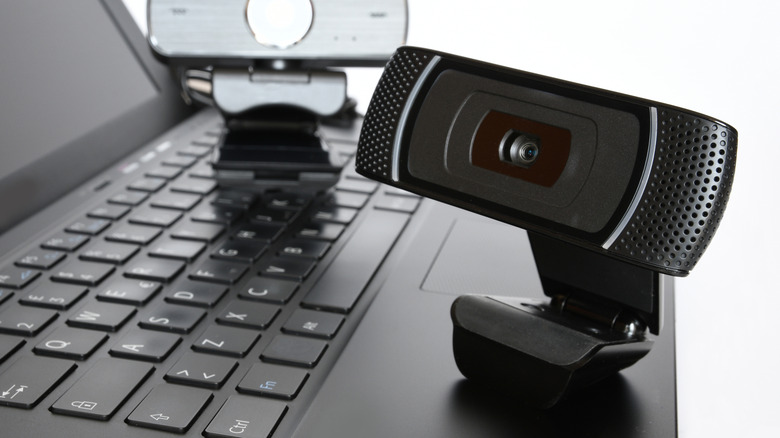
Most laptops and even some monitors come with built-in webcams, which can serve you well if you have no other option. But in the interest of video quality, you'd be better off buying and installing an external webcam, for a couple of reasons. The most pertinent being that separate webcams tend to be more capable and have better features to make you appear more professional on web and video calls. That's because they're specialized or rather built for a distinct purpose.
There's a saying that goes, "Jack of all trades, master of none." It's implying that focusing on a ton of different specializations, versus one, makes you good at a handful of things but not necessarily an expert at any of them. Spread your resources too thin, and nothing really gets quality treatment. That can also apply to modern electronics, particularly devices that cram lots of different components and functions into one meaty format. Take the average smartphone, for example. Sure, they have a ton of great mechanics, from quality cameras to vibrant screens, but to achieve all that they're usually sacrificing somewhere. When it comes to laptops, and keeping hardware costs down, the webcam is one area where manufacturers likely skimp, going with cheap, less powerful models. There are also limitations to consider due to size, speed, and hardware priorities. You can't cram a high-powered camera sensor inside a thin laptop bezel.
It's not always true, but that does often mean built-in webcams produce low quality video, grainy feeds and pictures, and may exhibit strange artifacts or experience poor lighting performance. In addition, the microphones accompanying the webcams are also fairly cheap, sometimes suffering from the same quality concerns.
Quantifying the difference between built-in versus external
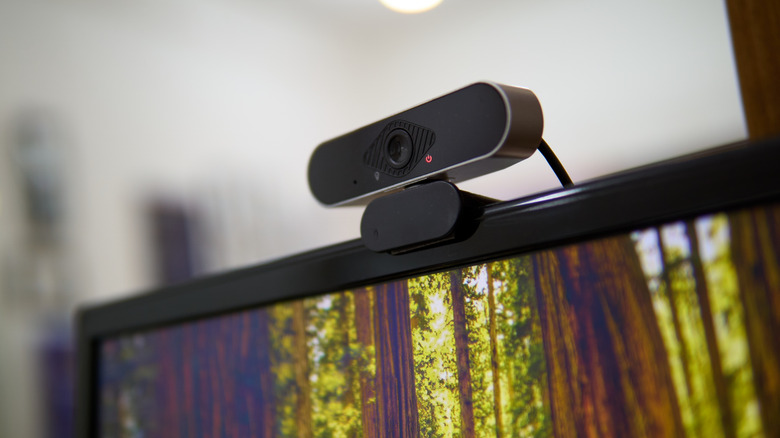
The easiest way to compare the difference between internal and built-in webcams and external options is to look at resolutions and frame-rates. Most internal webcams are locked to 720p, or a maximum of 1080p, both HD formats, at 30 frames per second. That's surprisingly dated, especially when you compare them to a front-facing camera in a flagship smartphone. Some of the cheapest webcams you can buy off the shelf are native 2K and above, or as high as 4K. Resolution alone doesn't decide the video quality produced, notably on the other side of the call, but it does play a huge role in the captured picture.
Moreover, external webcams are often specialized — there's that word again — with unique features made just for video calls and conferences. Business-grade webcams suitable for professional settings are a big callout here. They incorporate HDR and adjustable, intelligent lighting solutions, wider fields of view to capture more, and come with a variety of customizations; usually they have accompanying apps or software tools to help you fine-tune and adjust the picture going out.
Built-in webcams are also fixed, attached to a monitor bezel or the top of a laptop screen. You have to have the laptop physically open to use them, and even then it severely limits the viewing angles and capture area. External and standalone webcams don't have this issue. You can attach them or mount them anywhere you want, or use a tripod or stand, like you would with a traditional camera.
Examining some common laptop webcam specs

Dell's Pro 16 Laptop, built for business and enterprise, has an FHD IR camera at its cheapest tier, that only supports 1080P at 30 frames per second. That's a $1,300-plus laptop. The Apple iMac has a 1080P HD camera, as well. The Apple MacBook Pro? 1080P full HD video recording there, too. There's nothing inherently wrong with full HD, it's still pretty clear at times. But if you want to make absolutely certain the video quality looks good for clients, employers, or otherwise, external webcams are the way to go. Cheap options start at 2K or higher. If you do stick with 1080P, to keep costs down, you'll still get better specs, like with the Elgato Facecam Neo's up to 60 frames per second capture in HD.
Lenovo's ThinkPad P16v Gen 3 workstation, which costs over $6,300, has a 5.0 megapixel webcam, which is about the equivalent of 2K resolution. But it's also very expensive. There are cheaper options, of course. The Dragonfly Pro Chromebook has an 8 megapixel camera for around $1,000, meanwhile the Acer Swift 14 has a 1440P webcam for $1,400 or so. A 5 megapixel resolution camera can also be found in the HP Elite Dragonfly G3 for around $1,900. Ultimately, if you want a quality webcam in a laptop you're going to have to pay a little more.
Another small win for external options, bigtime if you don't want to buy extra gear, is that most standard webcams come with a built-in microphone that's of a decent quality or better. Plus, they'll incorporate advanced features like spatial audio capture and noise cancellation. You get both reliable video and clear audio from a single purchase, depending on what you choose.