

Wi-Fi Vs. Unlimited Mobile Data: Which Is Cheaper For Home Internet?
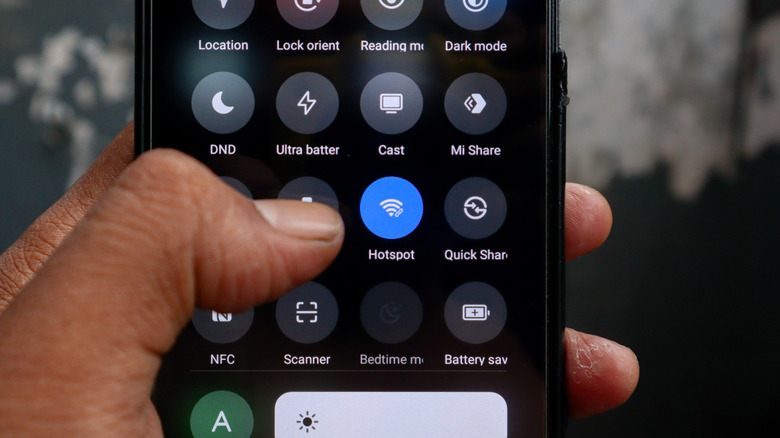
Cutting back on utilities can be difficult, but when it comes to internet service, you do have some options worth considering. One option might be to give up Wi-Fi and maybe upgrade your mobile plan to latch onto your hotspot or switch on USB tethering. It can be cheaper, assuming you're on a standalone home internet plan from Spectrum or Verizon whereyou're saving at least $30 a month. Meanwhile, Xfinity's cheapest plan costs $45. The value proposition gets muddy with home and mobile internet bundles: Spectrum One offers up to a 500Mbps wireline connection and an unlimited mobile plan for $50 per month for the first year, while Verizon One combines cable, fiber, or cellular home internet with unlimited wireless service for $70 per month. Chalk up that split however you want.
Let's flip to the Big Three on the wireless side now and look at single-line plan prices. AT&T has four plans, all with mobile hotspot allowances ranging from 3GB to 250GB and costing between $50 and $110 per month — speeds slow to 256kbps post-threshold. T-Mobile's current $85 plan offers a hard-capped 60GB of hotspot, while the $100 plan goes for 250GB with "3G" speeds above that level.
Verizon offers 10GB of hotspot with its $30 Simplicity plan and has dedicated hotspot add-ons: 100GB for $10 more, 200GB for $20. Overflow usage does get speed-limited, but the limit begins at 1Mbps and goes up with each add-on tier. Compare your current bills to see if you're actually saving money, then consider the trade-offs you'll be making.
Unlimited mobile data plans still limit their hotspot data
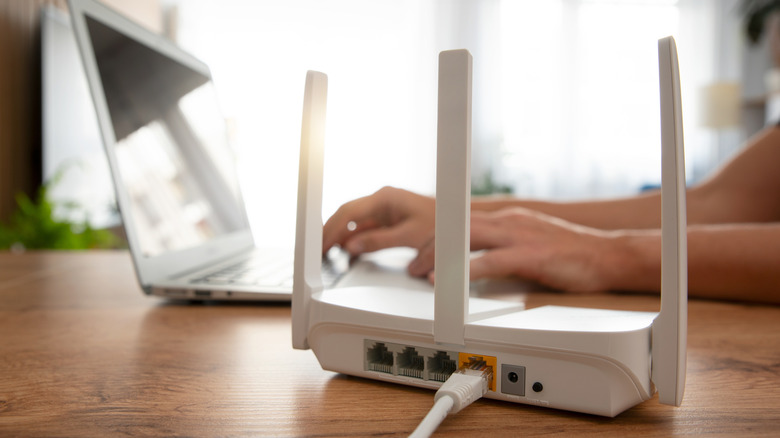
Neither Spectrum, Verizon, nor Xfinity throttle home internet speeds based on usage, so you do lose out on some of the most reliable fast speeds you could have access to. That said, wireless coverage has built up to a point where most people have 5G signals strong enough for streaming all sorts of stuff from movies to remote desktops to online games. The only real difference you might notice is the loss of constant gigabit or even half-gigabit speeds if you're moving large files around a lot.
Those large files are going to hurt your cap. None of the Big Three fixed-point ISPs cap usage. Meanwhile, throttling and capping are all up in the mobile hotspot business. That means you should not be downloading those 100GB triple-A games unless you are somehow able to do so right from your phone. You should also limit the amount of YouTube or Netflix you stream to your 4K TV if you don't want to end up eating 7GB an hour. You might be a little more comfortable playing an online multiplayer game: most titles use well less than 100MB per hour of gameplay. A few games such as "Counter-Strike: Global Offensive," "Destiny 2," and "Valorant" get to around 300MB per hour, but the biggest offenders are "Deadlock," "Call of Duty: Black Ops 6," and "Microsoft Flight Simulator," ranging between 500MB and 700MB per hour.
If live gaming is an important use case for you, do a couple trial runs to make sure latency won't be an issue, especially if you're farther from a server your favorite title uses. You might be surprised — I've gotten sub-50 millisecond latency on "Overwatch," and that often beats my home Wi-Fi. Ha, take that, gaming routers.