

Is A High-End Microphone Worth Adding To Your Work Setup?
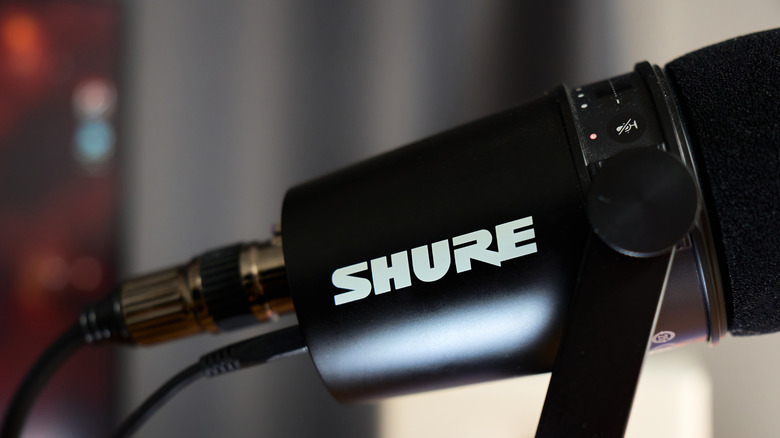
Remote working from home has always been a thing, but post-COVID lockdowns showed employers that some workers are happier being away from the office. It requires solid communication to sync up with teams, and this raises the question: Is investing in a dedicated audio setup actually worth the money? The answer is absolutely, as relying on built-in microphones on a work-issued laptop is one of the biggest causes of ineffective meetings.
So what's the best audio setup for work from home? Well, it starts with forgetting the laptop microphone and introducing a dedicated microphone into the daily workflow. And no one likes the sound of someone typing in a meeting, let's be honest. Upgrading to a standalone microphone makes sure that members of the team can focus on quality audio to better get messages across to colleagues. Plus, studies show that listeners often associate credibility and trustworthiness with better audio quality.
A professional microphone setup is also a long-term investment, and there are even some clever uses for your PC's microphone outside of Zoom calls. Want to start a podcast or narrate video for a YouTube channel? It's all possible, even recording instruments and vocals for the musically talented. But knowing where to start with a solid microphone setup is the challenge, and we know a thing or two about USB streaming mics and XLR-powered broadcast condensers.
Choosing the right microphone style and connection
There's an overwhelming amount of choice on the market, so what is the best microphone for work calls? That depends on a few factors, but we'll start with work environment. For those working in untreated rooms or a noisy household, a dynamic microphone with a cardioid pickup pattern is ideal as is cuts down on disruptive background noises.
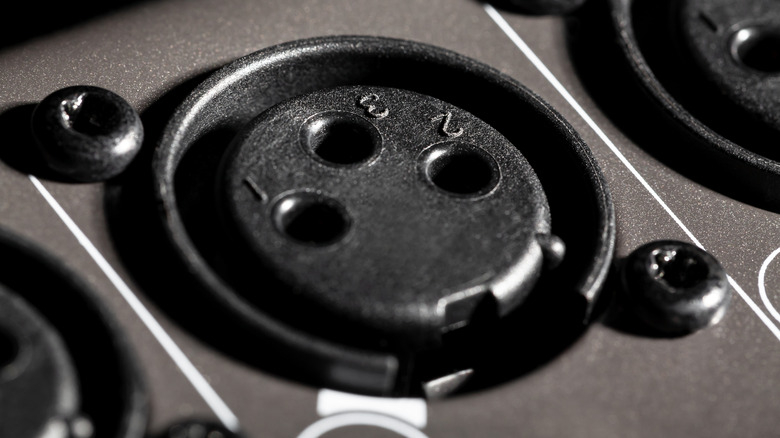
Next up is the connection type, which usually comes down to USB or XLR standard connections. USB microphones and headsets are great for plug-and-play functionality and work out of the box with most computers and software without extra hardware. However, with convenience, there are also few disadvantages of using USB microphones, such as lacking that broadcast-quality sound heard over the radio and on podcasts.
For peak audio fidelity, an XLR microphone is the best bet, but it's going to require some extra hardware. To use an XLR microphone, we need an external audio interface or preamp to successfully connect it to a computer. There's some accessories, such as the Shure MVX2U, that skips the extra box on a desk and simply has an XLR input and a USB output. It packs a 60dB preamp, zero-latency monitoring, and 48V phantom power for that high-quality voice representation that's nice and discreet.
Improving sound quality with software and accessories
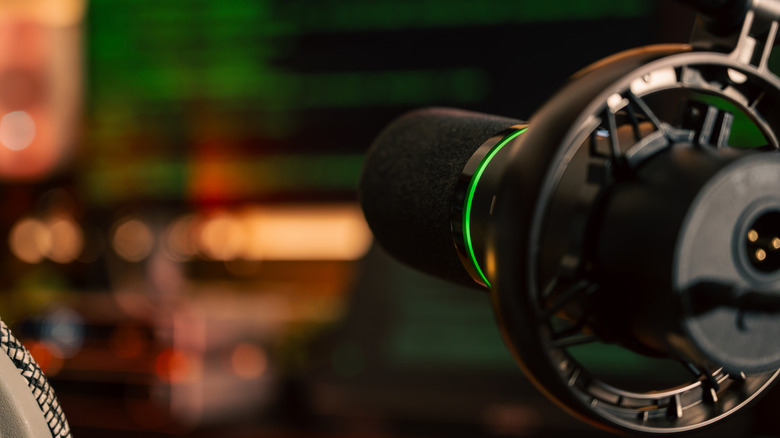
Buying a microphone and necessary hardware is only half the battle; next up is using the right accessories and software for the best sound quality. Relying on a cheap desktop stand, for example, can transfer desk vibrations directly into the audio, so it's a good idea to mount a microphone to a dedicated boom arm.
This will provide some acoustic isolation while clearing up some desk space. It's the best of both worlds, plus the microphone can be repositioned closer to the user's mouth for the best pickup performance and be swung out of the way when not in use. Having any microphone suspended in a shock mount is going to dampen movement further, and a windscreen will cut out breathing and wind noise from the audio stream.
XLR microphone audio quality can be significantly improved by plugging it into an external Thunderbolt or USB audio interface. For example, hardware like Apollo Solo is a great option as it gives users Unison preamps and UAD-2 SOLO processing over Thunderbolt 3. There are more modern audio improvement solutions available too, such as AI-powered noise reduction tools that can automatically filter out keyboard typing and air conditioning hum while keeping your voice clear.