

Try This If You Want To Stop Losing Your Roku Remote
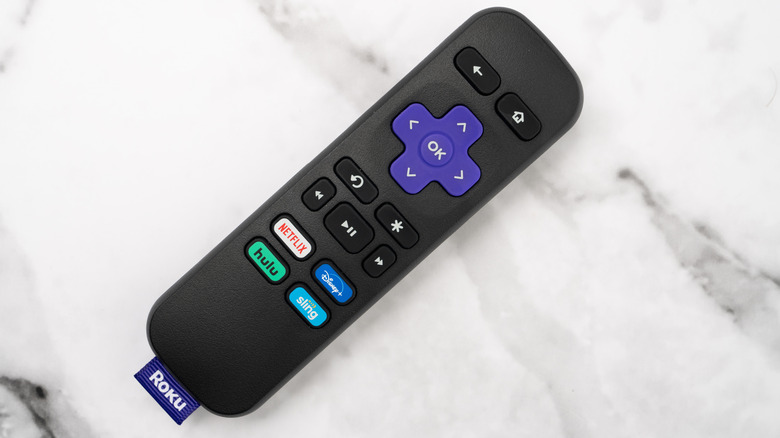
Your Roku remote, whether the best or worst option you can buy, is the key to navigating a massive sea of streaming services and content. That said, the compact, black device may easily drown beneath your couch cushions, blankets, or other nooks and crannies that can swallow it whole. It's just as easy to misplace it after setting it down somewhere, while its unassuming shape, size, and color let it blend in with its surroundings. To avoid getting shut out from your Roku Streaming Stick or smart TV until you seek out a new remote or alternate options, there's a convenient solution that should help quickly reunite you with it.
Your Roku TV can help you find lost remotes, as can the brand's Android and iOS apps or your Roku Stick, thanks to the handy, aptly named lost remote finder. The feature can be initiated via a hands-free voice activation or through the aforementioned devices and apps. When it's triggered, the lost remote finder will prompt your remote to emit a tone for one minute. The sound can then be disabled by pressing any of the remote's buttons.
It should be noted, however, that this only works with Roku remotes that feature built-in speakers. Models like the Roku Voice Remote Pro (2nd edition) are among those which include the remote finder. If you aren't sure which model you own, tiny speaker holes on the backside will indicate whether it's capable of emitting an alert noise.
There are alternate options to buying a new Roku remote
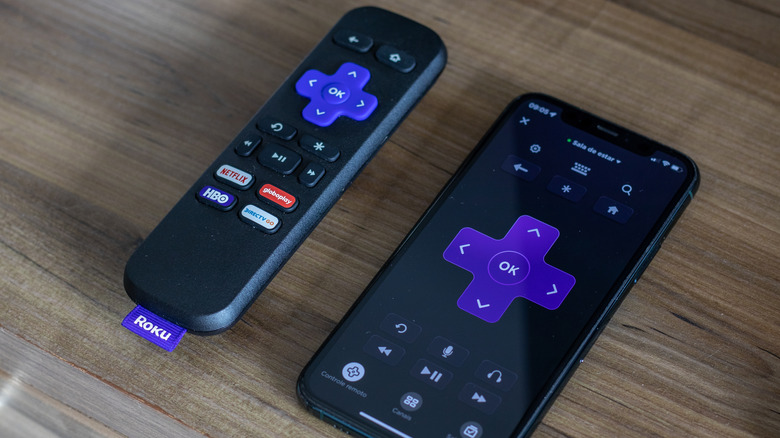
Roku TV or Roku Streaming Stick owners who aren't willing to upgrade their remotes for the remote finder feature may also take advantage of other simple, sometimes homespun, remedies that can help you easily locate your clicker, or perhaps prevent it from going astray entirely. ZDNet recommends investing in a silicone sleeve for your remote to generate less slippage between it and your cushions. There's also the option of purchasing a remote tether. If you're looking for even cheaper options, you could also modify a piece of pool noodle as a makeshift remote cover. A tether could even be crafted by attaching a length of yarn (or other string-like materials found at home) to your Roku remote's tag. Each of these easy solutions should help prevent your couch crevices from inhaling your device too far down their depths, if at all.
Users who aren't willing to spend the extra cash or cut apart pool noodles to solve their remote problems could also consider alternate practices to avoid losing them altogether. One Reddit user advised designating a space or receptacle for your remote to go as soon as you're done using it. "I keep a small wicker basket on the living room table where the remotes belong," the user said. "[I] use the remote, [and] put it back immediately." Those willing to cut their losses or forgo a physical remote entirely also have the option to use the Roku app's Roku Remote feature. However, this would require users not to lose their smartphones, either.