

4 Reasons To Buy A Laptop With More RAM
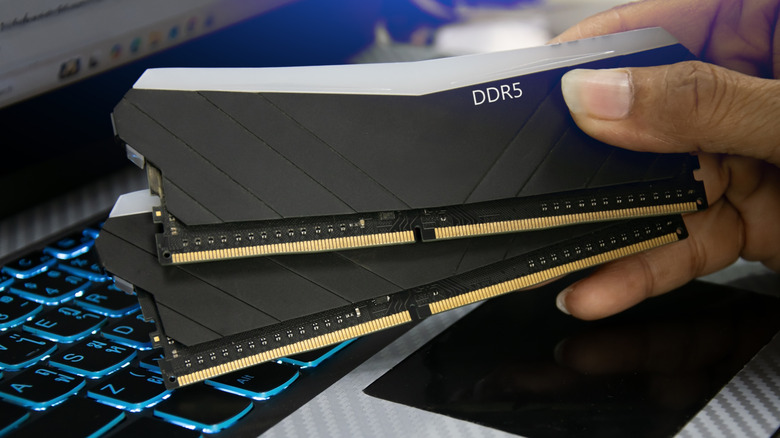
A laptop's RAM capacity plays an important role in determining how effectively it can manage different workloads at once. If you want a laptop that can offer better performance in your daily tasks, along with good performance in gaming or any heavy workload, you need to be careful about picking a laptop with the right amount of RAM.
More RAM doesn't automatically make every laptop faster, but having enough of it can make a solid difference in performance. If you have 16GB of RAM, and only 10-12GB is being utilized during your usual workload and multitasking, then an upgrade to 32GB won't make a noticeable difference in your daily usage. That said, if you are buying a laptop, opting for the one with more RAM can offer several advantages, including better multitasking, smoother performance in demanding applications and games, and greater flexibility as your computer needs evolve over the years.
Smoother gaming experience
For smoother gaming, more RAM is very important since multiple games are quite intensive on system memory. Many modern AAA games require 16-32GB of RAM for an optimal experience.
Less RAM in a laptop can cause stuttering during gameplay, and slow down the system as a whole. When available memory runs low, the system may have to rely more heavily on the storage drive, and even the fastest SSD is considerably slower than RAM speeds. However, while adding more RAM can improve overall performance, it won't automatically increase the frames per second in every game when the CPU or GPU is the limiting factor.
Some of the recent games that require 32GB of RAM are "Palworld 1.0," "Star Wars Zero Company," and "The Seven Deadly Sins: Origin." The Steam page recommends 32GB of RAM for each, but the minimum requirements list 16GB as the minimum RAM in your system. However, even if the recommended RAM for the game is 16GB, that may still not be enough in case of multitasking.
Better performance in demanding apps
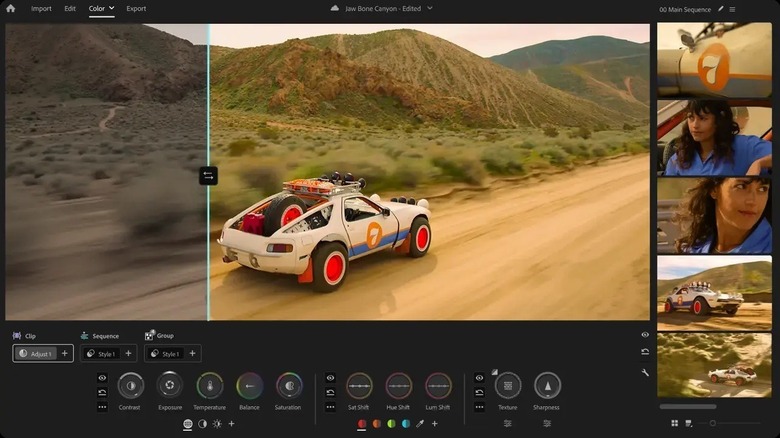
Applications like video editors, 3D software, and large creative projects (which require an application that has to keep a lot of working data and assets at the same time, like Adobe After Effects) utilize more RAM. For instance, the minimum RAM requirement for HD editing in Adobe Premiere Pro is 8GB. However, the recommendation for HD editing is 16GB, and for 4K or higher-resolution videos, it is 32GB or more.
Similarly, for Blender, the minimum RAM requirement is 8GB, but the recommended amount is 32GB. If your focus is on high-intensity workloads in applications like Blender, Adobe Premiere Pro, and Adobe After Effects, going for 32GB or more RAM will be better. Going beyond 32GB of RAM becomes particularly useful when working with projects that involve large amounts of data or when running multiple demanding applications simultaneously. For instance, a complex 3D scene with more detailed geometry and high-resolution textures can consume a lot more memory than a simple model.
Future-proofing your laptop
Memory requirements generally increase over time, whether it be the laptop's operating system requirements, an application, or a game. Having more RAM in your laptop is going to give you more memory headroom for the future. That will make it much less likely for the memory capacity to become a limiting factor at least for several years.
However, if your tasks don't involve heavy video editing, usage of 3D software, or gaming, then you don't really need 32GB of RAM. In that case, you don't even need a gaming or professional laptop. ASUS VivoBook 15 (F1504), Lenovo IdeaPad Slim 5, and HP OmniBook 5 14 are some good choices for everyday tasks, including web browsing, streaming, and working with documents. However, I recommend getting the minimum of at least 16GB of RAM. That said, the laptop pricing with this much RAM is going to be on the higher end because of the ongoing memory shortage.
Better multitasking
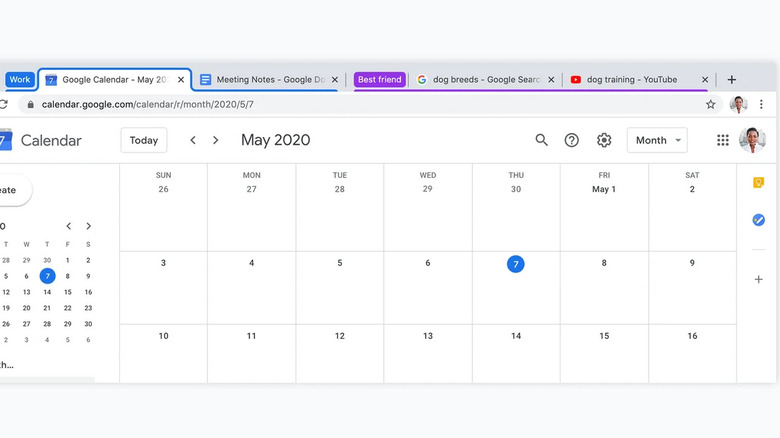
A laptop with more RAM would allow you to keep a lot of applications open at the same time. Usually, Discord, Steam, Spotify, and some other apps are running in the background almost all of the time. Aside from that, your browser takes a lot of RAM. If you have a lot of tabs open in Google Chrome or other browsers, that can slow down your laptop if the RAM is on the lower side.
Generally, 16GB of RAM should be enough for ordinary multitasking. However, if you are playing a AAA game and some other applications are open, 16GB would most likely not be enough for that. When I was playing "The Blood of Dawnwalker," the 16GB of RAM in my PC was enough to play the game, but Discord and Steam were consuming some of the memory, which was causing stuttering. For the game to play smoothly, I had to shut them both down. For reference, the recommended RAM to play "The Blood of Dawnwalker" is 16GB.