

The Starlink App Has A Clever Way To Show What's Blocking Your Internet
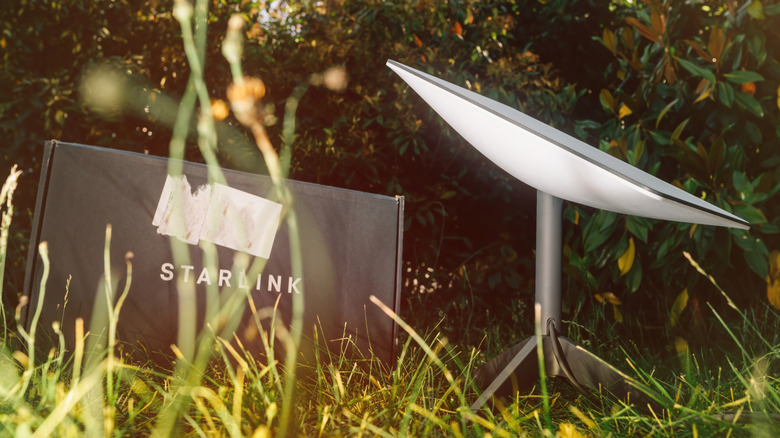
Figuring out where to place your Starlink "Dishy" can be challenging. The device requires a clear view of the sky to provide the best internet speeds, and one of the most common issues with Starlink is finding a place with no obstructions. Fortunately, the Starlink app's obstruction mapping tool makes the process much easier. This feature uses your phone's GPS sensors and your camera to scan the sky and create a 3D map showing all obstructions in the area. Areas with clear signals are colored blue, while obstructions (such as nearby trees, portions of your roof, or overhead power lines) are marked red. The app also gives you an obstruction percentage to show how reliable your Starlink internet can be if the dish is placed there, and warns you if it isn't a good spot.
It might require a few tries to find the perfect position for your Starlink dish, but the spatial map is a much easier way to figure it out than relying on guesswork. To use the feature, simply download the Starlink app on Android or iOS, tap Start Setup, and follow the on-screen steps until you see the camera screen. The app will prompt you to get a clear view of the sky and move your phone to collect all the dots that appear on your screen. This helps cover gaps in the sky to create a full spatial rendition of obstructions. Keep in mind that you need to do this exactly where you plan on placing your Starlink dish for the map to be accurate.
How to fix Starlink blockages
The easiest and most straightforward way to deal with blocked Starlink signals and improve your internet speed is by finding an open spot with fewer blind spots and moving the dish there, such as from your balcony to your roof. Unfortunately, sometimes there just isn't a good position, especially for users living in areas surrounded by trees. However, Starlink users facing the issue have come up with a variety of ways to fix Starlink obstruction regardless of where you're located.
If you're surrounded by tall trees, chopping some branches off to create a gap is one way of solving the problem. You don't have to clear a large amount of them, just ones that the app shows as major contributors to blockage. If you'd rather not cut any trees, you can also choose to snip off the top of a tree, attach a mast to it, and place your Starlink dish there. This can be done yourself, but many users hire an arborist or use a dedicated service like StarlinkTree.
Elevating your dish and placing it above obstructions is another way of improving your Starlink's internet speed. For this, you can purchase a TV antenna tower or a telescoping tower. These are extremely sturdy and relatively inexpensive, especially if you buy one used. You can also attach other antennas on the same tower (provided they don't obstruct the Starlink's field of view) for better cellular reception, free TV broadcasts, and more.