

How Does Garmin Drive Compare To Google Maps?
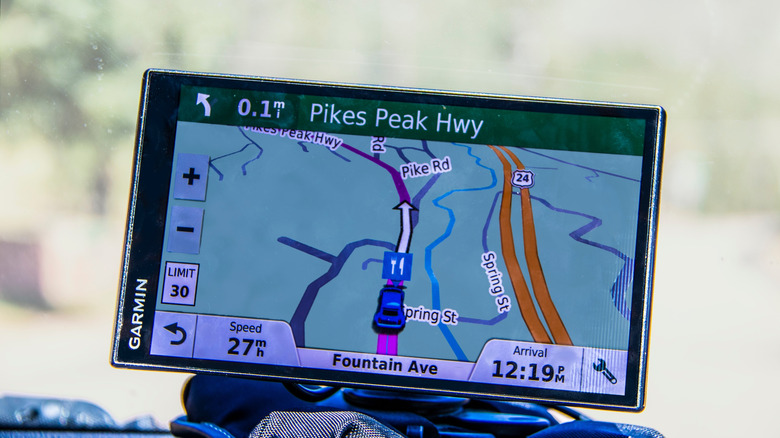
There are several map apps you can choose to help you get around town, travel to a new place, or find the best route to a business. Google Maps may be a popular choice for navigation, but Garmin has been helping drivers navigate streets for a while, as well. Its Garmin Drive app is one such tool that can be used, but it isn't as straightforward as its competitor.
Garmin and Google are big names in the world of technology and navigation. However, Google just has Google Maps, whereas Garmin has a full line of GPS devices and dash cams that all function a little bit differently than what is offered with Google Maps' app features. And while Garmin Drive acts as a navigational tool, it's a bit more complicated than just entering an address, as you will also need one of those Garmin GPS devices or dash cams for it to work. Google Maps, on the other hand, works natively with your smartphone or browser.
Garmin Drive and Google Maps features comparison
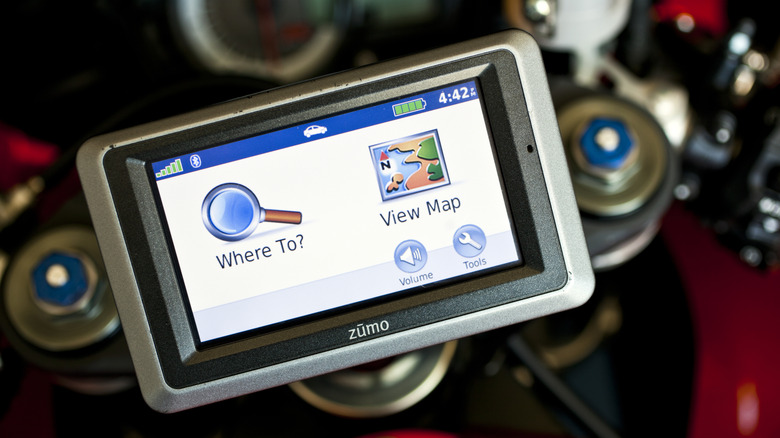
Garmin Drive exists as both an app called Garmin Drive and as the name for a few GPS devices. The app can be downloaded for free to a smartphone, but in order to use it as a GPS, you'll need to have a Garmin GPS unit or dash cam to pair it with. There are plenty to choose from, and Garmin offers a new line of Drive GPS navigators that are built with an ultrawide display for maximum user convenience. One of those will cost you between $299.99 and $349.99.
While Garmin GPS devices come with preloaded maps that are updated when they connect to Wi-Fi, the Garmin Drive app uses cellular data when paired with a GPS device or dash cam. That allows it to provide current traffic conditions and accident reports, though newer models show real-time weather, too.
Google Maps has all of that natively without you having to pay any money for a GPS unit, dash cam, or access to Apple CarPlay or Android Auto. However, Google Maps does require cellular data to use, unless you download maps for offline use. Regardless of which platform you're using, getting to your destination is as easy as entering in your address and selecting a route you're comfortable with.
What users think of these two apps
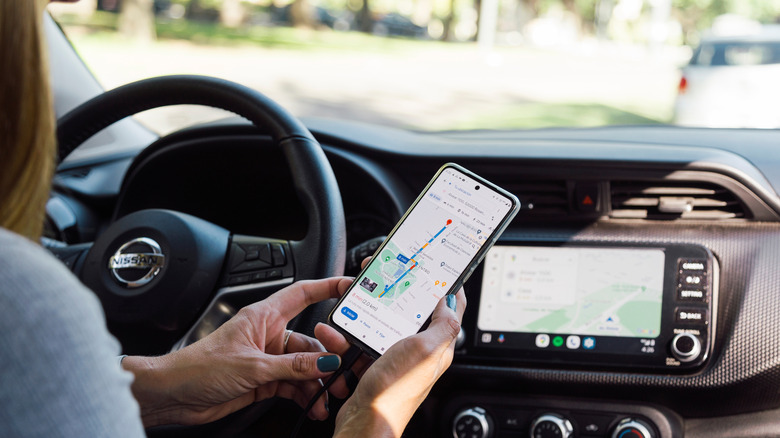
The Garmin Drive app is generally well-received by users. One review says it is particularly good for delivering fast search results. Users also like how you can use the app to find an address and send it directly to the Garmin device it is paired with.
Another comment says that the app allows them to view recordings from their Garmin dash cam, which they find extremely useful. They continued to say that both the Garmin camera and the Garmin Drive app are both fantastic. However, other users felt that the trimming feature for cutting dash cam videos could be better, as many videos were rather lengthy.
Google Maps is also well-reviewed and has comments praising it for being one of the best navigational apps in the app store. Users say they enjoy how it provides details such as speed limits and time remaining until you reach your destination. It also has GPS features for public transport, walking, and biking, making it more versatile, as well as a few Google Maps settings you should consider.