

What Is The Most Affordable Way To Add More Storage To Your PC?
Expanding storage by buying a new SSD can be a cost that you don't necessarily want to foot the bill for. For example, a 2TB Western Digital internal NVMe SSD (PCIe Gen 4.0) can amount to around $300 for the blue edition. Cheaper ones are harder to find, so you may have to import or buy them from third-party sources, which can make them more expensive. Thankfully, you don't need to buy a reliable SSD to upgrade your computer's storage, since there are cheaper options to lean on.
Some are free, others are subscription-based (like a good-value cloud service), and some are cold storage options like a portable drive or an internal hard drive. On the other hand, you might free up gigabytes of space by properly cleaning out your computer. For example, on Windows, you can use the built-in Storage Sense to remove files Windows identifies as unnecessary, like temporary files. Then evaluate what's filling up your storage.
A 1TB main drive for your operating system and programs should be fine, though if you game on it, 1TB can start to feel too small. That's where you should be judicious about what you install at once; even for gaming, you don't need more than a handful of titles. And if you look closely enough, you'll be surprised to find that some of what you're storing hasn't been used in months.
Buy an HDD or an external drive
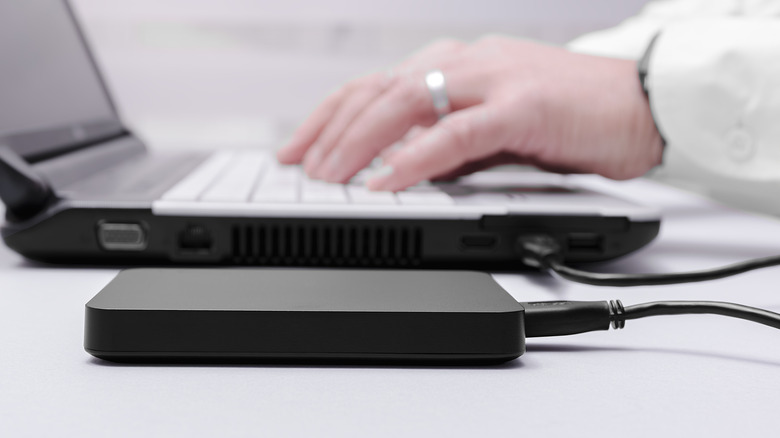
Unless you are a gamer or doing heavy workloads that require high data streaming, you don't need to necessarily buy another internal SSD. As long as your current PC has enough space on the SSD it's installed on to maintain your operating system, you should be fine using an HDD instead, provided your motherboard has a SATA port and the drive fits in the case.
HDDs can still be expensive depending on the size and brand, but they are generally worth buying, even in 2026. While more hardware defaults to SSDs as the primary storage option, HDDs are still great to use. As such, HDDs are reliable for long-term cold storage and cost less per gigabyte than SSDs. Plus, your computer storage space might be filled with videos, large documents, and photos; moving them to an HDD can free up space.
If your computer case can't fit another drive, SSD or HDD, consider buying an external one. Be aware that using external drives carries risks that might shorten their lifespan unexpectedly. External HDDs have moving parts, while SSDs don't, but if an external SSD breaks — if the controller dies — recovering the data can be harder than from a dead HDD. However, like most electronics, if you care for it properly, they can last five to 10 years, depending on the drive's quality.
Consider cloud storage
If buying new hardware isn't feasible, and you need to start backing up your computer or data immediately, cloud storage might be the best option. Many companies charge a premium for larger storage plans or offer a small sample before you run out, so you can check for free, trusted options if you are really in a pinch. For files that contain personal data, choose a service that offers encryption for data in transit and at rest, plus zero-knowledge, so privacy doesn't become a compromise.
Then, of course, you may want to research the company, its security practices, and whether it has suffered any data breaches (yes, even Google isn't infallible). But in other special cases, if you are storing large amounts of highly sensitive information, you might want to stick with local storage options (if it is less pressing), like those mentioned above, to avoid any messy incidents. Of course, you can use cloud storage temporarily until you can secure an external drive, since long-term cloud storage can get expensive.