

Owners Say These Are The 5 Biggest Problems With Starlink
With its first batch of satellites launching in May 2019, SpaceX's Starlink has been providing users with internet access for years thanks to low Earth orbit (LEO) satellites, but the experience hasn't been stellar for everyone across the board. Promising fast speeds even for the more remote areas of the world, the platform is relied on by millions and even has a number of reasons it can be better than home internet. However, customers can still have problems with Starlink, and here are some of the biggest complaints they've had.
With the service exclusively relying on satellites for communications, users may have trouble with properly positioning their Starlink dish, but even when placed properly, weather may still cause additional issues. Even when the weather is clear and a dish is properly set up, users can still experience congestion depending on time and region. Should a user find that they're experiencing any of these problems, contacting customer support is easier said than done, and rising prices certainly won't help anything.
There's also the issue that Starlink is no stranger to controversies, but we're solely going to focus on what customers say about the service itself. Should you find that Starlink is the only option in your area, you may just have to live with some of these problems, but we do try our best to provide some solutions. If you have other options, it may be in your best interest to do additional research before purchasing a subscription. To get you started, here are some affordable alternatives to Starlink satellite internet.
You need access to the sky
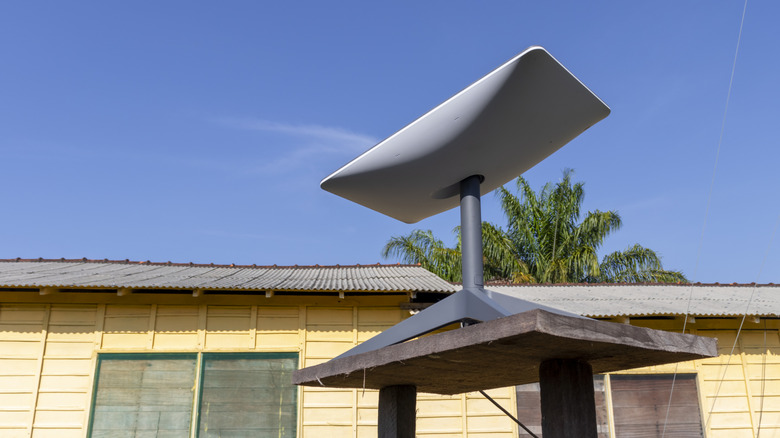
Like any internet service, Starlink requires hardware installation. However, unlike say, cable internet, Starlink is a bit more involved than simply finding a place in your house for a modem. A Starlink dish is going to come with what you need to get started, including 49.2 feet of cable and a 4.92-foot power cable. However, the Starlink installation guide notes you need an unobstructed view of the sky, and this is where things can get tricky.
How easy this is for you is largely going to depend on your living arrangement. For some, having a direct line of sight to the sky is easy enough, but those living in apartments or somewhere with dense trees may have some trouble. Across the internet, it's not hard to find users complaining about connection drops because of bad dish placement, as the installation guide even notes that a "tree branch, pole, or roof" can cause interruptions.
On the bright side, Starlink is designed to be self-installed, and the company provides plenty of tools to guide users. New customers can rely on the Starlink app to find an optimal location, and the app provides guidance on getting the best signal. Starlink says many customers find that "a permanent mount in an elevated location, like a roof, pole, or wall" works best, as long as nothing blocks the dish's view of the sky. There are different Starlink dishes to consider, so users can decide which is the best Starlink setup for them.
Starlink can be weather dependent
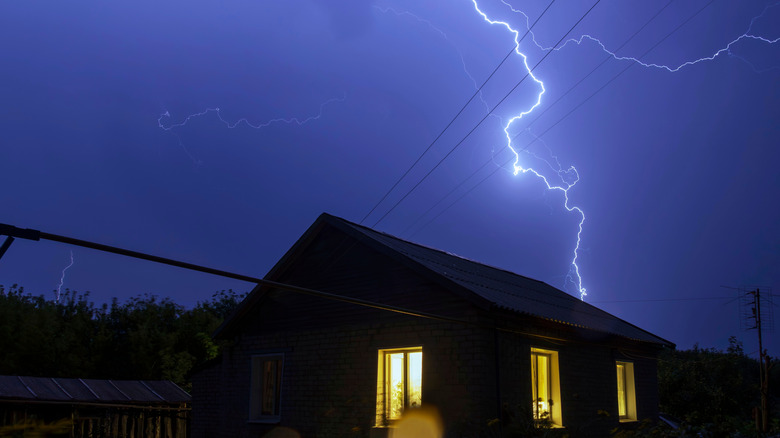
Along with making sure your Starlink dish has a clear view of the sky, you'll also have to contend with inclement weather, which can have an impact on your internet. One of the biggest issues with satellites and the elements can be rain fade, which is essentially what happens when signals are heavily impacted by things like storms or snow. Those looking at subscribing to Starlink may see it as a concern, and existing subscribers can find themselves scrambling for solutions.
Looking at what users across the r/Starlink subreddit have to say, many notice that heavy rain can be the biggest offender for "choppy" connections. Of course, this issue isn't unique to Starlink, as any high-frequency signal can be impacted by weather, including other satellite subscriptions such as DirecTV. However, some users also report that they only experience connection issues when rainfall is particularly bad, with one user stating only excessive rain greater than one inch per hour causes drops. Nonetheless, it's enough to have users question whether Starlink is actually reliable as it says.
Fortunately, Starlink isn't oblivious to bad weather. Modern Starlink dishes have safeguards against the elements in place, such as the ability to melt snow and protections against strong winds and rain. However, this may also mean that users who deal with harsh conditions have to consider purchasing new hardware more often than they would like as tech improves. For basic solutions, Starlink suggests an external lightning protection system, such as a surge protector, if you live in a lightning-prone area, and it also helps to ensure the Starlink dish is securely mounted and all cables are plugged in.
Congested connections
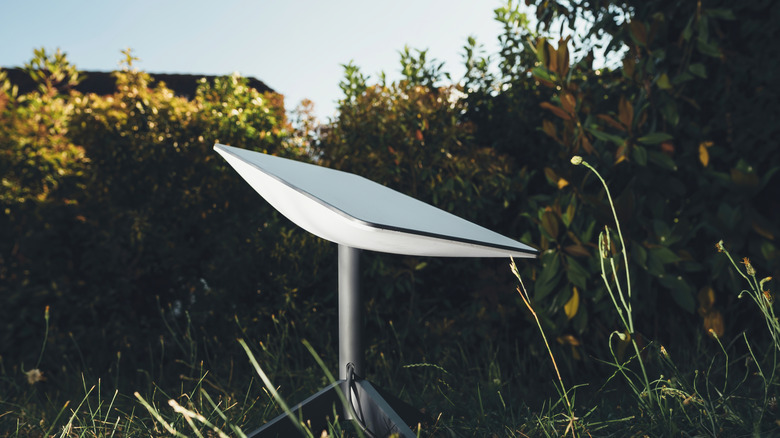
We've already explored how the Starlink dish can need a fair amount of access to the sky, but even unrestricted access through a proper satellite setup doesn't mean you're in the clear from congested connections. Of course, the trouble with network congestion is that your area and the number of users attempting to use the service can impact connections, leaving many to debate the severity of the issue. Nonetheless, it doesn't take much sleuthing to find customers complaining about congestion.
For Starlink users, network congestion can be problematic in the evening, with one report mentioning that between 6 p.m. and 11 p.m. can be peak hours for the service. To worsen matters, those on a Roam plan will get lower priority than those on something like a Residential plan. Even in official Starlink support documentation (which also provides its own solutions), the company acknowledges that congestion can slow speeds, even though it manages network traffic to optimize performance for all customers.
There are a couple of solutions to this aside from buying a higher plan or using Starlink solely during off-peak hours. For starters, make sure you're only using official Starlink equipment, as third-party options can cause slowdowns. Users also have access to an Availability Map that can provide information regarding region availability and internet speeds. Since users can expect speeds between 50 and 200 Mbps, some may want to consider upgrading their Wi-Fi router, and here are few key features to look for in your next router.
Slow customer support

Having issues with a particular service can often be resolved with a good support team. Unfortunately, customer service may not be one of Starlink's strongest suits. If you comb through reviews on Trustpilot, for example, it doesn't take long to find customers irate about talking in circles to unhelpful chatbots while having an extremely difficult time talking to an actual human. Across Reddit, users also complain about similar experiences.
As one Trustpilot review notes, this isn't an issue if you don't have any problems with the service, but assuming you'll never need to speak to your internet provider's customer support team can feel like a gamble. Along with likely speaking to an AI assistant, users also report long wait times for support tickets. One customer reports waiting five days for a response (after speaking with an AI assistant), though there are also plenty of users stating that response times have been speedy. One customer also recommended providing details and logs to help with requests.
To the company's credit, it's not completely devoid of resources, though you may still be on your own when it comes to fixing common issues. Along with offering phone support for connection issues (888-467-8275 for the U.S. and Canada), the company also provides video guides alongside its previously discussed Starlink app. The company's Help Center also offers a library of support articles, though whether all of this is enough to mitigate having issues contacting an actual person is something users will have to decide for themselves.
Changing subscription rates

Those who subscribe to streaming services are likely accustomed to seeing prices continue to rise, but Starlink can also be guilty of inflating costs. To Starlink's credit, keeping over 11,000 satellites in orbit likely isn't cheap, and the company did see its U.S. user base nearly double between August 2024 and May 2026. The end of this time period also saw a price increase, with nearly every tier offered increasing by $5 or $10.
Within the r/Starlink subreddit, users seem divided over the rising costs of the platform. For some, the service Starlink provides can justify the rising costs, as Starlink can be faster than the alternatives in their area. Another user also noted that Starlink allowed them to cancel other services, such as DirecTV and their phone provider, which ultimately saved them money. On the flip side, there's also the issue that areas with higher demand may get hit with a "demand surcharge" to receive services, and those in rural areas may be at the mercy of whatever Starlink decides to charge.
For those that can shop around for a different internet service provider (ISP), you may be able to compare Starlink's costs and actual internet speeds with those of other providers. It's just one reason some may consider 5G home internet over Starlink or even something like fiber-optic internet, but not every user will have this option. Should Starlink be your only choice, keep in mind you may be at its mercy when it comes to your wallet.