

The Red Flag Of Pre-Built PCs Every Buyer Should Avoid
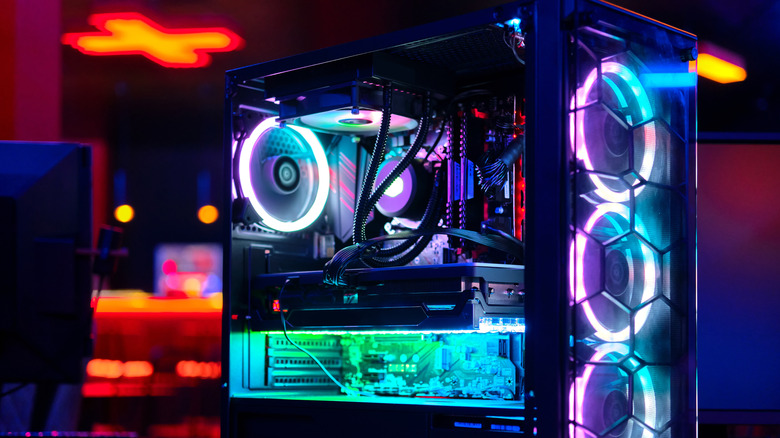
Buying a pre-built PC can save you from a lot of hassle, like researching individual components, checking compatibility, and assembling the system yourself. However, that doesn't mean you are getting a good value for your money. With there being so many pre-built PCs available at different prices, it can be challenging to tell which ones offer a well-balanced configuration and which ones rely more on marketing than clear hardware information.
One of the biggest red flags of a pre-built PC is a listing that fails to identify its major components or describes them using vague specifications instead of exact model names. For instance, advertising a PC with an Intel Core i7 processor and no extra details, like the specific model or generation, leaves buyers without important information. This doesn't necessarily mean the seller is deliberately hiding outdated components or that the PC is a bad purchase. However, missing important specifications can prevent buyers from making a fair comparison and understanding what exactly they are paying for. Before committing to a pre-built PC, it is important to ensure its components are clearly identified and that the specifications can be verified.
Vague or false component specifications are a major red flag
A seller may advertise a pre-built PC with an Intel Core i7 processor, a dedicated graphics card, or a high-performance power supply without identifying the actual components. These descriptions may sound impressive, but they don't really provide enough information to evaluate the system properly and make a decision.
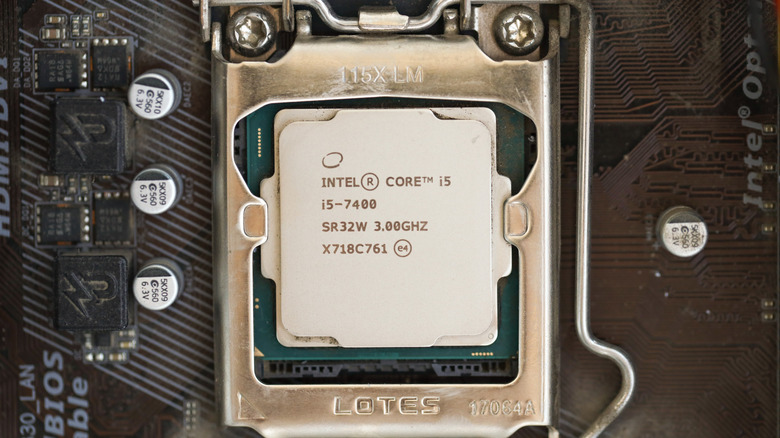
Intel Core i7 is a product family name that had been used for nearly two decades, not a specific model. Various generations and models of Intel Core i7 can have different performance capabilities. So, you would need the full product name, like the Intel Core i7-14700K, which can help you identify most relevant information and see if it meets your requirements.
The same principle applies to almost all other components. A listing advertising an Nvidia RTX 5060 Ti needs to include manufacturer details, such as Asus TUF or MSI, and the included VRAM. Some chips release in multiple variation while still sharing the same general GPU model number and name.
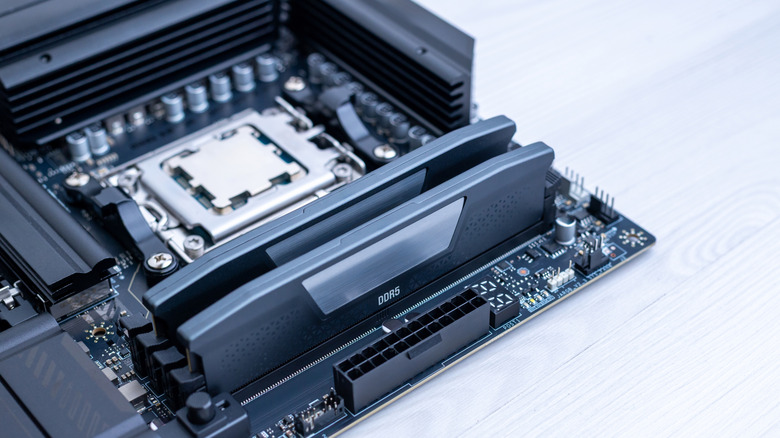
You should scrutinize even seemingly smaller components like memory chips. A listing may simply advertise DDR4 or DDR5 RAM, which doesn't specify its manufacturer, capacity, or rated speed.
For a user to commit to buying a pre-built PC, a clear and exact description of all of the parts used in that PC is extremely important. When a listing is missing information, contact the seller for clarifying details before agreeing to a purchase. In that request, you should ask for the exact model names, manufacturers, and specifications of any unidentified parts, along with supporting evidence such as pictures of stickers, box information, and receipts where possible. If a seller cannot verify the components or refuses to do so, you may want to consider another listing.
Verify the components before paying
Once the PC's specifications have been established, evaluate the system as a whole rather than judging its value by one headline component. Two pre-built PCs may advertise the same processor yet differ in their graphics card, storage, RAM, motherboard, and other components. Those differences can affect performance, reliability, upgrade options, and the overall value of the PC. It can also contribute to resilience and reliability issues over time.
Warranty coverage is another important factor. Check whether the builder offers a warranty, what components it covers, who handles repairs, and whether any restrictions apply to upgrades or replacement parts. If the PC uses proprietary components, confirm whether replacements are readily available and whether the manufacturer provides adequate support.
The last thing to consider is the seller's credibility. If you are buying from a retailer, check its reputation, return policy, and after-sales support. If buying from a private individual, it is important to ask for proof wherever possible, confirm the PC's condition, and arrange an inspection before finishing your transaction.