

The Touchscreen MacBook Pro Is The Biggest Change In Years — Here's Why I'm Ordering It
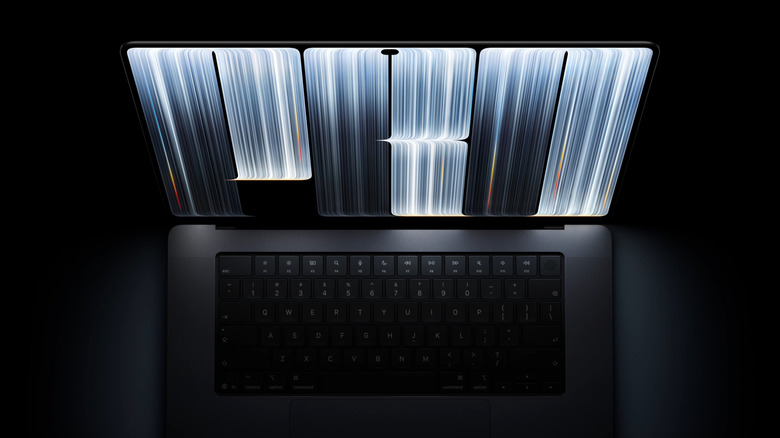
I have been using an M4 MacBook Pro with the nano-texture display for about a year and a half now, and it's served me well. Really well, actually; it's a truly impressive bit of kit. I almost certainly don't need to upgrade it yet, but I'm going to. That's because on October 28, Apple launched the MacBook Pro with PROLED XDR Display, and I have already pre-ordered the 14-inch M5 Pro model.
The touchscreen is the biggest new feature on the new MacBook Pro, though the OLED panel (which Apple is calling PROLED XDR) is another large appeal. What pushed me to pre-order, though, is the weight, the display, and the nano-texture finish. And I'd be lying if I said the glowing Apple logo on the lid had nothing to do with it. My current MacBook Pro is a brilliant computer, but it's certainly a heavy one, so I appreciate that Apple has taken half a pound out of the 14-inch model. It is also the most expensive MacBook Apple has ever launched, so if you're also looking to pre-order, there's plenty to think about.
Everything you need to know about the new MacBook Pro
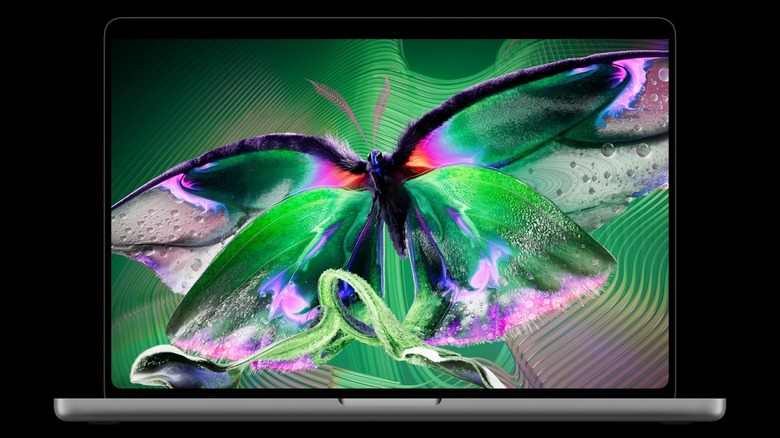
Just like before, the new MacBook Pro comes in 14-inch and 16-inch sizes. The display is the centerpiece, which Apple calls the PROLED XDR display, built on tandem OLED panel tech. The company quotes up to 2,000 nits of peak brightness for both HDR and SDR content, a 10,000,000:1 contrast ratio, and a refresh rate that varies between 10 Hz and 120 Hz.
The new MacBook Pros support touch inputs across the whole display, with the sensor built into the panel rather than layered over it. Apps should work without any need for developers to rework them, as macOS interprets touches and clicks the same way. The infamous notch has been removed and is replaced by a pill-shaped cutout with a Dynamic Island that houses Spotlight, Live Activities, and Siri AI.
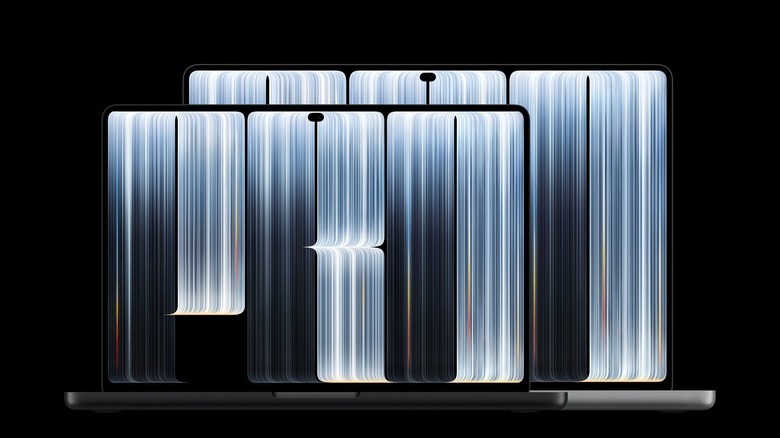
The 14-inch model drops to 3 pounds and the 16-inch to 4 pounds. Both machines also have slimmer borders, which means the screens are slightly larger at 14.2 inches and 16.3 inches. Inside the new MacBook Pro, you'll find the M5 Pro and M5 Max chips, configurable up to 128 GB of unified memory and 16 TB of storage, with battery life rated up to 24 hours. You get three Thunderbolt 5 ports, an HDMI out, an SDXC card slot, MagSafe, and a headphone jack.
The 14-inch version starts at $2,899 with the M5 Pro or $4,499 with the M5 Max, while the 16-inch starts at $3,399 and $4,799, respectively. Pre-orders opened on October 28, and the new computers will arrive on November 6.
Being lighter is an underrated upgrade
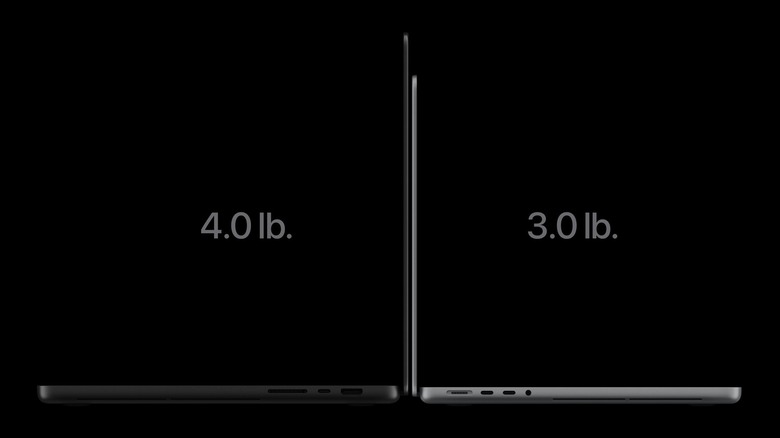
The 14-inch MacBook Pro has always been the best size for me, though I've often grumbled about having to carry it around. My M4 MacBook Pro model sits in my backpack like a paving slab, and I usually have to carry around the rather hefty charger as well. Taking half a pound off a 3.5-pound laptop is a 14% cut, and I expect to immediately notice the difference. More than that, it's something I'll notice after carrying it around all day. The 16-inch variant is also lighter, shedding 0.7 pounds to land at 4 pounds, a reduction of almost 15%. Anyone who has carried around the old 16-inch MacBook Pro will appreciate this change.
Apple managed to shed this weight thanks to the new display. An OLED panel doesn't need a backlight assembly, so it takes up less mass. As a result, the 16-inch model also came out 0.03 inches thinner (0.8 mm), and the 14-inch 0.02 inches (0.5 mm). Apple redesigned the thermal system as well, which the company says will offer the same sustained performance from the M5 Pro and M5 Max while pushing warm air away from the display.
That last part stands out to me, though I'll need to wait until I get my hands on the laptop to verify the claim. Thinner laptops often throttle under load because they've made sacrifices to achieve the thinness. Apple is claiming it has avoided that. Plus, the M5 Pro in my configuration is a sizable step up from the base M4 I am replacing regardless.
Nano-texture belongs on every screen
I ordered my current MacBook Pro with nano-texture glass, and it really has been a game-changer. I sit outside regularly, so I know firsthand that a glossy laptop screen in daylight usually becomes a mirror showing the sky behind you. Nano-texture fixes that by scattering the reflection instead of bouncing it back. The difference between the two finishes outdoors means I can actually sit outside rather than coming back indoors.
Apple has improved the nano-texture coating on the new MacBook Pro. The texture is now etched directly into the cover glass rather than applied as a layer, and it sits in front of a panel that reaches 2,000 nits of peak SDR brightness with an antireflective coating underneath. This level of brightness and the nano-texture's diffusion working together should make outdoor use even easier on the eyes.
I have made this argument before about phones, when I explained I was pre-ordering the iPhone Duo partly for its nano-texture inner display. Living with the Duo and my current MacBook Pro has only hardened my view that every screen should offer a nano-texture option. However, smudges are a concern with touchscreens, and even more so on nano-texture glass. Apple includes its polishing cloth with the nano-texture laptops, and the nano-texture screen on my iPhone Duo wipes clean easily enough that I am not worried about this being too much of a chore.
Touch should earn its place on macOS
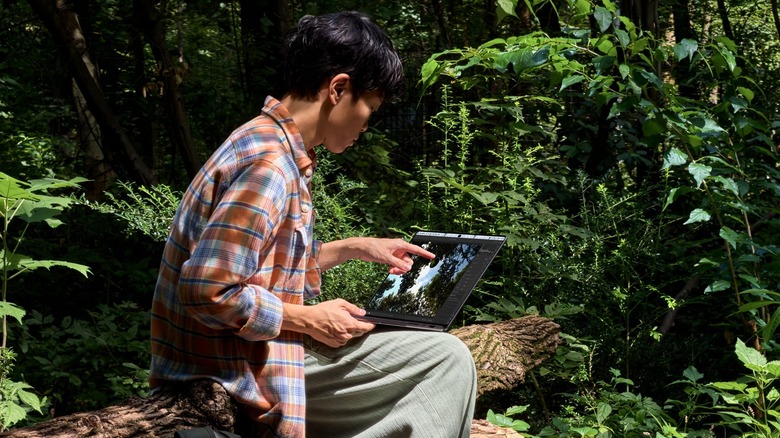
Plenty of people will tell you that the touchscreens on laptops usually go unused. While this may ultimately be the case with the touchscreen MacBook Pro, the fact that macOS treats taps exactly as it does clicks and adds new gestures gives me hope. Plus, the touch sensor sits inside the panel rather than on top of it, which should make sensitivity very reliable.
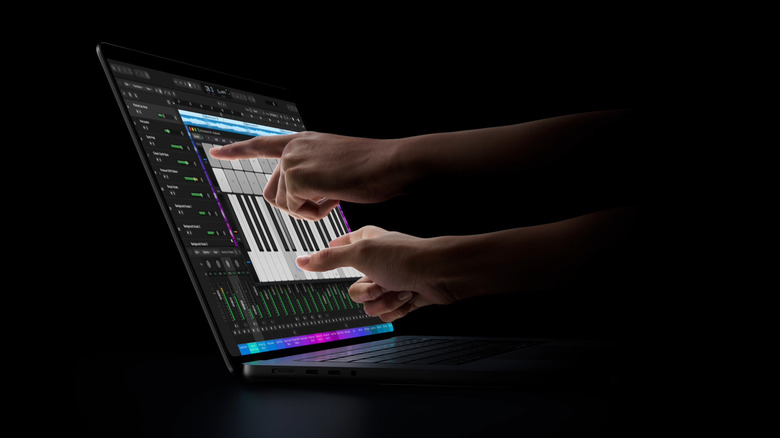
Existing software will work immediately, so the apps I rely on daily will work, including Affinity, Adobe Lightroom, and the Microsoft Office apps. Logic Pro gains a Multi-Touch polyphonic keyboard, while Final Cut Pro will let editors mark ranges and move clips by hand.
There are a few specific activities I see the touchscreen being most useful for, at least in my workflows. Marking up documents will be easier, since scribbling with a finger beats moving the cursor around the screen. Ever tried to put your signature on a PDF with the trackpad? You'll know it's less than ideal. Being able to pinch into a photo will make image editing a lot easier, as will dragging tools with my finger instead of the cursor. General navigation should also feel more fluid, because scrolling a page or dragging a window with a finger is sometimes simply the easier option.
Apple says it redesigned the MacBook Pro's hinge so the display holds still when you poke it. It also added video stabilization to smooth the camera feed while you touch the screen during a call. These are small but important details that suggest Apple thought this through properly, though I'm interested to see how it holds up for myself.
What I don't like about the new MacBook Pro
I can't talk about the new MacBook Pro without talking about the price. It stings. Starting at $2,899, the new MacBook Pro is the most expensive MacBook that Apple has ever launched, and it follows the price hikes Apple applied across the Mac, iPad, and iPhone lineups in 2026. You still get a great deal more for the money, so I feel the increase is fair without being excessive. But it still stings. One thing eased it slightly for me: When I checked the trade-in value on my current MacBook Pro this week, it came back about $100 higher than it had the week before. This is my own observation rather than anything Apple has confirmed, but it's worth checking how much your existing MacBook is worth before you order.
The chip situation is also a little confusing for many. The M5 Pro and M5 Max are excellent performers and are probably the right choice for this machine. BGR's M5 Max MacBook Pro highlighted how the latter chip is "overkill" for most tasks in 2026. But Apple has still not produced an M6 Pro or M6 Max, which seems odd. It also means the company's newest chip is found in the cheaper entry-level 14-inch MacBook Pro.
There is one feature I was hoping to see but didn't: cellular connectivity. Rumors of a MacBook with built-in cellular have circulated for years, and some early reports suggested this generation might deliver it. Tethering works, but a machine built around being carried everywhere should be able to connect everywhere.