

Before You Buy A Used PlayStation 5, Check These 4 Things First
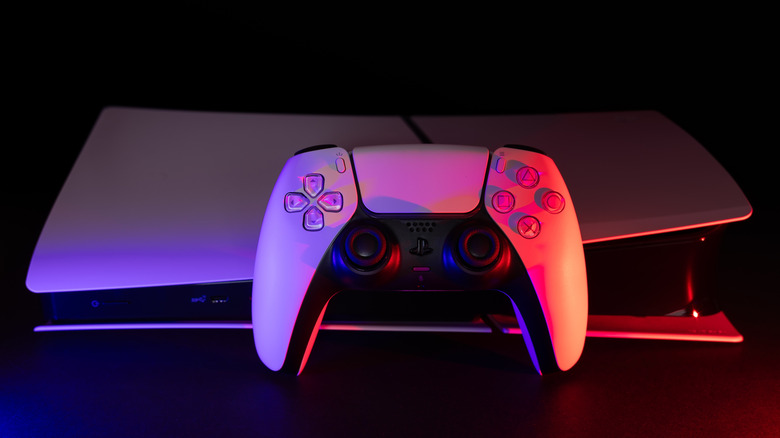
As prices rise for all sorts of tech, including gaming consoles, many consumers are looking to used and pre-owned hardware as a more affordable alternative. It's not always easy to find a deal, especially if you're looking for a used PS5 Pro, which has had its price skyrocket in recent months. However, if you can find the right listing on eBay, Facebook Marketplace, or wherever else you prefer to look, you might be able to save hundreds of dollars on a console that can play major releases like "Resident Evil Requiem" and, of course, the highly anticipated "Grand Theft Auto 6."
That said, there are some drawbacks to buying refurbished game consoles like the PS5. There's always a risk that the console won't work as intended, whether that's from previous use, worn components, or even some nefarious reasons. That is why, regardless of where you find the console and who you're buying it from, it's important to ask some specific questions and, preferably, examine the console yourself to verify that it's worth your money.
Identify which PS5 model you're buying
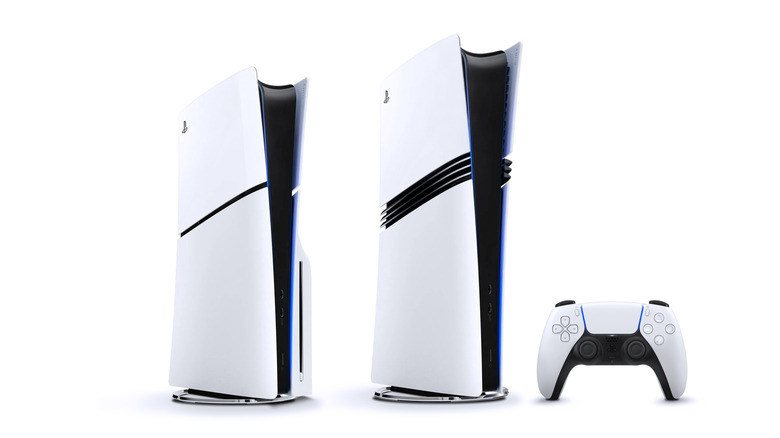
The first and simplest thing to determine when shopping for a used PlayStation 5 is what specific model it is. Technically, there are five models out there: the launch console (available with or without a disc drive), the PS5 Slim (also in two forms), and the PS5 Pro (which is digital only, unless the seller has attached a disc drive afterwards). The original and Slim consoles are pretty much the same on the inside, the only real differences being size and built-in storage capacity, 1TB to the original's 825GB. Then there's the PS5 Pro, a more powerful mid-console gen refresh with improved graphics and performance.
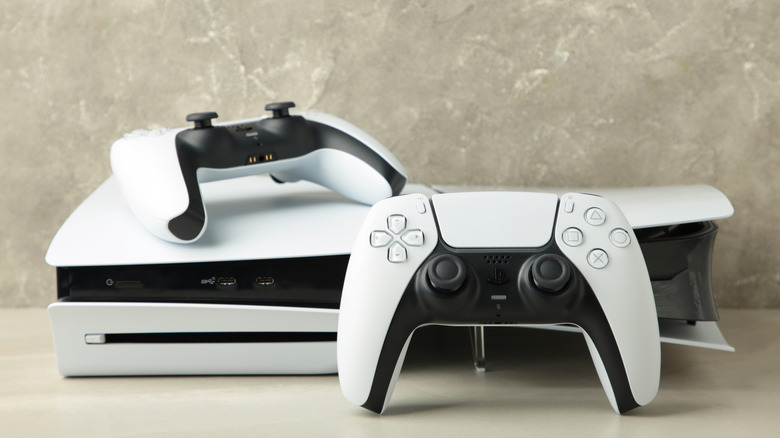
While they all have the same bulky white appearance, there's an easy way to identify the different PS5 models. Starting with the obvious, if there's a disc drive, you'll clearly see it jutting out from the right side of the hardware. Beyond that, all you need to do to identify each iteration is look at the faceplates. The base PS5's faceplates are one solid piece, while the Slim has two pieces with a thin black stripe between them; the Pro is similar to the Slim but with a much thicker divide that includes several ridges between the halves.
As mentioned, the launch model PS5 and the PS5 Slim are basically the same on the inside, but knowing which one you're getting does tell you a little information about the hardware. Since Sony stopped manufacturing the original after releasing the Slim in 2023, you can generally tell how old a PS5 is based on form factor alone. PlayStation consoles can last a very long time when well cared for, but since you won't know the specific hardware's full history, you could end up with a six-year-old console that's showing its age.
Examine hardware quality
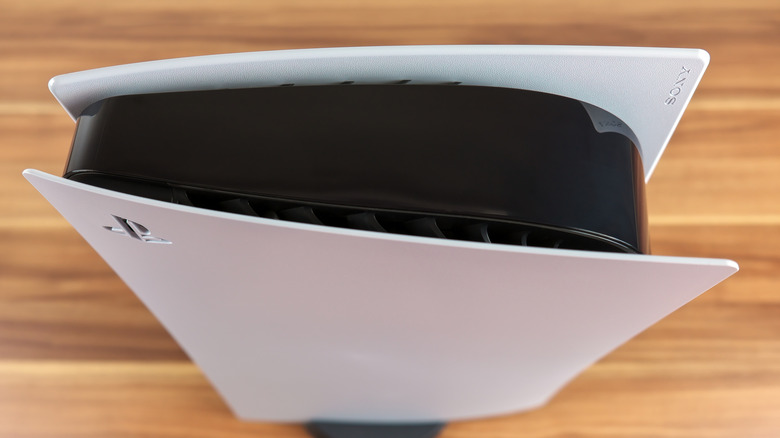
On a similar note, you'll want to check the overall condition of the PS5 you're looking to buy. A used PS5 (especially one that's already seen heavy use) is likely to have minor blemishes like scratches or discolored faceplates, but physical damage could also be a sign of internal issues. You'll also want to inspect all of the ports on the front and back of the console for damage (such as damaged pins, dents, or something stuck inside) and make sure they can securely hold a cord. This is especially important for the HDMI and power ports since the console won't work at all without them.
You should also open up the PlayStation's faceplate to make sure there's no clear damage to the console's components or the controller, assuming you're buying that too. If you aren't able to look at the hardware yourself, ask the seller to send a video proving that important elements like ports and buttons work. Hardware quality alone might not determine whether the used PS5 you're looking at is worth it, but it can be an indicator of other problems.
Try using the console
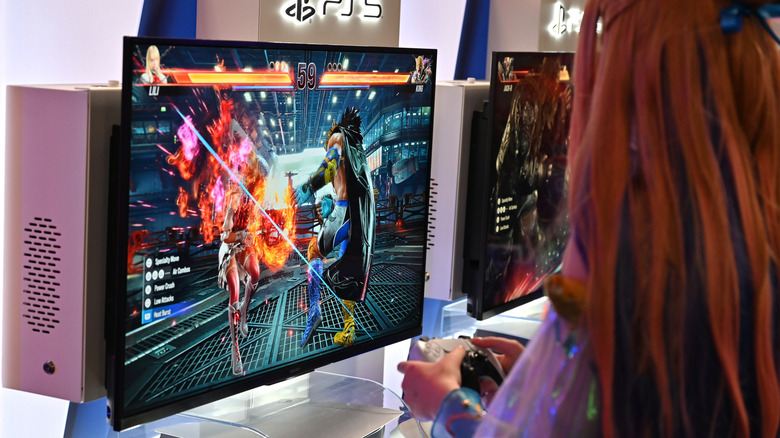
If the used console passes the visual inspection, it's time to check that it actually turns on and works as expected. Test out a few different games, preferably more demanding ones, and spend at least half an hour playing. If you're getting a console with a disc drive, make sure that works, too.
Another important reason for testing a used console is to make sure there's no hardware ban. Sony can brick a PlayStation 5 if the user violates the terms of service, rendering the hardware useless as, well, a brick. Social media outlets like Reddit are full of horror stories from people who spent hundreds of dollars on consoles only to find that they couldn't actually use them, so be careful to avoid a scam.
You'll also want to make sure the fans are working properly and that the PS5 can cool itself. A noisy fan on startup or while running intense games is normal, but if it's still loud while on the Home menu, the console's likely on the verge of overheating (if it isn't already). It's possible that fixing the issue will be as simple as cleaning the fan, but if the hardware has been in that state for a while, there could be damage to the internal components that'll shorten its lifespan. Strange noises from the fan are more concerning. While it could just be debris, it could also mean wear or significant damage.
Know the warranty and return policy
Since new PlayStation 5s come with a one-year warranty, the console you're looking at might still be covered depending on when it was purchased. That's important to find out, as it could come in handy if you run into issues, but you'll need to make sure the original owner or seller hasn't done anything that would void the warranty.
It's also safer to buy a used PlayStation 5 from an authorized retailer rather than an independent seller found somewhere like Craigslist or Facebook Marketplace. A GameStop or Best Buy is going to check the console's condition ahead of time, and they'll also have a return policy and offer product protection, even on used or refurbished items. The downside is that you'll likely end up paying more, but as we've already mentioned, there are scammers out there looking to pawn off damaged, bricked, or stolen consoles by offering too-good-to-be-true prices.
If you do go the unauthorized route, you'll need to be extra vigilant. Make sure you get proof that the console works and ask questions if you have any concerns. If the seller is being evasive, there's a good chance they're trying to hide something.