

Should You Replace A Fitbit Battery Or Just Buy A New Device?
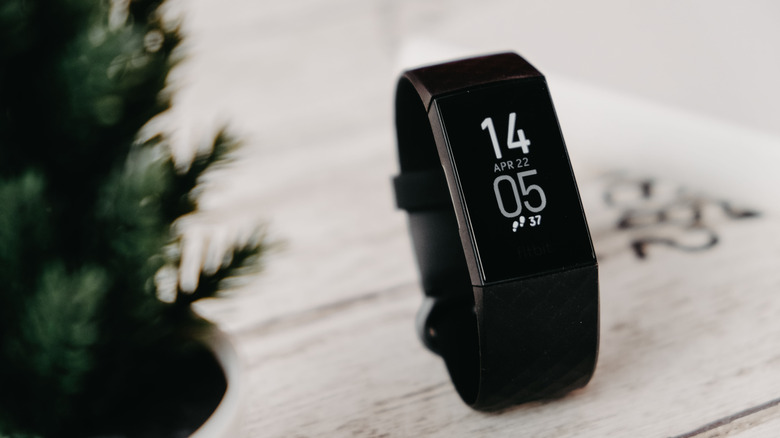
Your Fitbit dying mid-workout is a nuisance. The battery jumps straight from 20% to dead, and the device you used to charge weekly now gives you the battery-low warning every other day. If this sounds familiar, your Fitbit might be in its final moments. This isn't uncommon, since most Fitbits last 2 to 5 years, depending on usage. But this raises the question: Do you simply replace the battery, or do you have to buy a new device altogether?
If you're stuck between replacing and buying a new device, knowing the hardware design will make the decision easier. Like most modern devices, recent Fitbit watches have batteries that are glued or pressed into a sealed housing. Replacing the battery would require you to remove the seal in order to place the new battery, and that can lead to several other issues. The biggest one being losing your warranty. Plus, there's the issue of finding and purchasing a new Fitbit battery, which is a task in itself.
Discarding a functioning Fitbit, on the other hand, isn't economical. While Fitbit prices seem to have come down slightly for select models, buying a new one, like the Google Fitbit Air, will set you back about $100. Before you make the decision, here are the trade-offs between both choices, and how you can prolong your current Fitbit's battery health to extend its lifespan.
Breaking a Fitbit's battery seal voids two key attributes
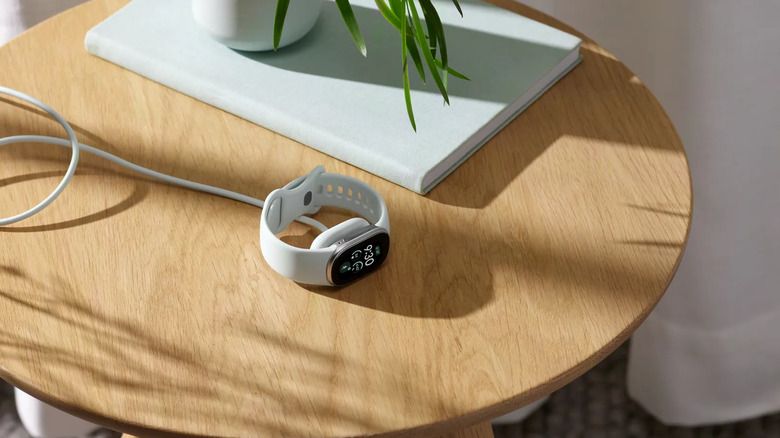
If your Fitbit model is the Charge 2 or newer, you'll find that your battery casing doesn't just pop open. Models from the Charge 2 to the Charge 6 have casings sealed with adhesive. To replace the battery, you'd have to break the seal, replace the battery, and then reseal it. This leads to two major problems. Firstly, breaking the seal voids your warranty. Once the seal is broken, you lose the warranty and cannot get it repaired at the manufacturer's expense. Secondly, Fitbit's water resistance relies on this factory seal, which protects the battery from dirt, sweat, and rain. Without it, water and sweat can seep inside, causing the battery to malfunction.
Your other option is replacing the entire device and buying a new one. This will cost you more than just replacing the battery and will waste a functioning Fitbit watch. However, this can often be more beneficial. Purchasing a new Fitbit model, like the Fitbit Air, will give you access to more technologically advanced features. These features include Google's Health Guardian, which tracks long-term shifts such as blood-pressure trends and insulin-resistance trends for Google Health Premium subscribers ($9.99 a month). Automatic Workout Detection is also improved and can now detect over 100 activities, up from 10.
So, if your old Fitbit is hanging on by a thread, it might be time to start looking at newer replacements. If you want to eliminate the battery problem, look into the Fitbit Edge. It's Fitbit's first repairable tracker, with a replaceable battery designed to extend the device's life, though Google hasn't yet detailed how replacements will work or what they'll cost.
How to prolong your existing Fitbit's battery life
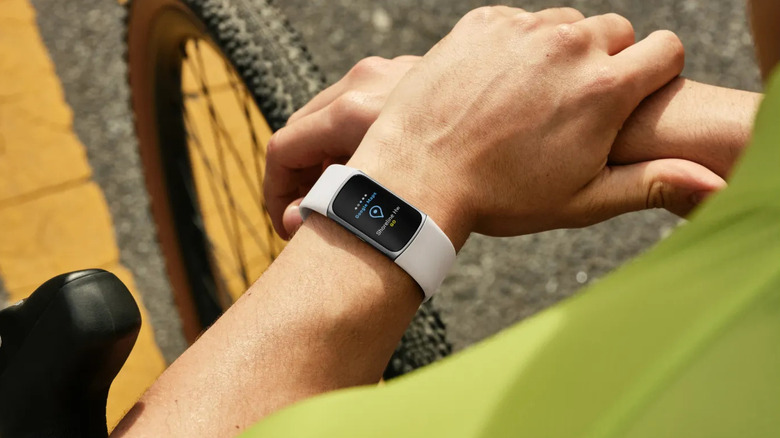
You can always replace your old Fitbit, but how do you stop it from succumbing to the same fate as the last one? Fitbits last 2 to 5 years on average, similar to Google Pixel watches, and this longevity largely depends on how you use your device, mainly the number of features you keep active. Since most Fitbits use lithium-ion batteries, the battery chemistry will eventually degrade. To get the most life out of your watch, you must manually protect its battery health by managing use.
Applications like GPS tracking, Always-On Display, and vital tracking drain the battery much faster. This, in turn, leads to more frequent charging, which wears out the battery faster. Always check which features you have turned on, and disable the ones you don't need. Vital tracking is good during workouts or for people with pre-existing medical conditions. However, most average adults don't require SpO2 tracking during tasks like driving or sitting in meetings. Turning off unnecessary features can significantly cut how often you need to charge.
Other tips to extend your Fitbit's battery life include regular maintenance through updates. Always keep your Fitbit updated and install all updates whenever the notification pops up. Updates often include bug fixes and battery optimizations. Avoid leaving your Fitbit in extreme temperatures, like under direct sunlight. Tone down your brightness and use a standard clock face instead of a graphic-heavy face to preserve more battery. Finally, if you won't be using your Fitbit for a period of time, certain Fitbit devices can be turned off for long-term storage. Following these tips will improve your device's battery life and reduce time spent on charging.