

Your Old PC Won't Age Well, But This One Part Is An Exception
We may receive a commission on purchases made from links.
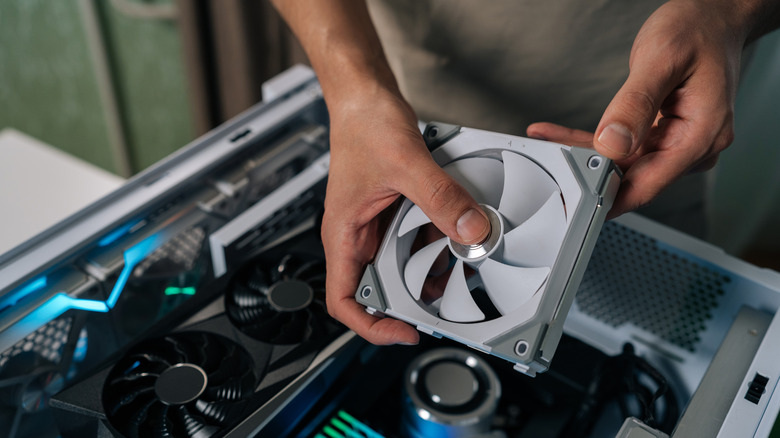
PC fans are among the very few components that can remain useful long after the rest of the system has become outdated. A processor or a GPU that was considered powerful four or five years ago would most likely struggle with demanding applications and new-generation games today. Similarly, older memory can become incompatible with newer platforms, as you can't insert a DDR4 RAM stick into an AM5 motherboard. However, a good quality cooling fan does not generally face the same problem.
That is mainly because fans don't really have a complicated job to do. They simply have to move air, and their usefulness isn't tied to a particular generation processor, motherboard, or GPU. As long as the fan is functional and fits the mounting requirements, it can generally be transferred to a newer PC.
Fans can survive multiple system upgrades, find a new home in a different computer, or even become useful in a completely different DIY project. There is one thing to keep in mind, though: a fan can usually outlast an entire system, but that isn't the case for every single fan. Bearing quality, operating conditions, dust accumulation, and mechanical wear all influence how long the fan will last.
Why PC fans age differently from other components
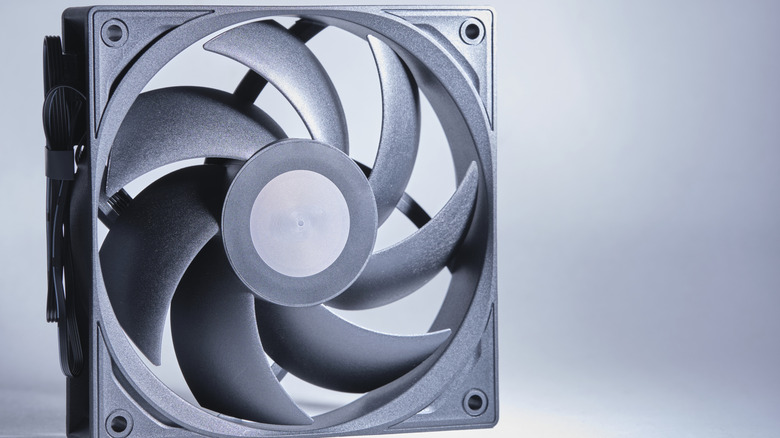
The biggest reason PC fans hold their value is that their primary function doesn't change with technological advancement. A new generation of processors introduces improvements in performance, efficiency, architecture, and supported technologies, making it necessary to upgrade your old CPU that struggles with new software and workloads. Similarly, newer games, rendering applications, and demanding workloads can make older GPUs less capable. The fundamental purpose of a PC fan to remove heat from components and maintain airflow through the computer, on the other hand, remains the same.
That said, PC fans aren't immune to damage and can't work forever. A fan running around the clock accumulates running hours much faster than one used daily for a few hours. Generally speaking, more operating time means more mechanical wear. Similarly, high temperatures can affect bearing lubrication and other materials, which can potentially shorten service life. Dust accumulation on fan blades and surrounding components can restrict airflow, making maintenance difficult. The bearing of a fan can also be damaged, which may cause the fan to grind, rattle, or vibrate increasingly.
How long can a PC fan actually last?
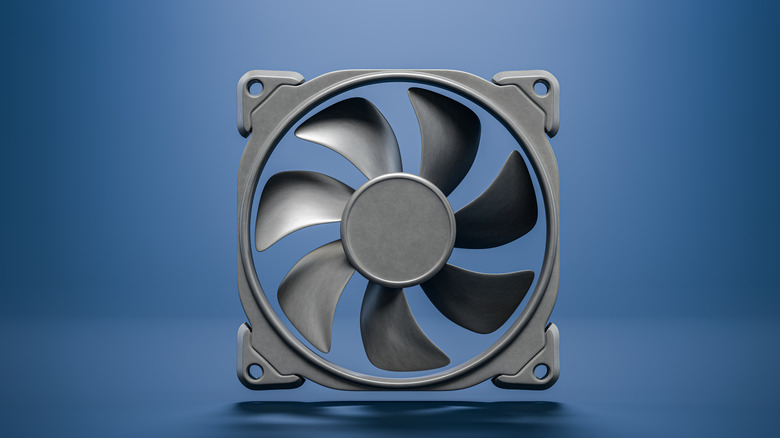
PC fans can last a long time, but they all eventually stop working. They contain mechanical parts that will experience wear. However, a good fan can offer considerably more service than the lifespan of a typical PC upgrade cycle. For instance, Noctua specifies an MTTF (Mean Time To Failure) rating of more than 150,000 hours (or 17 years) for its NF-A12x25 PWM fan. This model also comes with a six-year manufacturer's warranty.
If a fan operates eight hours daily, then taking the MTTF rating of Noctua's NF-A12x25 PWM fan into perspective, it will take more than 51 years for the fan to finally stop working. However, that won't exactly be the case because MTTF is a statistical reliability measure, not a guarantee. It also shouldn't be confused with the warranty period. While Noctua provides a pretty high rating for their PC fan, other manufacturers provide more modest ratings. For example, Antec claims a 40,000-hour lifespan at 25 degrees Celsius for its P12 PWM fan. Corsair offers a five-year warranty for its QX fan series but does note that the fan may continue to operate beyond that period. Corsair also acknowledges that fan longevity depends on several factors.
Among them, the bearing system is extremely important. The bearing supports the rotating shaft and allows the fan blades to spin smoothly. Different bearing designs offer various levels of durability, noise, cost, and operating characteristics. Some types include sleeve bearings, ball bearings, fluid dynamic bearings, and proprietary bearing designs. Noctua's SSO2 bearing uses an oil-pressure bearing design combined with magnetic stabilization, which is its own design. The manufacturer claims this improves rotor stability, precision, and durability.