

Disc Stuck In Your PlayStation 5? Here's How To Get It Out
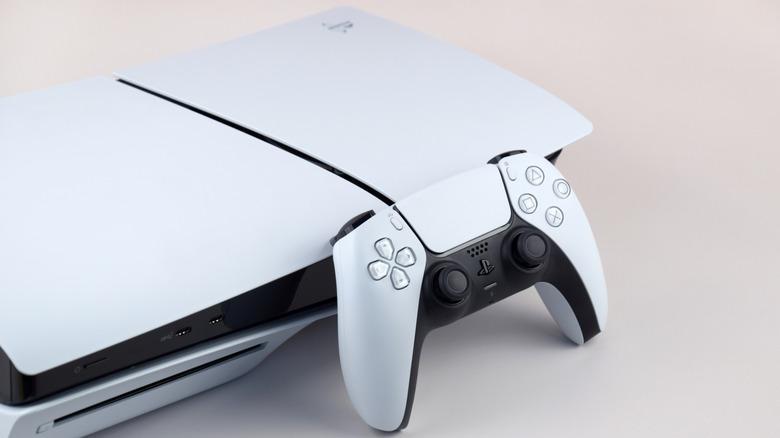
In this digital age, physical discs are a less prevalent aspect of gaming. Systems like the PlayStation 5 Pro don't come with a disc drive to begin with, and Sony announced it'll ditch physical games by 2028. Even so, some PlayStation fans still firmly believe that PS5 consoles with a disc drive are the best models you can buy. Such users who're determined to hold onto physical PlayStation games and their compatible systems as long as they can should know how to manually remove discs, when needed.
Swapping out game discs should be as easy as hitting the eject button and removing a disc. Gamers may encounter issues where their games won't emerge from the disc drive when prompted. With a well-lit environment and a #1 Phillips head or cross-hatch screwdriver, players can get back to gaming with ease.
Before attempting to remove a PS5 disc from the console, make sure it's powered off and disconnected from any power source. After it's turned off and unplugged, place the console onto a cloth and flat surface and remove the base. The PlayStation logo faces downward, the disc slot to your left, and the screw hole faces you. Lift the cover from the top corners of the console and push through or remove the black plastic film below to expose the manual eject screw. Rotate that screw clockwise until the game disc is nearly revealed, and remove it. Slide the cover back into place, plug your console in, and return to gaming.
There are other ways to remove stuck discs
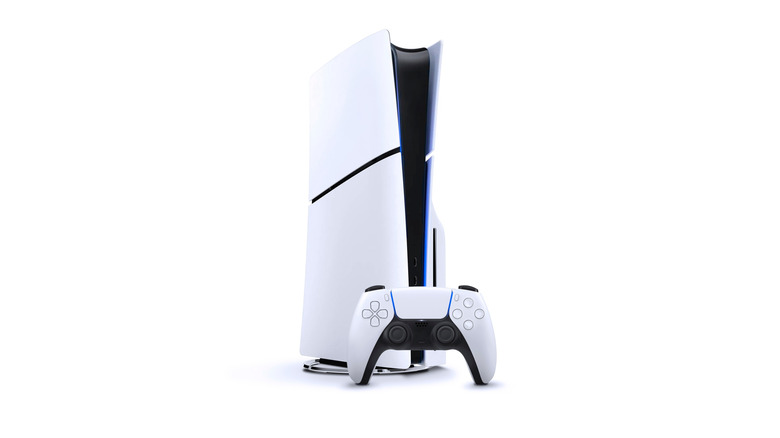
PlayStation 5 owners who need to remove a jammed disc from their consoles, but lack the mechanical experience or confidence to manually eject it, have other options that may save them from physical work. One simple remedy that could spare you some unnecessary time and effort is to shut down the console, either by holding the power button or choosing the Turn Off option from the system's control center. From there, hold the power button for another seven or eight seconds to send it into safe mode, and then try ejecting the disc again. You may also reboot the console by unplugging it, plugging it back in after half an hour, and then activating safe mode.
PS5 users who want to retain their ability to play physical titles, rather than digital games they don't actually own, also have the option to consult PlayStation Repairs for a more detailed account of how to physically eject the disc. Those with their 12-month PlayStation warranty still intact can also send in their consoles to Sony Interactive Entertainment to be repaired or replaced with a factory re-certified system for free. Retailers like Best Buy also provide repair estimates and services via the Geek Squad, and may be consulted either in-store or with an online service appointment.