

The iPhone Duo Locks You Out Of This Basic Display Setting After Setup
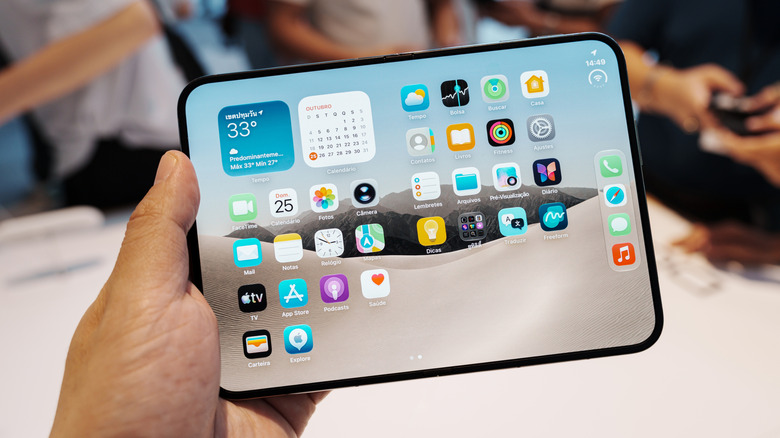
Apple's first foldable iPhone isn't having the best debut. The early adopters are facing several problems with the iPhone Duo, including damaged screens and limited optimized apps. The phone also has access to fewer MagSafe gadgets than regular iPhones because of its shorter height, and stock limitations are pushing wait times into 2027. Now, an iOS quirk has been discovered in the iPhone Duo, removing access to a simple but sometimes essential display setting after the initial setup.
According to a MacRumors report, a Reddit user first came across the lack of the 'Display Zoom' option in the Appearance settings on a demo iPhone Duo unit, and the same was reiterated by another user. The publication also confirmed the option's omission on an iPhone Duo unit running iOS 27.2. The Display Zoom option allows you to choose between Default or Larger Text, and it impacts how big the icons and other user interface elements appear on the iPhone. Essentially, it seamlessly magnifies the entire iPhone screen experience and is particularly helpful to users with visual impairments or older adults.
Although the iPhone Duo is given the option to choose among three sizes — large, medium, and default — during setup, if you want to change it later, you have no option. This iOS behavior on the Duo is pretty different from all other iPhone models, regardless of the iOS version. That said, the option to increase the font size via Appearance and Accessibility settings is still available on the iPhone Duo, but it doesn't offer the same experience as Display Zoom.
The only option is to reset your iPhone Duo
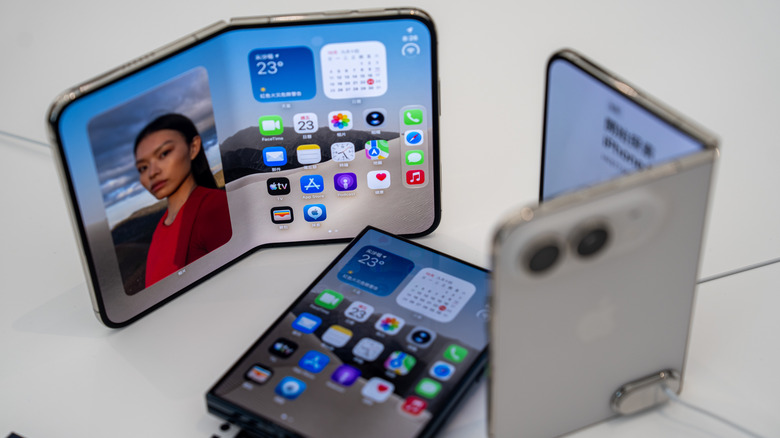
For iPhone Duo users looking to change the Display Zoom after setting up their phone, the only option at this point is to reset their iPhone and select the suitable zoom setting during the setup process. This can be a major hassle if you have installed and carefully set up your apps. Although a proper backup before resetting the iPhone Duo can help restore everything, you will still be forced to sign in again to most apps and make any other changes.
Apple hasn't officially said anything on the matter, and it remains unclear whether the company might bring back the option in a future iOS update. Keep in mind, even on the iPhones that have Display Zoom available after setup, iOS doesn't offer the Medium zoom option after the initial setup, and you are restricted to choosing between Larger Text and Default.