

The Common Reason Why Your iPhone 18 Pro Max Battery Is Draining Fast
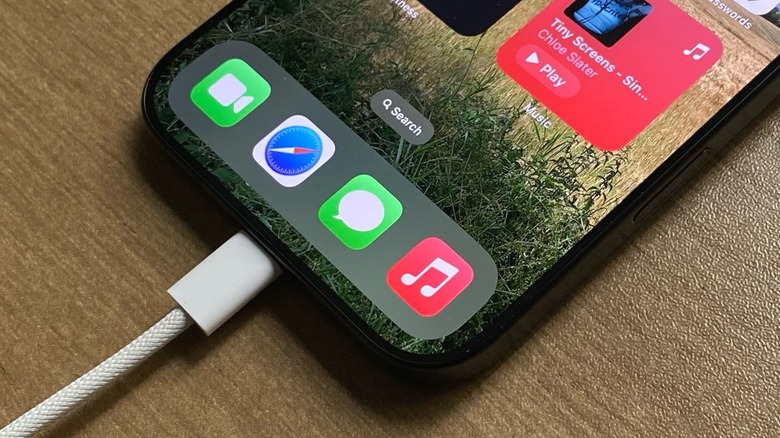
The iPhone 18 Pro Max is Apple's smartphone with the best battery life to date. With up to six more hours than the previous best battery life device, the iPhone 17 Pro Max, the company promises up to 30 hours of typical use, up to 45 hours of video playback, and up to 40 hours of streamed video playback. By comparison, Apple says that the smaller iPhone 18 Pro now has a similar life to the iPhone 17 Pro Max by offering a typical use of 24 hours, up to 36 hours of video playback, and up to 33 hours of streamed video playback.
However, if like me, you updated to the iPhone 18 Pro Max, you probably realize that the battery sometimes drains much faster. The common reasons, however, should be easily fixable, which is Siri indexing data and the iPhone's charge calibration feature.
Basically, since the new Siri AI taps your information locally, it needs to index all your messages, e-mails, notes, photos, and more. This process usually takes around a week, and even though Apple says leaving the iPhone charging for longer sessions is a way to make this indexing situation faster, it also seems that the phone keeps indexing even when we're out and about. Besides that, Apple also calibrates the iPhone battery over days and weeks to understand how you use the device and how to proactively optimize your usage. So, at the beginning, things might get out of hand.
The easy fix is just keep using your phone, but there could be more to it
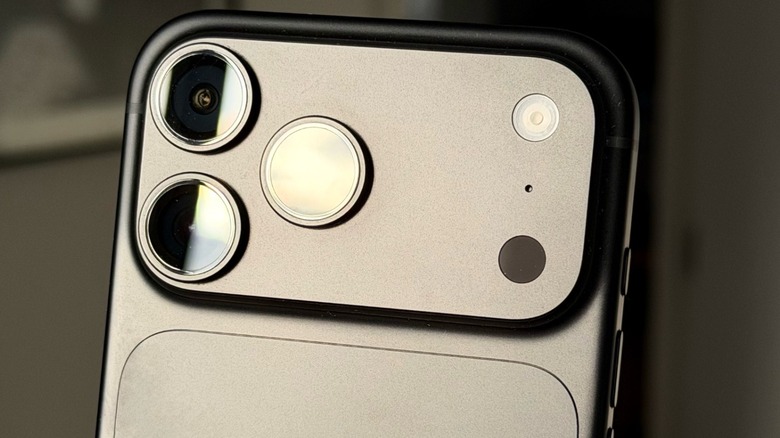
To fix these two common problems, the best solution is to keep using and charging your iPhone normally until it stabilizes. It's also important to note that big iOS updates, like the recent iOS 27.2 and upcoming iOS 27.3 might require your phone to index a bit more, so it's possible that for a few more days, things get weird. However, if you've been using your iPhone 18 Pro Max for longer and it still feels like an iPhone 17 Pro Max or even older phone, there's a possibility that you might be suffering from other issues.
For example, a big battery drain villain is weak Wi-Fi or 5G connection. If you live or work somewhere with an unreliable internet signal and your iPhone constantly needs to search for signal or switch between Wi-Fi and cellular, this is a big problem, and the best way to deal with that is to stick with Wi-Fi, if it's stronger, or just completely switch to 5G if that's the most reliable option.
Another way to quickly spot what's wrong with your usage is going to Settings > Battery > Daily Usage and check if the amount of battery you regularly use is the same, and, if not, see which apps and system activities are taking most of your battery life. From there, you can understand if there's something you can do or if it's just the way you use your phone that consumes a lot more battery.
Tips and tricks to save battery life
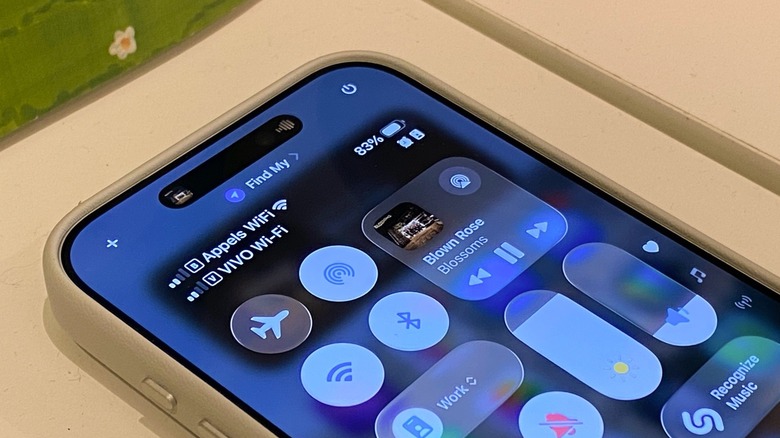
iPhone users usually turn off this setting to save battery life, which is Background App Refresh. Basically, the iPhone runs other activities in the background while you're doing things. Among the examples, your iPhone is constantly pulling weather forecast data, getting the latest information on your social media feeds, and so on. While it's convenient to always have the latest data on your screen, this also means that your iPhone is using more battery than it actually needs to use. By going to Settings > General > Background App Refresh, you can choose between limiting these background tasks to only running on Wi-Fi, which is already an improvement, or even completely turn them off, which could give the biggest boost to battery life.
There are also other iPhone settings that can make your battery last longer, for example, turning on Low Power Mode when you know you're going to have a big day or you don't need your iPhone at full capacity. Low Power mode disables certain items that can drain your battery life, like iCloud sync and Mail retrieval, and you can access it by swiping down to open the Control Center and tapping the Low Power Mode icon.
Finally, high temperatures can be affecting your battery life, and if you combine that with demanding tasks like listening to music and having a GPS on while it's extremely hot out, the battery will drain a lot faster — even on the iPhone 18 Pro Max. Even with the vapor chamber dissipating the heat from the processor, it'll have to work harder to keep everything cooler. With those tips, now you can start taking full advantage of your iPhone.