

4 Disadvantages Of Using Fanless Laptops You Should Know About
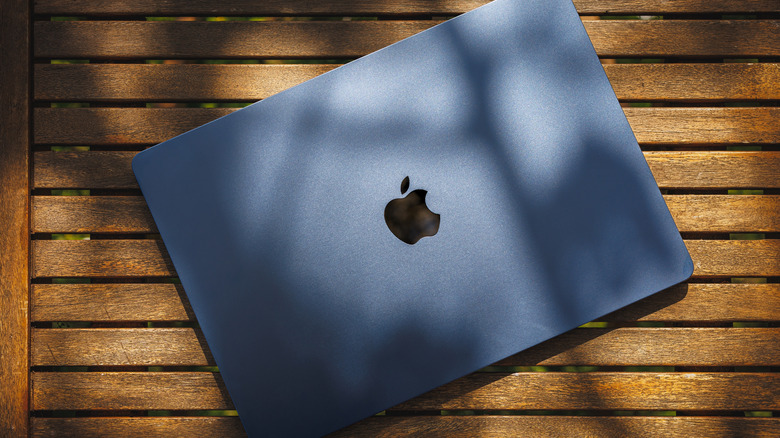
Fanless laptops have sleek designs, and carrying them around is easy. As the name implies, they lack cooling fans, unlike conventional laptops. The upsides include being lighter and staying quiet during working hours. Thanks to laptops like Apple's MacBook and Microsoft's Surface series, fanless options are gaining traction. In the beginning, the question was whether using a fanless laptop was safe. The answer turned out to be yes, and the MacBook Air and Neo variants show how good and reliable the best of them can be. However, the existence of fanless laptops poses another interesting question: are there any disadvantages to owning them?
There are a few. Considering fanless laptops prioritize versatility and lightweight design, they cut down on other important features. Fanless laptops do get warmer quicker, and this can impact performance when thermal throttling kicks in. Other limitations include fewer ports for input devices. These compromises can make them less optimal for certain users. Some people may find conventional laptops to be better suited to their needs. This guide lists some of the biggest disadvantages of owning a fanless laptop, factors to consider before purchasing one, as well as important considerations for those who already own one.
Thermal throttling is worse on fanless laptops
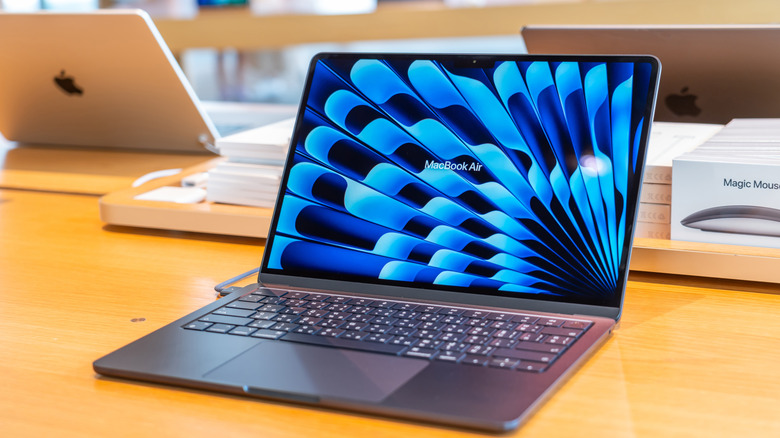
The biggest downside to opting for a fanless laptop is the fact that it will thermal throttle under load. A fanless laptop is generally best for everyday tasks, such as note-taking for students, serving as a portable device for online conferences, and handling simple office productivity. They can also handle more demanding applications, such as photo editing, coding and some video-editing workflows. However, prolonged CPU- and GPU-intensive workloads can expose thermal limitations. When this built-up heat rises beyond a certain threshold, which may not be that high, the performance starts to dip as the laptop tries to maintain safe operating temperatures.
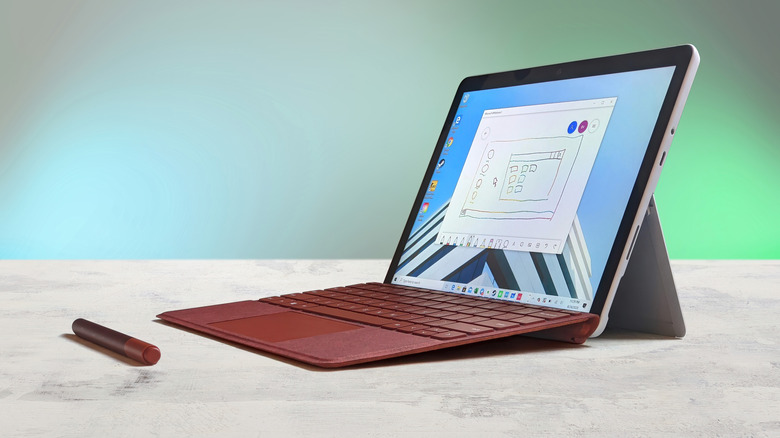
Fanless laptops like the 2-in-1 Microsoft Surface Pro 12 and the MacBook Air rely on passive cooling systems that can only do so much. Furthermore, they have integrated graphics instead of a dedicated graphics card. As a result, they aren't recommended for demanding games or high-resolution video processing. Moreover, thermal throttling can limit quick multitasking, and the reduced CPU clock speeds in fanless laptops may add potential delays to task completion.
Passive cooling makes fanless laptops hotter
Laptops with fans employ active cooling, shooting out warm air through vents. Fanless laptops, on the other hand, rely on passive cooling systems that transfer heat away from the CPU and other components. This basic setup absorbs the heat first before dissipating it into the chassis and then the surrounding area in the form of convection. While this heat dissipation method is efficient, it forces the exterior chassis to absorb the thermal load. As a result, fanless laptops can become warm to the touch. The keyboard deck and palm rest warmth is negligible, but the same may not be true for the surface underneath.
Extended couch sessions become uncomfortable with the machine directly on the lap, especially during warm weather. Hot climates can limit the passive cooling capacity since there is no active airflow. Fanless laptops have built-in temperature ceilings, but the climate and the laptop's heat combined can become too warm for sensitive users depending on the model. A hotter climate also means earlier throttling and potential performance dips. Setting the laptop on a glass table, using a laptop cooling pad, or placing a cushion on the lap can curb this caveat, though that's more of a workaround than a permanent solution.
Fanless laptops offer limited ports and upgrades
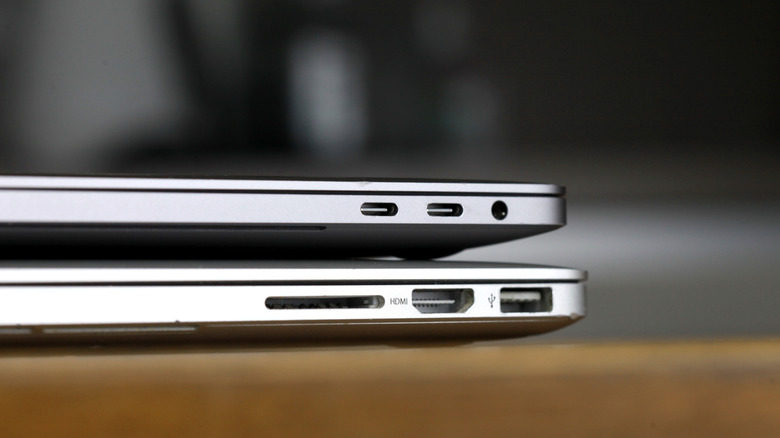
Ultra-thin fanless laptops sacrifice a lot of real estate, making them lose a lot more than just their fans. Some give up the traditional USB-A ports, which locks the user out of using external peripherals, although USB-C converters can tackle that, but that's an external purchase. A reliable desktop mouse from companies such as Logitech and Razer comes with 2.4 GHz connectors. Others lack an HDMI port and an SD card reader, things that are commonplace on conventional laptops. The limited number of ports becomes inconvenient in cases where an owner needs to connect multiple peripherals at the same time. External displays, storage drives, and mouse and keyboard usage get trickier as a result.
To continue, fanless laptops also suffer from another disadvantage: limited upgradability. Since preserving space is prioritized, some fanless laptop companies solder RAM and storage directly onto the motherboard. While this saves space, fanless laptops face limits to upgradeability, thus forcing users to consider a more expensive variant with higher RAM and storage upfront. In contrast, conventional laptops allow users room for storage expansion, memory upgrades, and the ability to improve a laptop's capabilities as the years go by.
The price-to-performance ratio is lower
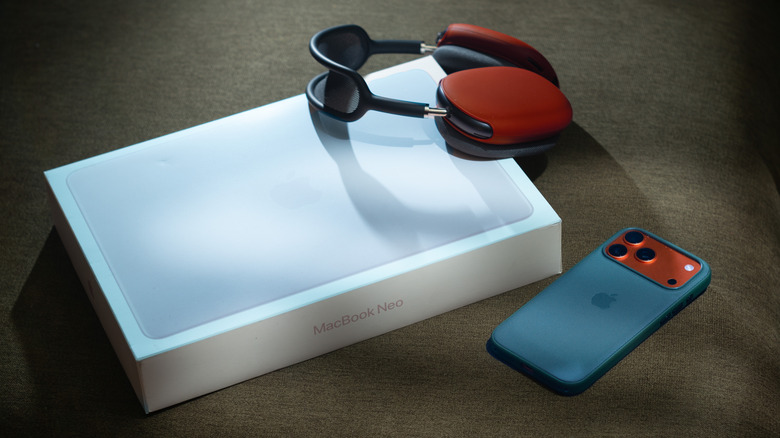
Finally, one scale that's always used for measuring technology is the features and performance to price ratio. Fanless laptops can get undercut here. Apple's MacBook Neo features a 13-inch IPS Liquid Retina display. It looks beautiful with the 2.4K resolution, and the Apple A18 Pro chip provides capable performance. The Neo sells for $799 with 512 GB of storage. It's a good budget fanless laptop. However, similarly priced laptops with cooling fans come with dedicated GPUs that provide superior raw power. Laptop variants of the RTX 30 and 40 series perform exceptionally well when it comes to tasks like video editing and 3D modeling.
Furthermore, fanless laptops like the MacBook Neo opt for a higher resolution while limiting the refresh rate to 60 Hz. Conventional laptops with GPUs instead offer up to 144 Hz. They also open the door to heavier AI workflows and DLSS technology that can be used in games. Likewise, gaming is easier, and the cooling fans keep the laptop running at lower temperatures. This can better manage thermal throttling, while multitasking and GPU-reliant applications may experience less noticeable performance drops. These factors may make conventional laptops a better alternative for users who rate price-to-performance higher than portability and silent operation.