

Here's How To Prevent Smart Home Devices From Going Offline
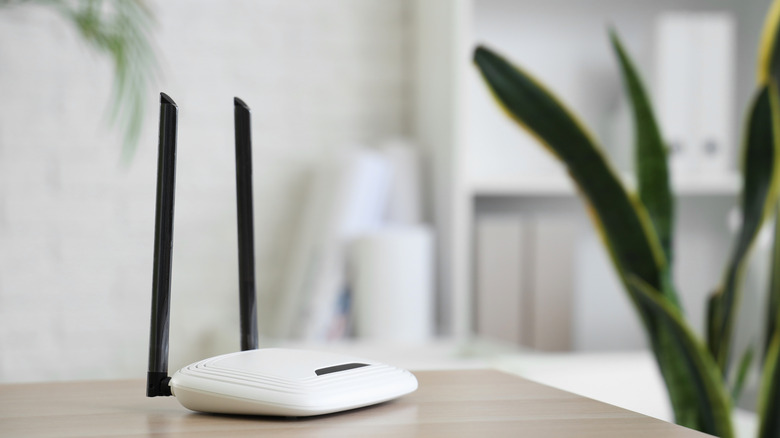
It can be a frustrating thing when your smartphone, laptop, smart TV or other smart home device is continuously losing connection. Wireless tech has come a long way, but it, too, can still let you down, especially if you're watching the climactic moment of a new movie, in a job interview, or playing one final round in a video game and the internet drops. However, there are ways to prevent smart home devices from going offline.
If you experience one of your smart home devices disconnecting, it may be related to the network rather than the device itself. There are several possible causes and ways you can test it yourself to see what exactly is going on. It may be related to what band your device requires in order to connect wirelessly. Most routers have at least two bands –- 2.4 GHz and 5 GHz –- and smart devices typically connect with the 2.4 GHz band. You can check the settings within your router's menus to see which band a device is on, and you may be able to switch off aggressive band steering. That's not the only potential reason, though.
Other issues may be due to where your router is placed, where the smart devices are placed, the number of devices connected to the router, and poor connectivity with mesh networks. Even without a network connection, you may still be able to have a smart home without internet. However, that may require additional devices around your home, like a Zigbee or Z-Wave hub.
Unstable or weak Wi-Fi connection
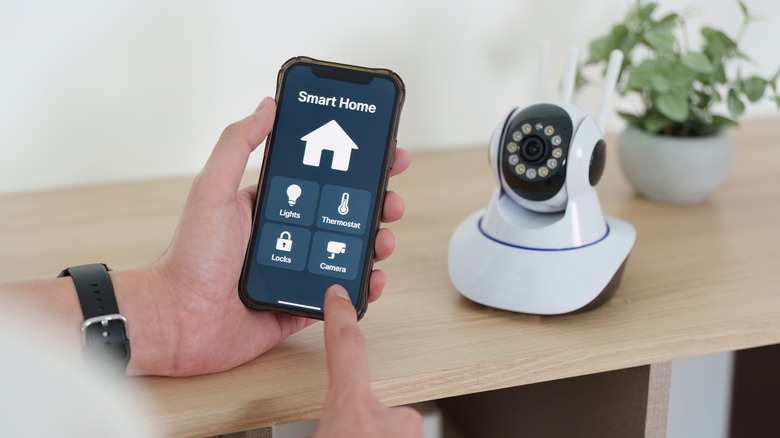
One of the most likely reasons your smart devices are going offline is a weak signal between the router and those devices. This can happen for several reasons, such as physical obstruction like walls or other wireless signals that are interfering with the network, therefore reducing its strength.
You may notice that different smart devices such as your smartphone may work great in a room, but another smart device works poorly in the same room. Since you carry your smartphone with you, it may not be blocked by furniture or decor. However, if you have a smart light or use smart plugs, its signal may be blocked by a chair or couch.
The same network that is being blocked by your favorite armchair could also be overloaded with connected devices. The more devices you connect to a router, the less reliable it can become, since it has to share its signal to all of them. Your smartphone, a computer, tablet, smart TV, and home security system are likely all on the same router, and together they can slow the connection. A faster router or extra access points could help.
The router is too far away
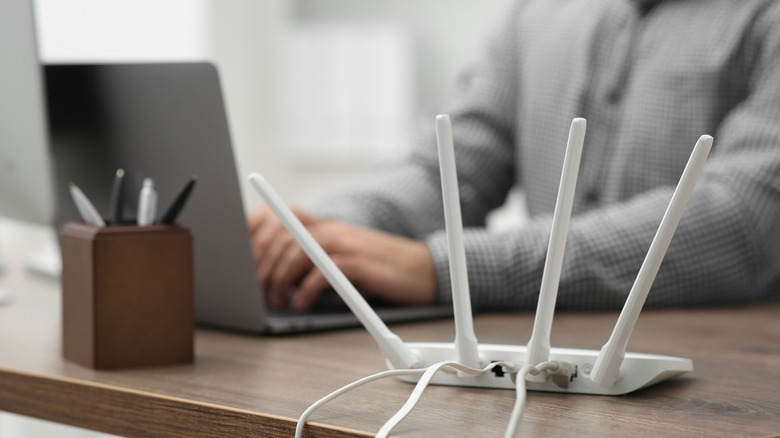
The placement of your router could also be causing smart home devices to go offline. The further away it is from a smart device, the more likely the device is to drop its connection. If you do a lot of work on the computer and need a stronger Wi-Fi signal, it's recommended to move the router and PC closer together. The same is true for streaming. It also depends on which band the smart device is using, as most routers offer at least two, and each work differently.
Most smart devices rely on the 2.4 GHz band, as it reaches farther, but that also means more devices will connect to it. However, the 5 GHz band offers faster speeds over a shorter range, and not all smart devices will be able to connect to it. You'll need to research your own smart devices to see what bands they connect with to ensure a more efficient connection.
The list of smart home gadgets you can connect to a router is vast. If you have a lot and are unable to move the router, you could also get a few mesh devices to create a wider blanket of Wi-Fi around your home. These can be placed throughout the home to extend the signal of your router, ensuring it reaches more rooms and improves the signal for other devices that are further away from the router.