

3 Disadvantages Of Using Touchscreen Laptops
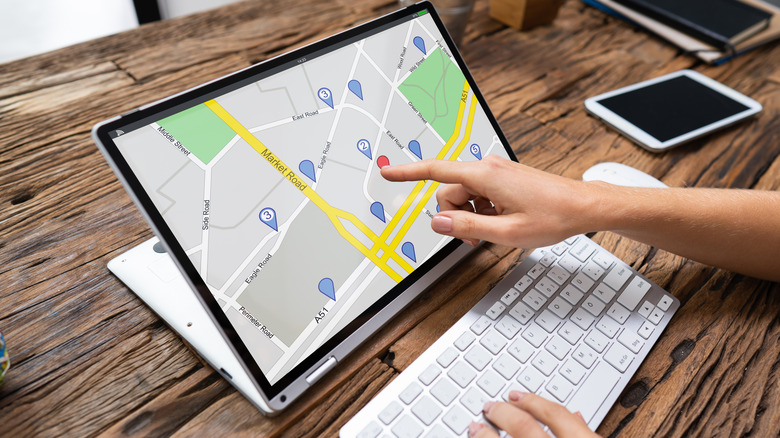
Laptops have become an essential part of daily life for many, just like smartphones. While some prefer using a desktop system, most may prefer using a laptop. One of the less common types of laptop is those with a touchscreen. While a laptop with a touchscreen does sound compelling due to its convenience, is it actually the best possible option, and do touchscreen laptops come without any disadvantages? Absolutely not. Just like any other technology, a touchscreen laptop has several disadvantages, which may make the traditional non-touchscreen laptops more viable, especially in the long run.
Some of these disadvantages include worse battery life, hindered everyday usability, higher price tag, and potentially higher repair costs. These disadvantages may not be true for every single touchscreen laptop, as some manufacturers do tend to focus on certain aspects to make the experience better for everyone. However, the aforesaid disadvantages are mainly the ones I have faced during my time of using the Dell Latitude 5310 2-in-1 for over two years.
1. Reduced battery life

Touchscreen laptop variants consuming more battery than non-touchscreen laptops isn't that simple. Laptops with different models and battery types will not offer the same type of battery performance. Since the conditions they are being used in also matter. That said, when comparing the same type of laptops, the one with a touchscreen generally offers worse battery life.
In Laptop Mag's battery comparison, two Lenovo ThinkPad T460 laptops, one with a touchscreen and one without, were tested under similar conditions. The non-touchscreen model managed to provide a 17-hour and 4-minute runtime, while the touchscreen model could only run for 13 hours and 12 minutes. So, the touchscreen ThinkPad T460 lasted almost four hours less. This difference exists mainly because of the additional power required by the touchscreen digitizer, which, by the way, remains active even if you don't touch the screen.
Laptop Mag also tested the Dell XPS 13 in a similar comparison. For the touchscreen variant, the battery life lasted 9 hours and 11 minutes, and for the non-touchscreen variant, the laptop ran for over four hours more. However, in this comparison, there was a difference in display resolutions and processors, so the touchscreen wasn't solely to blame for consuming more battery.
2. Higher purchase cost and potentially higher repair costs
When you are buying a touchscreen, you are usually paying more for a more premium experience. However, is that experience really premium just because you can touch the screen? It surely is a good experience, but when I was using the Dell Latitude 5310 2-in-1, I rarely used the touchscreen because there generally wasn't much use for touch inputs, except for when I didn't want to use the mouse.
That said, even if you do use the touchscreen a lot, it may not be worth buying a laptop with one because you are paying more for a premium experience that comes with various disadvantages. For example, the Dell XPS 13 (2016) launched for $799 in the base non-touchscreen model. However, the touchscreen model's one variant had a cost of $1,399. Do note that the touchscreen variant also had a Core i5 processor, 8GB RAM, 256GB SSD, and a QHD screen compared to the Core i3 processor, 4GB RAM, 128GB SSD, and Full-HD display of the non-touchscreen variant. Still, these upgrades may not justify the difference of $600. You can find the upgraded components in another non-touchscreen variant too, making the touchscreen variant less attractive.
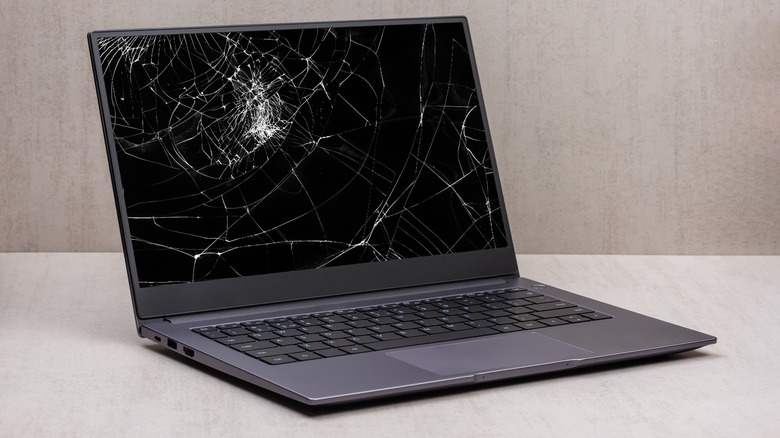
Furthermore, as the touchscreen variant is generally more expensive, it usually costs more to repair when something goes wrong. As per The Pricer, a standard non-touchscreen display costs between $159 and $279, while a touchscreen or 2-in-1 costs around $249 to $379. So, the potential price difference between the replacements is around $100.
3. Accidental touches, fingerprints, and smudges on the screen
One of the common issues with touchscreen laptops is unwanted touch, even if you specifically try to avoid it. There is even research by the University of Alberta and Microsoft that unintended contact with the screen happens, and accidental contacts usually involve palms, fingers, and forearms. Unintended or accidental touches tend to happen more when you use the screen to type or navigate without using a mouse.
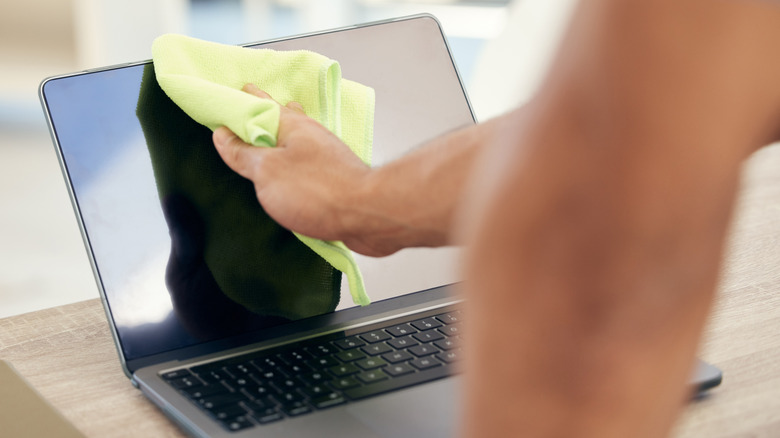
I also experienced some difficulties when using my laptop in tablet mode, particularly when the screen was folded completely. When holding the laptop as a tablet, I experienced accidental touches the most, and holding the laptop wasn't very comfortable given a tablet of that weight isn't ideal. Furthermore, direct contact with the touchscreen can also leave fingerprints, smudges, and oil marks on the display. These marks can accumulate quickly, making the screen look dirty, which can affect your viewing experience. I personally found fingerprints and smudges on the screen quite frustrating. Because of that, I had to regularly clean the screen, particularly whenever I had to watch a video on my laptop.