

4 Common Reasons Why A Roku Remote Stops Working
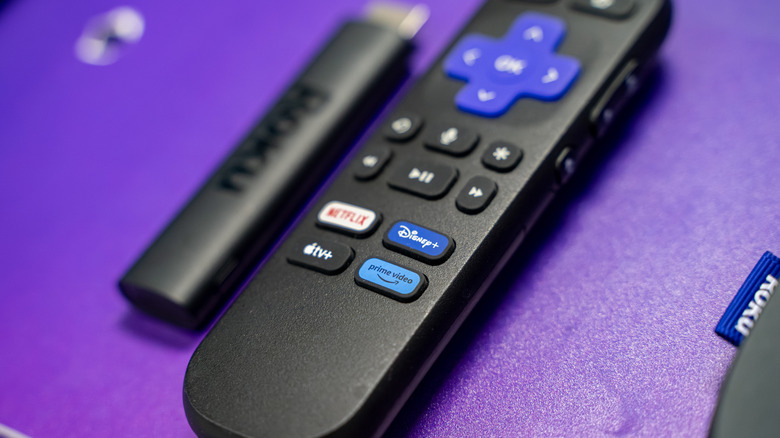
Imagine trying to unwind with a few episodes of your favorite show, only to find that your Roku remote isn't working. Sure, you can control your Roku with a phone or give up and manually press your TV's buttons like it's still the '90s (wait, does it even have buttons?), but such drastic measures aren't always necessary. In fact, most Roku remote problems have simple solutions and can be resolved in a few minutes.
Your first challenge is finding out what kind of Roku remote you have since this may rule out certain problems and help us determine the cause of your issue. There are two main types of Roku remote currently in production: voice remotes (which have a microphone button) and simple remotes (which do not). It's also important to determine whether the remote uses infrared, Wi-Fi Direct, or both. Check the top of the remote: If there's no infrared emitter (which resembles a small glass bulb or dark panel), it'll connect to the Roku exclusively via Wi-Fi Direct.
Once you've discovered everything there is to know about your Roku remote, it's time to identify the problem and find a solution. Here are some of the most common issues you might face.
Your remote control shows no signs of life
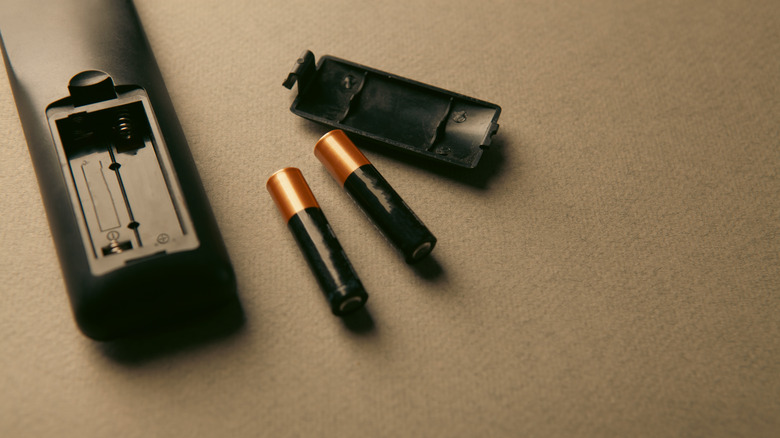
If pressing buttons on your remote has absolutely no effect, the most likely culprit is a dead battery. Most Roku remotes require two AA or AAA batteries, so just slide the back cover off and replace the flat batteries with a fresh pair. There will be a label inside the battery slot showing you how the batteries should be oriented, so make sure you insert them correctly — putting batteries in the wrong way around may even be what caused this problem in the first place!
Now, some remotes (specifically the "Pro" line of voice remotes) don't have a battery compartment. Instead, these come with an internal battery that can be recharged over USB, just like your smartphone. Thankfully, you won't have to charge it very often — these remotes take around three hours to reach full power and the battery should last for around two months.
After replacing or recharging the remote's battery, try using it again. If there's no response from your Roku device, the remote itself may have suffered a malfunction. Luckily, replacement units are available for as low as a few dollars online, so this isn't a huge deal.
The remote appears to have power but does not work
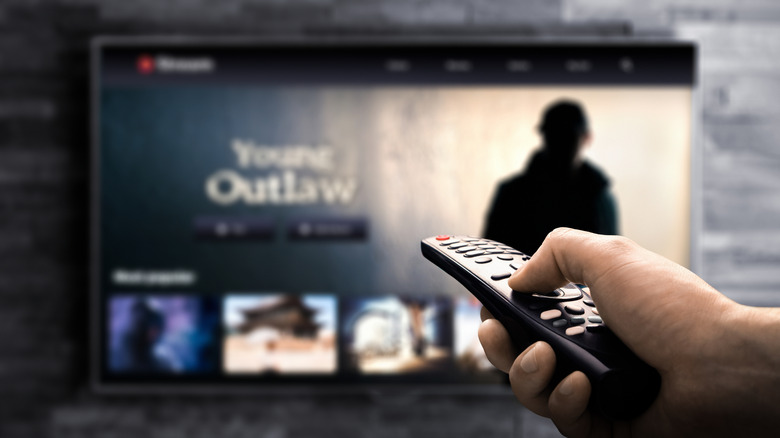
Most Roku remotes work best with a direct line of sight, which isn't always ideal, depending on how you've arranged your TV setup. This doesn't mean you have to move your TV around, though — sometimes, changing where you point the remote will allow infrared light to bounce off of walls or around furniture in a way that reaches the IR receiver.
Once again, things are a little different for voice remotes. These connect wirelessly, rather than relying on IR blasters, which is more convenient but does introduce a new potential problem: establishing a connection between the remote and the Roku itself.
First, restart your Roku device and wait for the Home screen to appear again. From there, find the pairing button (either on the back of the remote or inside the battery compartment) and hold it for five seconds. To complicate things further, some voice remotes don't have a pairing button — on these, you have to hold the Back and Home buttons simultaneously for five seconds. Your Roku remote's green light will flash and a pairing message will appear on the TV. After a few seconds, the remote should connect and function as normal.
You're unable to adjust volume or turn off the TV via voice commands
Let's say your remote control works for the most part, but doesn't let you change the volume or power down the TV using voice commands. This is actually an easy fix, and surprisingly, it's not your remote control's fault at all!
Instead, you'll have to go into your TV's settings and enable its HDMI CEC functionality. This stands for consumer electronics control and is a neat little feature that lets you control multiple devices with one device (for instance, powering on a TV by turning on a game console's controller or turning off a TV and soundbar at the same time). Once done, go back through the Roku remote's setup process and try the voice commands again. However, note that in the end, some commands may simply not be supported by your specific TV's CEC functionality.
CEC is intended to make your experience more streamlined when using two different brands of devices that are connected to each other over HDMI (in this case, the TV and the Roku), but occasionally, it can do the opposite. For instance, CEC can sometimes cause devices to wake up unprompted. If you experience this, you can turn CEC functionality back off, though you may lose those TV voice controls again.
The remote works sporadically or registers input when no buttons are pressed
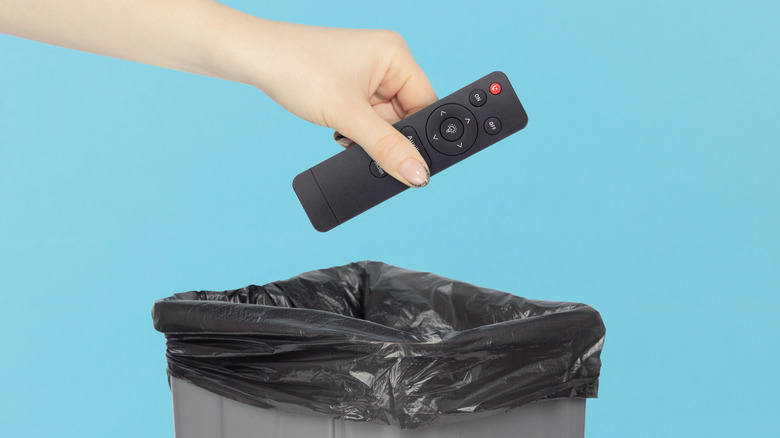
Unfortunately, a remote control that only works sometimes or registers ghost inputs is often easier to replace than repair. These are fairly common symptoms in cases where liquid has gotten into the casing or the battery contacts have developed corrosion. Even if these issues are resolved, there may be permanent damage to the circuitry that makes using the remote unreliable, or potentially even dangerous. Still, if a replacement is required, why not see if it's worth upgrading to a Roku voice remote instead of getting another simple remote?
Do you have more than one Roku device in your home? These do allow you to pair multiple voice remotes, so while less likely, it's possible someone you live with is either playing a prank or has previously linked their remote to your device (meaning they likely also think their remote "isn't working"). You can find out whether this is the case by opening Roku's settings menu and selecting Remotes & devices.
Your Roku remote not working correctly isn't always a huge problem. Unless you've physically damaged it somehow, there's often a simple solution, and the worst-case scenario is controlling the device via your phone until you can find a replacement. This might even be an improvement, since you can connect headphones to your phone and watch TV late at night without disturbing anyone — something that isn't possible with basic Roku remotes.