

5 Signs It Might Be Time To Upgrade Your Mac
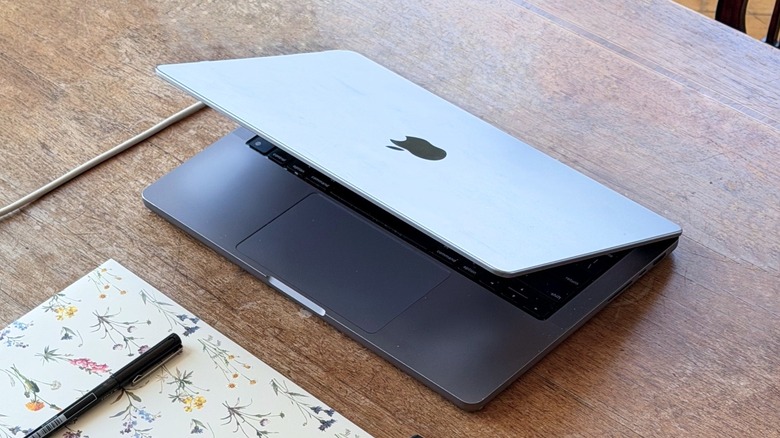
Buying a Mac computer, especially during times of memory shortages and rising prices, can be a true lifelong investment. Still, if you're unsure whether it's time to buy a new computer, watch for a few signs: your Mac no longer receives macOS updates, you get constant storage-limit messages, or you experience poor battery life and constant overheating.
These are among some of the most common signs that it might be time to upgrade your Mac, and with Apple's current Mac and MacBook lineup, customers might find exactly what they want, as a Mac can start as low as $699 with the MacBook Neo, and as much as almost $30,000 with a maxed-out Mac Studio. That said, your new Mac might fall somewhere between those extremes.
While customers say the average lifespan of a MacBook Pro is between 7 and 10 years, it makes sense to consider upgrading if you bought an Intel Mac by 2019 or early 2020, for example. In my case, my M1 Pro MacBook Pro looked great for the past few years, but I ultimately upgraded to the new MacBook Pro with a PROLED display because of the new technologies, improved design, and much better processor. With that in mind, here are some tips to help you decide whether it's time to upgrade your Mac.
Lacks macOS updates
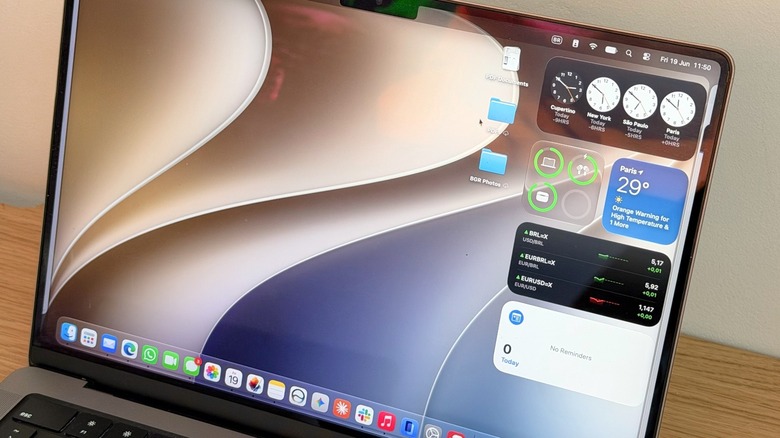
The main sign that it may be time to upgrade your Mac to a new model is if it no longer receives macOS updates. Usually, Apple computers get around seven years of new software versions, and even after the company no longer offers one of its computers the latest macOS build, it continues to release security patches for around two years, meaning that if your Mac hasn't been getting any software updates, it is probably very, very old.
Since Apple started transitioning from Intel chips to its own Apple Silicon processors, the company has slowly ditched Intel Macs from its lineup and from software support. With macOS 27 Golden Gate, released in September 2026, Apple killed all the last Intel Macs, and the company announced that starting with macOS 28, it also wouldn't let Apple Silicon Macs run legacy apps, meaning that developers would need to port their apps to the new language, or they would no longer be supported.
Even though it might look like Apple is being abrupt about this change, the transition started in late 2020 with the first batch of M1 Macs, and only six years after that the company decided not to support Intel Macs anymore. That said, if your Mac no longer gets software updates, it means it isn't being protected against attacks and malware. You may become an easy target for people trying to steal your credentials, social media accounts, bank apps, etc., and this could be a main indicator that it's time to get a new computer.
Storage is not enough
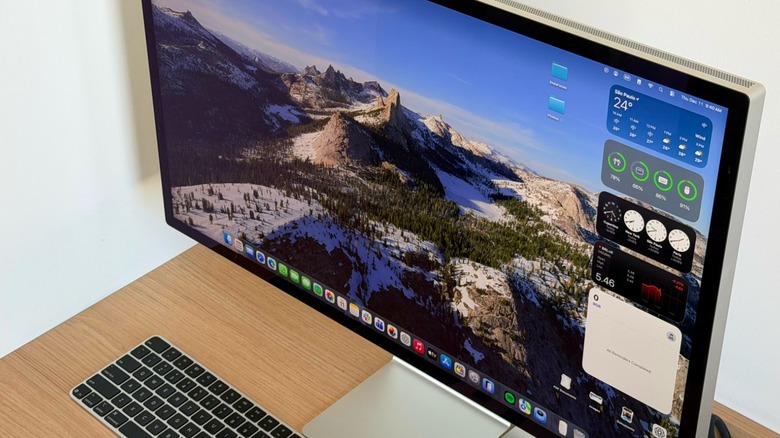
In Apple's current lineup, Mac computers start with 256GB of storage, which might be enough for very light use; if you start doing any video editing, downloading large apps, and so on, they could quickly tell you your storage is almost full. Still, there was a time, not long ago, that Macs would come with 128GB of storage — and if you got one of those Intel computers, or even an education-exclusive M1 MacBook Air, it might truly be time for an upgrade.
Since Apple computers can use memory swap (which uses part of storage as RAM to improve efficiency), once you don't have enough storage left, the computer might take much longer to perform a task because RAM usage is at its limit. It has nothing else to use in its place because the storage is also full. While it's recommended that any tech device should always keep around 15% of free storage, it's practically impossible to use a Mac with only 128GB of storage — and if you ask me, 256GB also feels like a stretch.
For example, macOS takes up 26.56GB on my Mac, while System Data takes up almost 33GB. If my computer had 128GB, almost half of its storage would've been used just to run the system, and if it had 256GB, a fifth of the total storage would've already been taken up. That said, while not having enough storage in your old computer might be a sign that it's time to get a new Mac, you should also keep in mind the amount of space you might need on your new computer.
Slow performance
Your Mac might be running slowly for several reasons, and changing some settings could improve performance. Still, some issues go beyond a quick setting tweak, like an aging processor, a full storage drive, or not enough RAM. With apps getting more demanding, older Macs, especially Intel-powered versions, can struggle with everyday tasks. If your Mac takes forever to turn on, simple tasks like opening Safari, Messages, or listening to music can feel like a pain. If every time you open a photo or video editor, everything freezes for a few seconds, it's time to upgrade to a new Mac.
While Apple Silicon Macs should still perform well for everyday tasks, heavy users may already be looking for an upgraded model, as Apple has improved Macs' graphics capabilities, on-device AI use, and overall smoothness over the years. Also, despite the MacBook Neo, all new Macs start with at least 16GB of RAM, giving users more room to run multiple tasks at once.
For those willing to spend more money, the high-end MacBook Pro models start with 24GB of RAM and 1TB of storage, which, for anyone coming from a base model M1 Pro or M2 Pro model, will see an extra 8GB of RAM and double the storage, already greatly improving performance thanks to these increased numbers alone.
Poor battery life
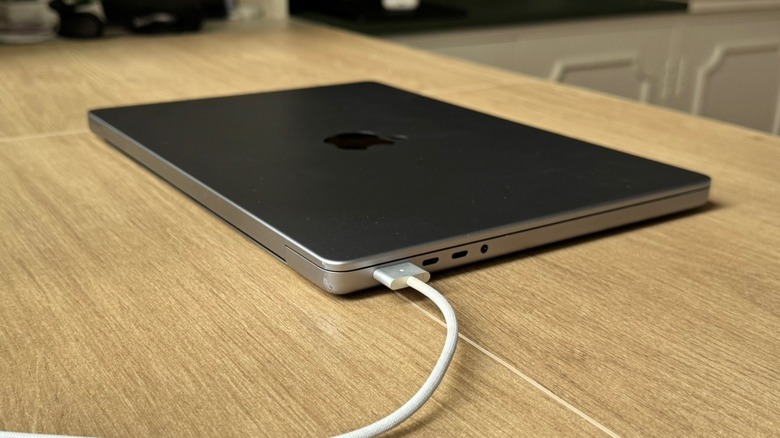
If you have had a MacBook for the past five years or more and use it every day, you've probably noticed its battery life has declined. While you can check how many cycles your battery has already completed, macOS also offers a Battery Health setting that shows your battery's condition and maximum capacity. If it has already dropped below 80%, it's time to get a new battery or start considering upgrading to a new Mac.
For the MacBook Neo, a battery replacement is $149, while for the most expensive MacBook Pro models it can cost as much as $229. While the battery can be just a fraction of the price of a new computer, BGR recommends replacing it first, especially if you've had your computer for less than five years, as it's still in good shape and could last for a few more years after this battery replacement.
For anyone with a Mac older than five years, a battery replacement will definitely give the laptop new life, but it won't change the aging processor, the memory likely being full, or the fact that your Mac may not get software updates soon. In this case, replacing the computer might be a better idea than spending on a new battery and then on a new laptop a little after. Still, poor battery life, along with some of the other issues mentioned in this list, could indicate whether it's time to upgrade your Mac.
You're missing out on new features
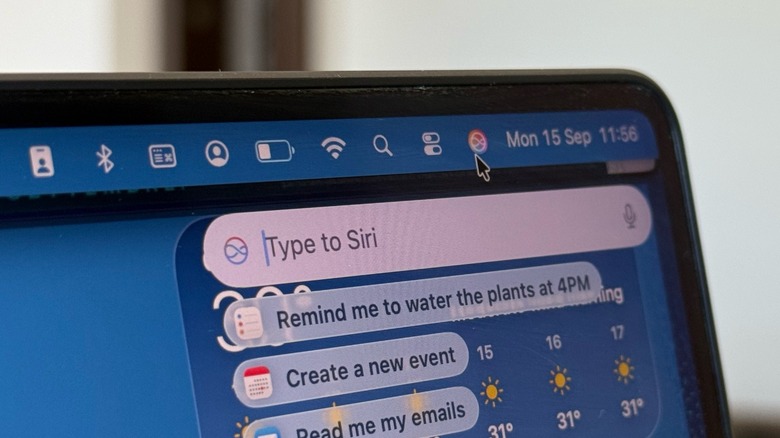
If your Mac no longer gets software updates, you're missing out on new features. However, your Mac may still update, but you might not be getting everything it could. That happens with iPhones, iPads, and Apple Watches, and it's also how Apple tries to convince customers to upgrade to a new model before they actually need to.
Take the M1 Pro MacBook Pro, for example. Compared to the new PROLED MacBook, we're talking about a four-generation-newer processor, improved RAM and storage capacities (and technologies), a way better webcam, a new display technology, improved speakers, and even a glowing Apple logo. While Apple barely differentiates the Apple Silicon Macs in software features, M1 Pro users lack a "High Power" mode and the ability to customize Siri's voice, which requires a newer processor.
Now that the company ditched all Intel Macs, this means that the M1 lineup is at the bottom of macOS support, meaning that by the next WWDC, it will probably start to limit these computers' features, as it focuses on more powerful Macs and new AI features that likely require more RAM and horsepower. That said, wanting new functions that improve your everyday work or how you connect with people is completely valid, and it can be another reason to upgrade your old Mac to a new one.