

Can You Use Alcohol Wipes To Clean Your Laptop Screen?
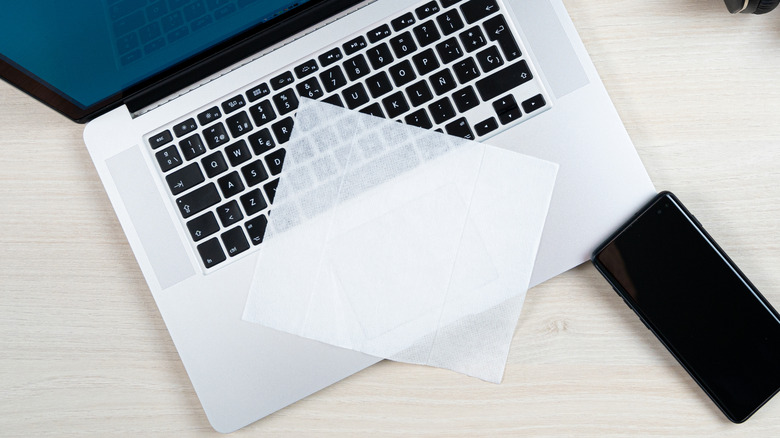
For simple screen cleaning, alcohol wipes sound like a good idea, but they don't work well in practice. People use general alcohol wipes to disinfect surfaces, remove grease, and clean up stubborn grime built up in crevices. Depending on what you're cleaning, concentrated alcohol can damage adhesives, while 70% (less concentrated) works well on outer layers, especially for cleaning keyboard keycaps. The problem is actually with your laptop's screen.
Alcohol isn't uniformly recommended for cleaning it — technically, 70% isopropyl alcohol is fine if the manufacturer says it is safe. Otherwise, it can damage the coating, especially at higher concentrations. Most laptop screens have anti-reflective, anti-glare, or sometimes oleophobic (anti-fingerprint) coatings, which alcohol can strip completely. So you'd rather not use alcohol wipes on your laptop's screen, as those do contain either ethyl alcohol or isopropyl alcohol — usually derived from the 70% isopropyl alcohol solution — though the saturation levels can vary.
As such, wipes made with higher concentrations, 91% or higher, would be detrimental to use, along with ethyl alcohol/ethanol (unless approved). Plus, some commercially available wipes might contain additives like colorants, perfumes, and moisturizers, which can leave unwanted residues, scents, and moisture. If you absolutely want to use a wipe to clean your screen, look for screen-specific wipes labeled "screen cleaner," "monitor cleaner," or "electronic cleaner kit." These wipes are usually ethyl alcohol-free and additive-free.
Try other methods to clean your laptop's screen
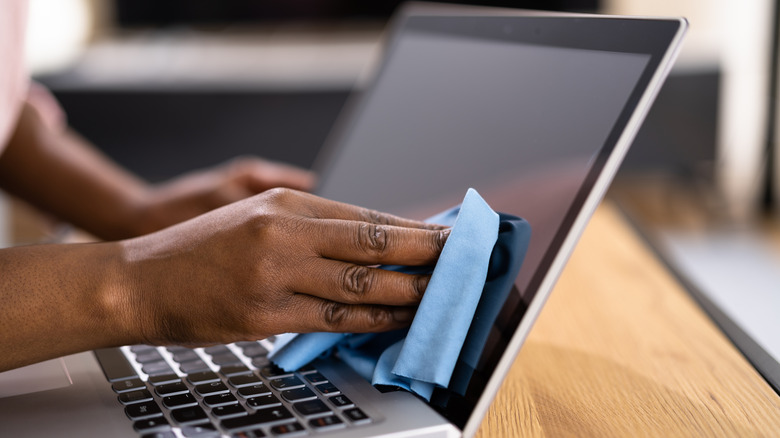
For most laptops, check the manufacturer's website. Microsoft has instructions on what is allowed and recommended for its Surface products, and Apple has the same for MacBooks. Generally, the safest way to clean your laptop screen is to use a microfiber cloth to remove light smudges and dust that accumulate. You will also want to apply very light pressure, since you are only trying to remove loose particles, but not so hard that you can accidentally damage the screen.
Afterward, if all that's left on the screen are specks of dirt and oily smudges, your next step is to add a small amount of water directly to your microfiber cloth. As a precaution, power down any electronics in case an accident happens and excess water drips into the internal circuitry. Also, avoid spraying your screen directly; instead, let the cloth absorb tiny dabs of water. The idea is to dampen the cloth and use it to remove stubborn fingerprints and built-up dirt left on the screen.
If water still doesn't fully clean your screen, use isopropyl alcohol if the manufacturer allows it, as Apple does for cleaning MacBooks. You will also want to wait for the screen to dry after the water. Then, you should take a second dry microfiber cloth, dab it with a little 70% isopropyl alcohol, and gently wipe the screen to remove any leftover residue. The idea is that you want to use solvent sparingly — since 70% isopropyl alcohol still contains 30% distilled water, it won't evaporate as quickly as a 91% to 99% solution.