

Turn Your OLED TV Into A Stunning Art Gallery With These Apps
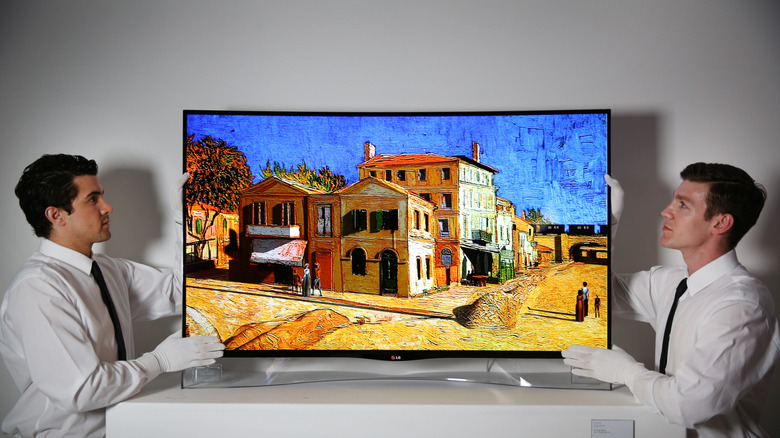
A TV is more than just a device with a big screen to binge-watch your favorite movies and shows. It can also double as a piece of art that hangs in your living room, theater, or anywhere you choose to put your television. Many TVs have customizable galleries that show images on a loop, and you can even set up a stunning art gallery to display when your TV is sitting idle.
If you have an OLED TV, turning it into an art gallery is a way to make it stand out. Having pictures, photos, and artwork on the screen not only looks nice, but can liven up a room. A blank TV screen just sitting there on the wall or a stand doesn't add much to the look of a room. There are a few ways to make your OLED TV an art gallery, such as using the Living Decor app for Sony Bravia TVs. It adds a rotating selection of images plus music themes, photos, and clocks for you to view on the display, and rotating images also lower the risk of burn-in on OLED screens.
Turning an OLED TV into a piece of art can enhance the overall atmosphere when hosting guests or if you want a pop of color in the room. Showing artwork on a smart TV is often a hidden feature that Google TV users should know more about. If you don't have a Sony Bravia TV, there are other ways to make your TV an art gallery.
The Artcast streaming art app
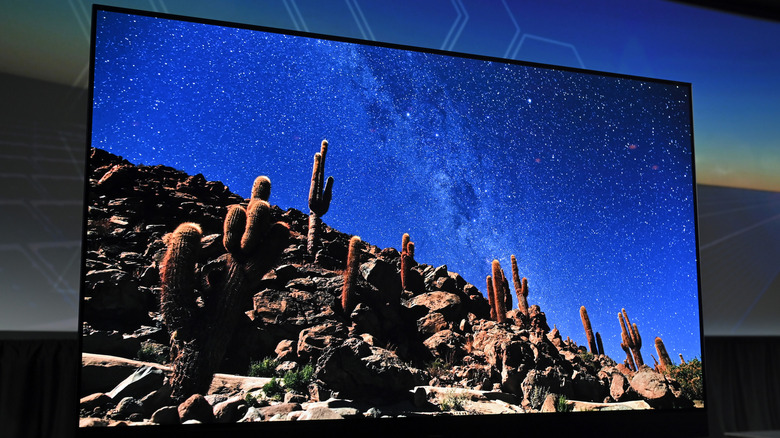
The Artcast app is available on a large selection of smart TVs and streaming devices. You can find it on the app store for LG, Samsung, Vizio, Roku, Google TV, Apple TV, and Amazon Fire TV. The app is free to download and includes an array of artwork from talented artists that can be displayed on your OLED TV.
The app also lets you set custom settings that control how long the art remains on the screen before switching to a new piece. You can even set up the photos to rotate with a selection of music, and rotating images is good, as you don't want to risk burn-in on your OLED screen. With more than 50 genres, 100,000 pieces of art, and artists from more than 125 countries, Artcast comes with a range of artwork that can turn your OLED TV into an endless art gallery.
You can use Artcast by going to the app store on your TV of choice to find it. Once it's downloaded, open the app and either choose the free option that does include ads or subscribe for $4.99 a month to get access to unlimited artwork. After making your selection, pick from a number of galleries, and whichever one you choose should appear on your TV screen.
The LG Gallery+ art app
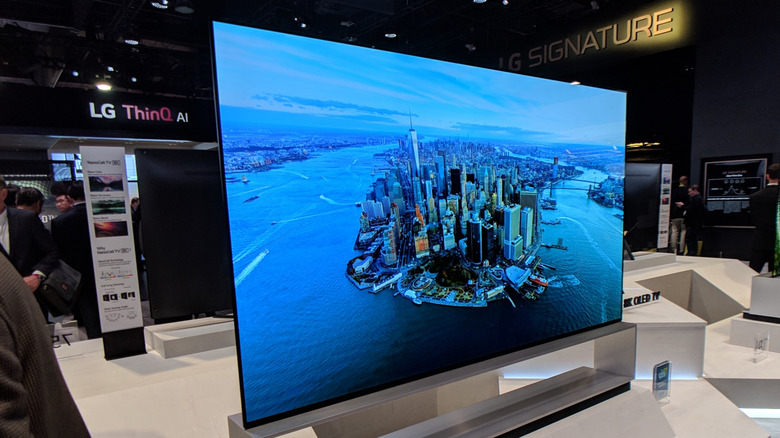
Then there is the LG Gallery+ app, which is one more way to customize your LG TV. As the name implies, it is strictly for LG TVs and allows users to show pieces of art on the screen instead of the boring blank TV screen when they aren't watching it. The app also displays more than just artwork.
Along with showing art, the LG Gallery+ app can also display nature photos and scenes as well as AI images, which you can create yourself with credits. You can view more than 100 photos, scenes, and images for free. However, if you want access to more than 5,000 pieces of content, including classical paintings, you will need to pay $5 a month for a subscription, which is available in the U.S., U.K., South Korea, and select EU countries. New users do get one month free of LG Gallery+.
Do note that the LG Gallery+ app is only available on LG TVs released in 2025 or later that run webOS 25 or newer, and some older models can get it through a software update. To access the art gallery feature on your LG TV, press the home button on the remote, find the LG Gallery+ app on the screen, open My Page, and sign in. From there, you will be able to view and select what images you want displayed on your OLED TV.