

You Can Use Window Cleaner On Your Computer Case's Glass, But Avoid Making This Mistake
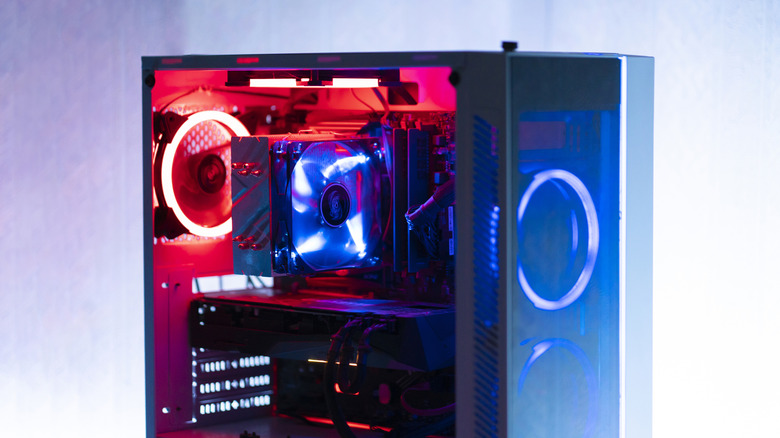
The glass side panel on a PC case allows you to showcase your computer's internal components, and keeping it clean is an important part of maintaining your rig's aesthetic. Wiping the outer surface with a dry cloth is generally enough, but the heat produced by internal components can also cloud up and dirty the insides — in which case you'll have to do a thorough cleaning of your PC's side panel. If you're wondering what kinds of cleaners are safe to use on a PC's glass panel, the answer is simpler than you might expect.
It's safe to use general glass or window cleaner like Windex on your computer case's glass. However, this is only true if the case uses a tempered glass side panel. Using Windex or another general cleaning agent on an acrylic side panel can cause it to become permanently hazy or cloudy and result in micro-scratches and micro-fractures over time, weakening the panel's durability. Similarly, while you can get by without using a microfiber cloth on tempered glass (though it's still recommended), cleaning an acrylic panel with paper towels and similar items can create micro-scratches as well.
Another common mistake when cleaning your PC is wiping the side panel clean while it's still attached. This isn't an issue if you're just using a cloth, but a window cleaner can degrade the paint and other nearby components that it comes into contact with.
How to properly clean your PC's tempered glass panel
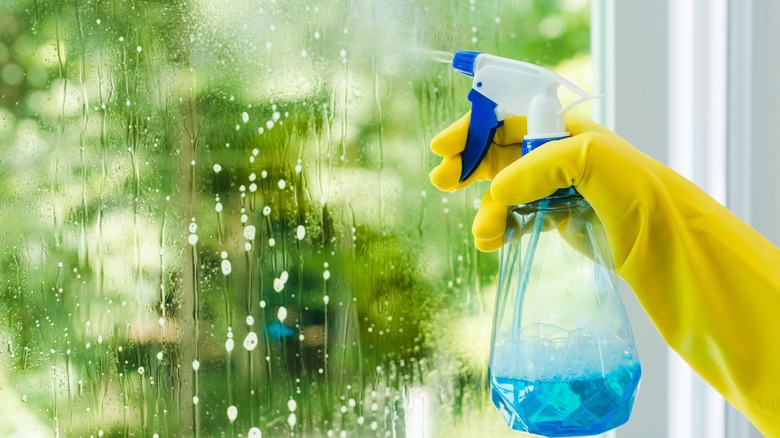
Cleaning your PC's tempered glass panel is a simple process and only requires items that are readily available. You'll need a window cleaner or any other glass cleaner and a microfiber cloth. It helps to have multiple clean cloths and isopropyl alcohol as well, but you can get by without them if you don't mind a slightly less polished finish. Wearing gloves also helps you avoid leaving new fingerprints behind as you clean.
Start by detaching the side panel from the case and carefully putting it down on a soft, smooth surface. This could be a soft towel or blanket; just ensure the surface is clean so it doesn't dirty the glass as you clean it.
Wipe each side with a microfiber cloth and optionally use isopropyl alcohol. Afterward, spray your window cleaner of choice onto the glass panel and wipe it clean. It's best to use a different microfiber cloth for each step of the cleanup process, and to ensure that any cloth is clean before you use it.
How to clean an acrylic glass panel
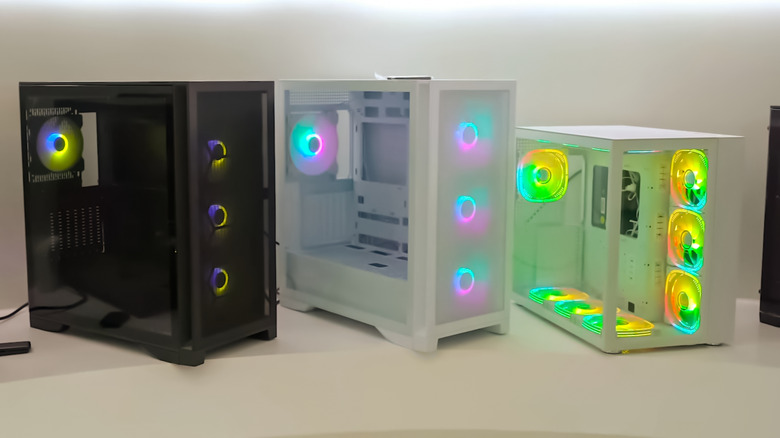
As mentioned above, using general window cleaners on acrylic glass can damage it because of the ammonia present in Windex and similar spray liquids. Using an ammonia-free cleaning agent is fine, but you can also just use distilled water to clean your PC's acrylic panel.
Tap water also works, but it may leave streaks and white spots behind. If you find that just water isn't enough, you can mix a gentle dishwashing liquid into the water. It's also worth noting that, despite an isopropyl alcohol solution being good for cleaning tempered glass, alcohol shouldn't be used to clean certain PC components, including the acrylic glass panel.
If you're unsure whether your PC's side panel is using tempered glass or acrylic, there are a few signs you can use to differentiate between them. First, tempered glass is significantly heavier than acrylic; if you feel a noticeable weight when you disassemble the case and pick the side panel up, it's likely made of tempered glass. There's also a difference in the sound the materials make when you gently tap a fingernail on them. A tempered glass panel will make a "clink" sound, while tapping acrylic will result in something duller.