

Fitbit Air's Battery Draining Fast? Check These Settings
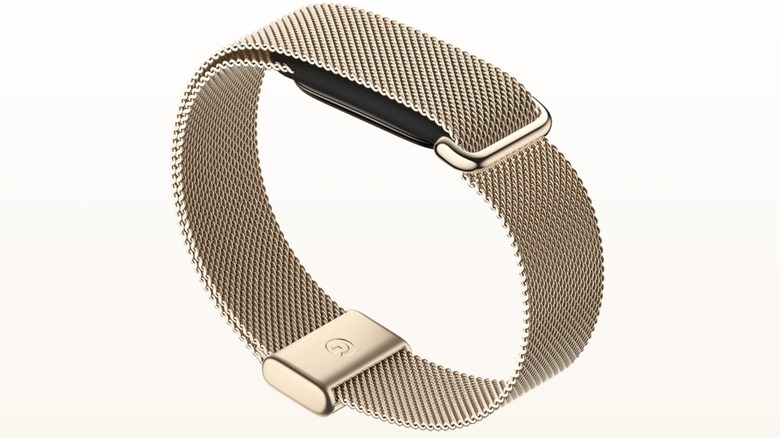
Any fitness band owner would want their device's battery to last as long as possible to accurately track their health and exercise data with a large sample size. Fitness bands are notably a better option than smartwatches in some scenarios for omitting a high-tech display, which can often distract some people. One would hope leaving out a fancy touch screen with a buffet of apps and features will also spare the device's battery and allow owners to get even more out of their bands in a single charge. Thus, it may be disheartening when a band like the Google Fitbit Air finds itself in a situation where its battery drains far earlier than a user would have hoped or expected it to.
A Fitbit Air's battery is designed to last up to approximately seven days. While there is some room for error, depending on how often the band is used and which features are enabled, users should probably be concerned if their device falls far below the maximum life estimate and requires frequent charges. There are thankfully ways to mitigate this issue and keep your Fitbit running as long as possible.
In addition to the things you need to know before buying a Fitbit Air, it's important to learn how its settings can be optimized for the battery to last as long as possible. Though it lacks the ability to send notifications for incoming calls and messages from your phone, the Fitbit Air still can vibrate for alerts like alarms. It can save the battery if unnecessary alerts and vampiric vibrations are shut off. Android Police recommends shutting off background syncing and Bluetooth overnight or whenever the band isn't in use. That way, the perpetual connection between it and your smartphone won't eat up its battery as quickly.
Smart practices can save your Fitbit Air's battery
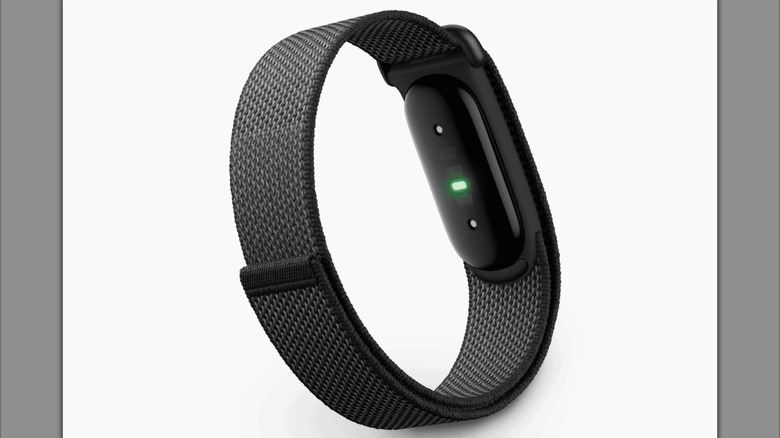
Aside from meddling with its system settings, the Google Health Help Center advises Fitbit Air users to follow simple good practices that will help save your device's battery. The company suggests keeping up with all Fitbit software updates and adhering to proper maintenance practices. The latter measures include avoiding charging devices in extreme temperatures and updating your smartphone to help ensure a proper connection between the devices. It's also a safer bet to charge the wearable using official Fitbit cables rather than third-party options, and to unplug it as soon as it's finished charging. Fitbits shouldn't be left plugged in any longer than overnight. They also should be charged when the battery gets low, rather than letting it completely die.
Some Reddit users suggested that performing a routine power cycle could also alleviate issues affecting a Fitbit Air's battery. The device will restart once you plug it into its charger and hold the button on the back of the charger for either 10 seconds or until the Fitbit's indicator light glows white. Sometimes, a simple restart is all it takes to get a device back to its usual performance. Otherwise, regularly exercising good practices and optimizing the Fitbit's settings could also extend the battery life as far as possible.