

Can A Samsung Galaxy Fold Really Replace Your Laptop?
We may receive a commission on purchases made from links.
Laptops gained momentum because of their portability. They were a lightweight device that could be carried around and used for hours while providing the relative power of a desktop computer. Cameras, bigger batteries, and other peripherals kept on adding to the list of features a laptop came with.
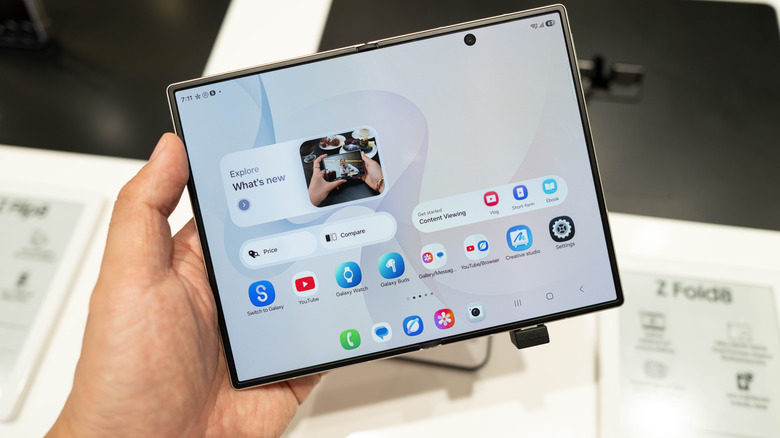
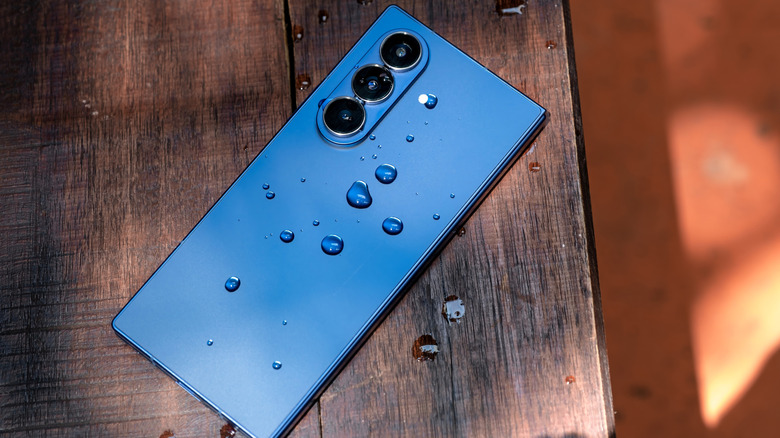
However, with mobile phones such as the Samsung Galaxy Z Fold 8 and Z Fold 8 Ultra coming with big 7.6 to 8-inch displays, powerful chipsets, and cameras, there's now this looming question of whether a Fold can really replace a laptop. The Galaxy Z Fold 8 is the 7.6-inch passport-style variant with a 4800 mah battery, whereas the bigger 8-inch Ultra has a taller, book-style 1:1 aspect ratio.
Both phones run on the Snapdragon 8 Elite Gen 5 processor, support up to 16 GBs of RAM and 1 TB of storage, along with crisp displays that are 2K+ resolution and 120 Hz natively. The Samsung Z Fold series packs more than enough storage, memory, and power for multitasking on a phone, but can the Fold line-up really replace your laptop without compromising the quality of everyday workflows, meetings, and video editing?
The Samsung Galaxy Fold can serve as a pocket-sized everyday desktop
For everyday routine tasks like replying to emails, photo editing, and consuming content, the Samsung Galaxy Fold can replace a laptop. Samsung's Desktop eXperience app, Samsung DeX, converts the interface of Samsung Fold phones and tablets into that of a desktop. This process requires users to plug their Fold device into an external display. A mouse and keyboard are also required to use the Fold as a laptop, and users can solve that in one of two ways. The first method involves using the Fold's charging port to hook it up to a monitor, then connecting a Bluetooth mouse and keyboard to the mobile device itself. Alternatively, you can purchase a USB hub, plug it into the Fold, and then attach all wired accessories directly to the hub to make it an all-in-one connection.
In terms of what the DeX interface offers, it allows access to multi-window multitasking, a taskbar at the bottom for quick access, and the option to simultaneously use the Fold's display in addition to the monitor interface. Many people who use the Fold to replace their laptop open chats and social media on the mobile phone's display while using the external monitor to take care of work-related stuff. Google Docs, Canva, editing softwares like Premiere Pro, and general websites all open as they would on an actual desktop computer.
The display resolution on the Fold 8 is near 2K, but 4K becomes available too when plugged into a supported external monitor or television. The Samsung Fold can serve as a reliable pocket-sized desktop, provided users don't demand heavy-duty performance. Additionally, the DeX app also limits multitasking to running only five simultaneous applications. This is done to prolong battery life but most users don't find the limit to be a bother.
Performance is where traditional laptops still pull ahead
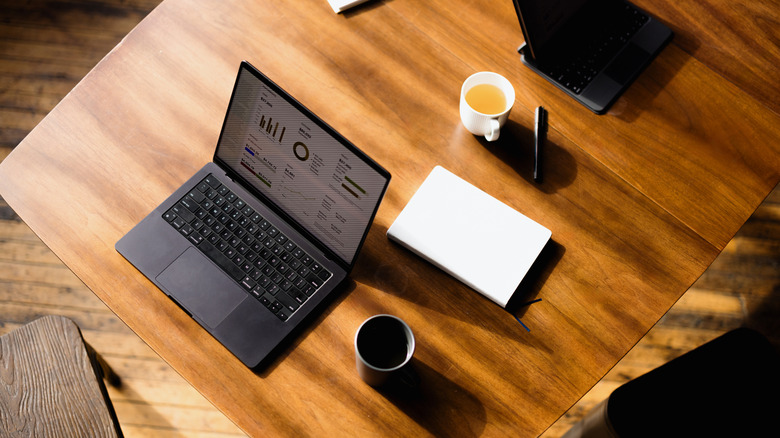
While it's true that Samsung Folds are efficient when it comes to everyday usage, they still can't beat a laptop in terms of raw performance. The Samsung Fold 8 is a phone-first device, after all. Features such as a camera, SIM card slots, mics, and haptics, among other things, take precedence. On the other hand, a laptop is larger, meaning greater room for storage, a dedicated Nvidia or AMD GPU, a bigger screen, and a lot more of everything overall.
Fold phones work well for basic tasks, but can't keep up with heavy workloads due to software and hardware limitations. For instance, Adobe Premiere Pro is the industry standard when it comes to video editing. The mobile app for Android lacks many editing options, like color grading and custom motion graphics, that are unlikely to ever translate over. Similarly, rendering speeds for dozens of gigabytes' worth of content on the Fold 8 will pale in comparison to a dedicated RTX GPU.
To add to the troubles, one hour of heavy multitasking usage on the Samsung Fold 8 costs roughly 15% of the battery life. Light browsing can squeeze six to nine hours out of the battery in total, but when multiple apps are running, the total drops down. The bottom line is that if a user wants a minimalistic setup for hopping on calls, replying to mail, browsing social media, or managing their business, then the Samsung Galaxy Fold can definitely replace a laptop. When it comes to high-performance content, though,it's still better to have a primary laptop with a dedicated GPU.