

Is Google's Password Manager Actually Safe To Use?
Password managers alleviate the pressure of creating strong, unique passwords for each account or service you sign up for. When a website asks you for the tenth time to make an account, you likely end up reusing one of your five remembered passwords and email addresses to quickly fulfill its requirements.
Google already knows this, which is why one of the most popular web browsers has a built-in password manager that is free, easy-to-use, and, more importantly, extremely convenient when the situation calls for it. You technically don't need to download the Google password manager app to use it in Google Chrome, but you can if you want. Instead, you can simply use the built-in version and accept the auto-fill suggestion to create a strong password and store it when prompted.
Sometimes a popular, convenient feature isn't the safest or the best solution, depending on what you use it for. Using Google's password manager won't immediately put your information at risk, but there are some things you should know before continuing to use it.
The answer depends on what you classify as safe
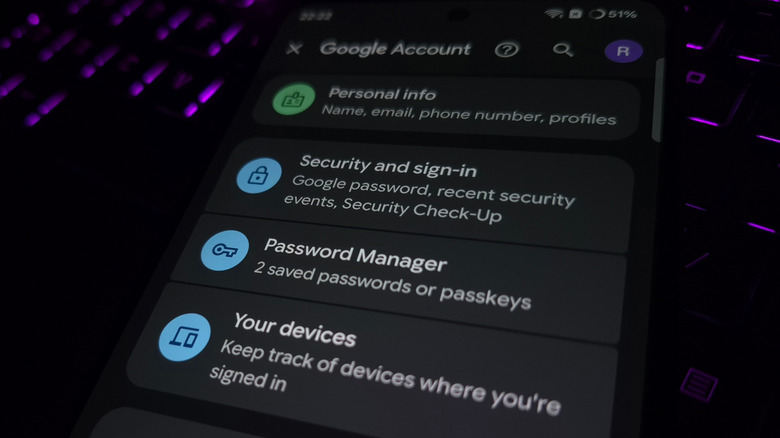
Technically, Google's password manager is safe on the surface. Google supports basic security practices like encryption and 2FA that help prevent your data from being seen out in the open or accessed by unauthorized users. If you compare it to other dedicated password managers, such as NordPass and Bitwarden, Google falls short by not offering zero-knowledge encryption.
That means the encryption is held locally on your device, and the service provider (in this case, Google) has no means to access or decrypt it. The encryption is entirely client-side. Google does offer optional on-device encryption, but it's not true zero-knowledge encryption because the key can still be accessed on your device. This doesn't protect you if you've ever accidentally downloaded malware, especially when apps can slip past the Google Play Store's Play Protection Policy. The consequences of not having zero-knowledge encryption mean you're at the mercy of Google for keeping your data completely safe and private.
If a breach were to happen, all that stored data would now be compromised. While that does sound scary, you have to remember that this situation would mean a lot has gone wrong; including more than just your passwords, since all of your Google account data has now been leaked and possibly stolen (though Google may publicly deny it, as they have in the face of an alleged massive Gmail security breach affecting millions of users in late October 2025). Of course, this isn't a Google-only problem; any time you trust anyone with your data stored in the cloud, you always have to worry about how the service or proprietor handles it.
Consider alternatives to privatize sensitive data
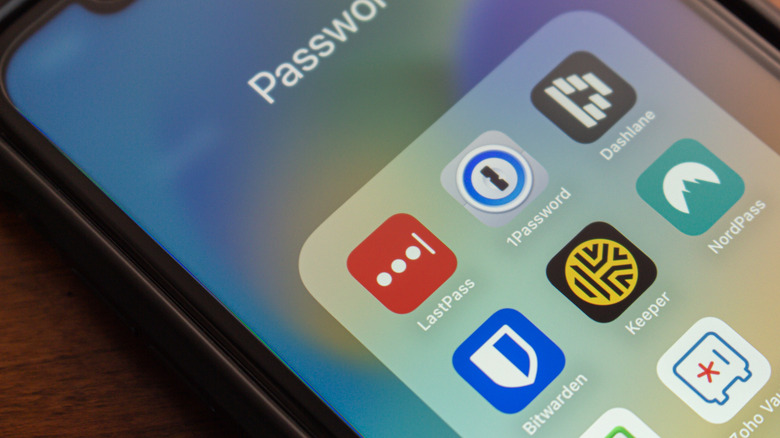
While Google's password manager is one of the most commonly used, that doesn't necessarily make it the best, especially if you often work with sensitive data. Plus, when you use Google's password manager, you become locked into a single ecosystem, which isn't an issue if you primarily use Google services and Android hardware. If you work with Apple products, you likely know that using Apple's built-in password manager is recommended for its seamless integration and automatic syncing capabilities.
Rather than relying on different built-in password managers, you can look for dedicated ones that provide airtight security, work across all your multiple devices without forcefully locking itself to a single account; and, more importantly, stay within reach for handling your data. Just remember that some top password managers may require a subscription to utilize them fully. Signing up for one can offer other strong security benefits, such as password hygiene, phishing alerts, and dark web monitoring, which might end up being well worth the cost if you're feeling extra paranoid about your data.