

WatchOS 26's Workout Buddy Is Great, But I'm Switching To Something Better
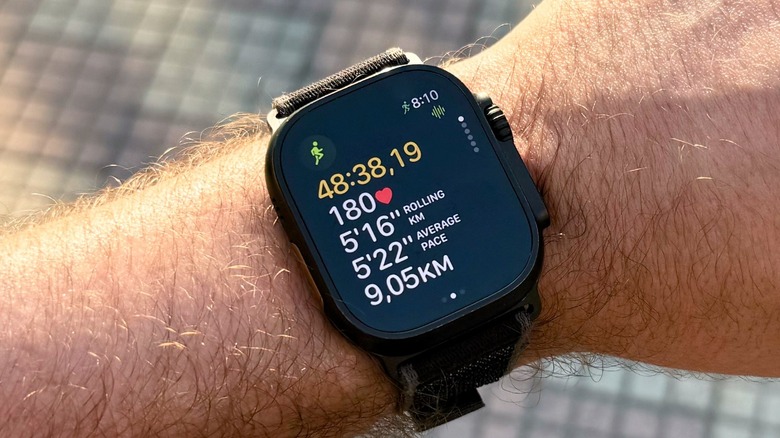
Since Apple released watchOS 26, I've been religiously using the new Workout Buddy feature. This AI functionality is probably the most important change on the Apple Watch operating system, and I was really eager to give it a proper try. After all, Workout Buddy gathers the data available on my Health app to motivate me during workouts, such as outdoor runs or strength training.
What I liked the most about this feature is that it celebrates my workout goals and reminds me of my achievements in recent weeks. Or it will notify me if I surpass a milestone, like an amount of runs through the years, or minutes active. While it's still impossible to interact with the AI-generated coach, I found it to be uplifting to hear the AI-generated voice keeping me motivated mid-workout.
However, while this feature was really helpful during strength training workouts, I was getting annoyed by having to take my iPhone with me for every run. After all, Apple requires an iPhone 15 Pro or newer around to make Workout Buddy work, and I just wanted a more practical experience.
I fixed Workout Buddy by making my outdoor runs simpler
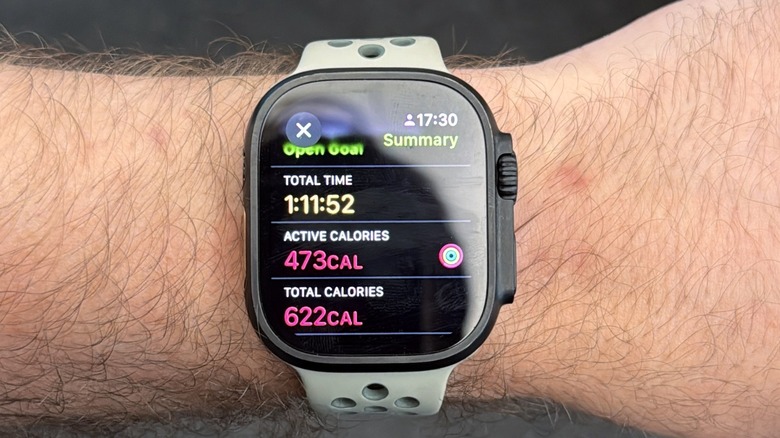
Besides the beginning of every workout, where the Workout Buddy gives an overview of my week and my latest achievements, there isn't much it can do while I'm running. This is why I decided to go back to my old setup: Running with the Apple Watch and AirPods. By using a cellular-enabled Apple Watch Ultra 2 and the recently released AirPods Pro 3, I had everything I needed for running as long as I wanted.
Not only is the Apple Music connection reliable between the watch and the earbuds, but AirPods Pro 3 features a heart rate sensor, ensuring I don't deal with missing heart rate data mid-workout. More than that, I was able to freely run without having to literally carry my iPhone 17 Pro Max in my hands. Even though I couldn't take photos during the workout to feed the social media of the moment, Strava, I was able to simplify one of my favorite experiences: Running outdoors and listening to my favorite tunes.
Here's how Workout Buddy should actually work
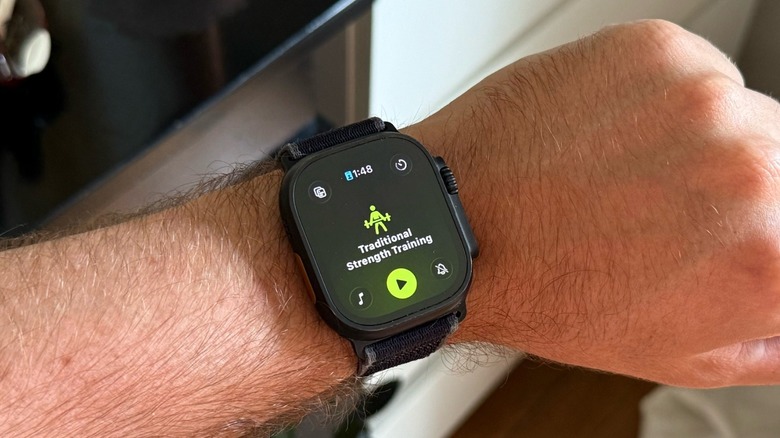
Apple tends to emphasize how much it relies on AI from cloud servers. Still, for the current capabilities of Workout Buddy, I can't see why it couldn't offer a limited, yet useful, version of this feature for Apple Watch users with a 4G or 5G-enabled Apple Watch. After all, Siri already taps health data locally, which means Apple Watch users could theoretically get an overview of what they did that week, what song or artist they're listening to, in addition to some other insights about their workouts without a strong connection.
As I wrote on my watchOS 26 review, Apple is entering the AI world, but it's reverting the trend of the Apple Watch as a standalone device. More and more users are required to have their iPhones around to get the latest features on their Apple Watch. For example, Live Translation and notification summaries rely on the iPhone. The same is true for Workout Buddy. However, what intrigues me the most is that the Apple Watch could've been Apple's perfect AI-device companion, and it continues to offer underwhelming spec improvements.
The Apple Watch is the best smartwatch you can get in the market, but virtually nothing has changed significantly in the past four iterations. If Apple wants the watch to have AI features, it needs to make it more powerful, especially if it doesn't want to rely on third-party services or a persistent internet connection.