

10 Common macOS Myths You Need To Stop Falling For
Macs have a reputation for their simplicity, security, and powerful features. That reputation, along with Apple's smart marketing strategies and the macOS vs Windows clash, has led to several myths surrounding Macs that are easy for anyone to believe. Some preconceived notions shape buying decisions and everyday habits, such as Macs being virus-proof.
The problem is, not everything you hear about Macs is true. In the last five years, Apple has reshaped macOS functionality. This has made newer Macs more capable than before. That's not all. The transition from Intel processors to custom Apple Silicon and major hardware improvements has changed how Macs behave and work. All of this has given a big performance boost to Apple machines. So, what was true a decade ago might not hold up today. And, if you still fall for those outdated ideas, you might end up making wrong decisions.
No matter if you're a long-time Mac user or a prospective buyer, it's important to separate facts from fiction. In this article, we will debunk 10 common macOS myths you need to stop falling for. This will include security myths, performance assumptions, and everything in between.
Macs are more secure than Windows and don't get viruses

Well, this myth didn't come out of nowhere. Basically, macOS is built on a Unix-like foundation, which is inherently more secure and restrictive by design. Apple has built some of the most reliable products in the market. Unlike Windows, macOS restricts deep system changes. This makes it harder for older, self-replicating viruses to survive.
Apple's macOS has long had fewer threats than Windows, but this has changed in recent years. Due to the growing popularity of Macs and users believing this myth, the volume of threats targeting Macs has increased dramatically. Despite having strong built-in security features like Gatekeeper and XProtect, Macs are still vulnerable to security threats, viruses, and phishing attacks. So, it is a myth that Macs don't get infected with viruses. Like any other connected device, a Mac is prone to online bugs, threats, and hackers.
To keep your Mac safe, run the latest version of macOS, download apps only from official and trusted sources, enable FileVault on your Mac, and invest in a good anti-virus software.
Macs are overpriced and locked into Apple accessories
Many people feel that Macs are overpriced. The starting price of Macs is higher than their Windows counterparts. For instance, an entry-level MacBook is around $999, whereas budget Windows computers cost $500 or less. Macs tend to have better build quality, longer lifespan, and superior resale value than Windows PCs. The high-end Windows computers with comparable specifications, features, and performance might be as expensive as Macs. All in all, Macs might cost you more upfront, but they aren't unnecessarily expensive. In fact, Macs are a worthwhile investment.
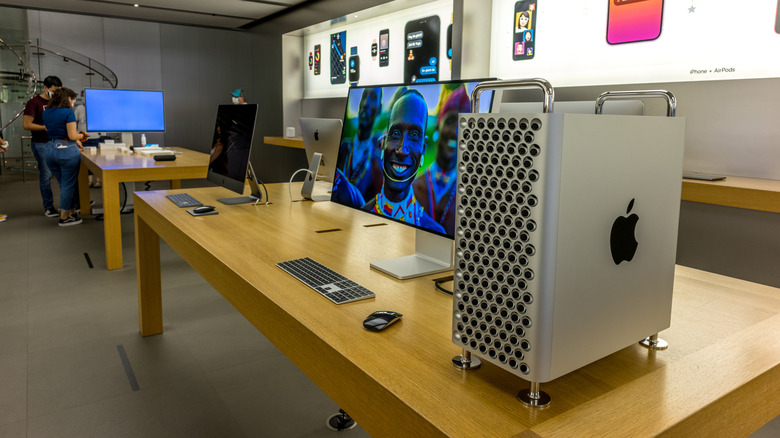
Many users also feel that buying the Mac isn't the only investment. You also have to splurge on Apple accessories for the best possible Mac experience. In an Apple Store or any other retailer, you'll notice that a Mac desktop is always paired with an Apple keyboard, mouse, and other first-party accessories. Some may think that Macs are designed to work best only with Apple accessories, but that's not true. Apple accessories certainly provide a premium feel and enhance the overall look of your workstation, but third-party accessories can offer a similar experience. The best Mac accessories come from Logitech, ESR, and Satechi, amongst others.
Macs don't work for enterprises
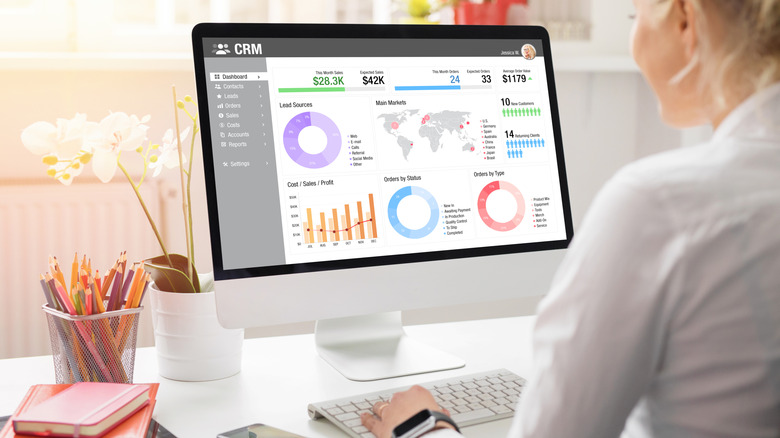
There's a misconception that Macs aren't made for businesses. This myth stems from several other preconceived notions that people have for Macs and macOS. First, many people think that Macs are expensive, and we've already debunked that myth. In fact, Macs offer blazingly fast performance with fewer tech hiccups, which boosts productivity. Second, it's assumed that Macs lack compatibility, which makes it difficult to run major business applications. Fortunately, that's not the case anymore. Developers have optimized popular apps like Microsoft 365, Salesforce, Zoom, and more, so that you can now run them on macOS natively.
Third, some users believe that Macs are only made for creative fields like design and video editing, and not sales, finance, and engineering professionals. Years ago, most businesses primarily used Windows, and it still dominates several sectors. That said, Macs have become increasingly popular with commercial users. Over time, Macs have rapidly evolved to handle demanding enterprise environments.
So you see, there are several benefits of using Macs for businesses. First, it helps save money because of lower security costs and a longer lifespan. Many professionals prefer using Macs over Windows because they are lighter and still pack a lot of power. The modern Macs offer faster and more powerful performance with Apple Silicon processors. Macs have also become a popular choice with the rise of WFH and BYOD (Bring Your Own Device) culture.
Macs don't require restarts or maintenance
Many users believe that Macs don't need a restart at all. However, that's not true. Macs are stable and have efficient power management. You can easily use them for extended periods without needing to reboot. That said, it's advised to restart them at regular intervals to clear RAM, remove cache and temporary files, and ensure optimal performance. You can also reboot your machine after installing software updates. It is also the first step for troubleshooting common minor issues. For instance, it can help you fix connectivity problems, app issues, or slow and sluggish performance on your Mac.
There's a preconceived notion that Macs don't require any cleanups or maintenance. It's rightly said that macOS efficiently performs some self-maintenance tasks, but it can also accumulate digital clutter over time. As a result, you may experience slower performance, reduced storage space, and other issues. To avoid this, users should practice routine maintenance tasks like regular restarts, backups, storage management, and checking resource consumption by apps and processes. In the long run, this will ensure the security and longevity of your machine.
Macs don't have good battery life and overnight charging damages it
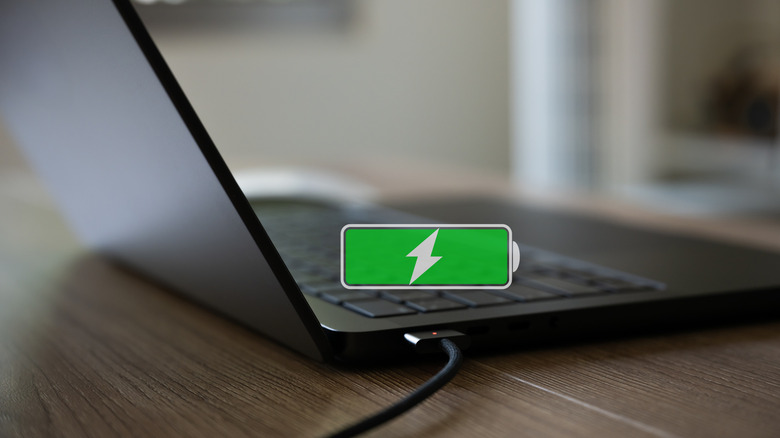
This myth stems from older Intel-based Macs, which had less power-efficient processors. The Intel-based MacBook Air and MacBook Pro (2020) models claim to last up to 10 to 11 hours. However, in real-life usage, some users reported that their Intel MacBook lasts only 2 to 4 hours. Fortunately, that was a thing of the past. The battery in every M-series MacBook has a life of 1,000 charge cycles. The number has indeed remained the same over the past 10 years, but the time between the charge cycles has improved significantly.
The newer Apple Silicon Macs have excellent battery life. According to Apple's official specs sheets, every MacBook Air with an M-series chip can last up to 18 hours on a single charge. The number actually depends on your usage. The flagship M4 Pro is claimed to offer up to 24 hours of video streaming and 16 hours of web browsing. The newer models are regarded as some of the best laptops for battery life on the market. Some of the Mac models have also outperformed high-end Windows laptops in benchmarks.
Also, it's a common misconception that you shouldn't leave your MacBook plugged in all the time or leave it charging overnight because it will damage the battery. Modern Macs have a built-in smart battery management system to prevent overcharging. Of course, it's a good idea to avoid full charge and discharge cycles, but occasional overnight charging won't damage the battery.
8GB RAM on Mac is the same as 16GB on PC
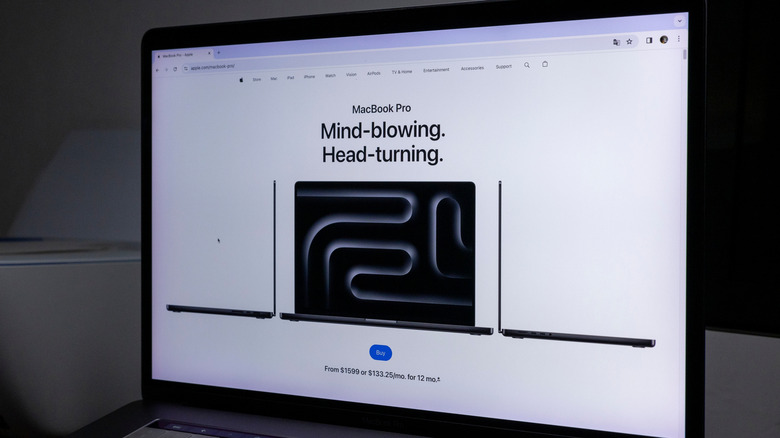
In November 2023, Apple's VP of Worldwide Product Marketing Bob Borchers said that the "8GB of unified memory on an M3 MacBook Pro can match 16GB on other systems." He backed his statement by saying that Apple machines make more efficient use of software optimization and custom Apple Silicon. As a result, Macs with 8GB of unified memory perform the same as 16GB Windows laptops.
The real-life usage doesn't support this. MacBooks with 8GB of unified memory work fine for basic tasks, but their limitations show with demanding workflows like large file editing and heavy multitasking. Under such conditions, the 16GB PCs can easily outperform the 8GB Macs. The 8GB of RAM might be enough for basic tasks, but many creatives and professionals will need more.
There are several other common RAM misconceptions that Mac users fall for. If you own a Mac or are planning to get one, you have probably heard people saying that more RAM makes a Mac faster. That's not always true. In fact, the overall speed of your device depends on the processor, storage, and how apps use memory.
Macs aren't powerful enough to handle gaming

It's one of the most common and outdated myths that Macs can't do gaming. We can't deny that Windows PCs offer a huge game library, tons of customization options, and flexibility advantages to their users. If Windows offers certain benefits, this doesn't mean that Macs aren't made for gaming. Yes, the traditional Intel-based Macs didn't focus on high-end gaming GPUs. However, with the switch from Intel to Apple Silicon processors, Macs and MacBooks deliver significant performance gains and power efficiency.
With powerful components, ray tracing, and macOS optimization, newer Macs provide an immersive gaming experience. Even the 2022 M2 MacBook Air is capable enough to run popular titles like "Death Stranding" and "Baldur's Gate 3," without any noticeable issues. The top-of-the-line M-series Pro and Max Macs boast advanced GPUs to handle demanding 3D games and AAA titles at high resolutions and frame rates.
Whether you want to explore some indie gems or play popular titles, you'll not fall short on options. The tech giant is consistently focusing on its growing game library. It has recently added some big names, such as "Assassin's Creed: Shadows," "Resident Evil 4," and "Civilization VII." You aren't limited to the Mac App Store and Apple Arcade. Macs also support cloud gaming for console games like "Cyberpunk 2077" and "Call of Duty." You can even get your hands on Windows-exclusive games with the help of third-party software like CrossOver and Gaming Porting Toolkit.
macOS can't be customized
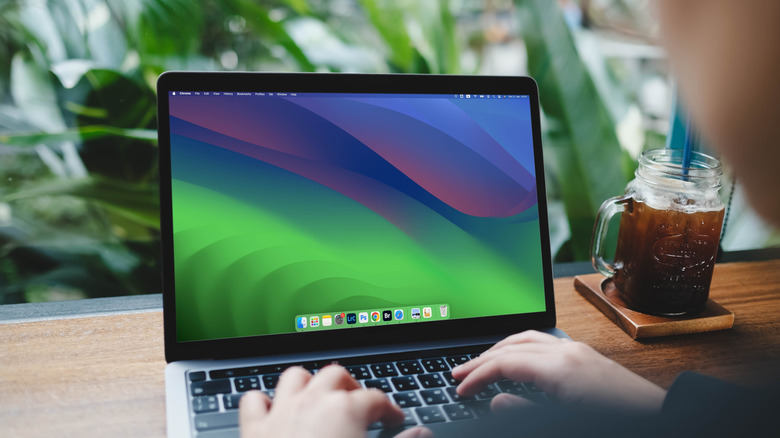
The idea that you can't customize macOS is a myth. Since its inception, Apple has been mocked for being a walled garden. Many people think that they have to deal with Apple's default settings and options. While it's true that Macs aren't as customizable as Windows or Linux, it doesn't mean they do not offer any personalization. In fact, you can customize your Mac both visually and functionally.
Apple offers several built-in tools to change system appearance, modify the dock and menu bar, and a lot more. For instance, you can change the wallpaper, switch to a different system-wide look, modify the size and magnification of the dock, and tweak animation settings.
Your Mac lets you do a lot more beyond this basic stuff. You can add widgets to your desktop, change the drive icon, choose a completely fresh color scheme, and customize the top menu bar according to your workflow. You aren't limited to using only built-in tools. You can opt for third-party tools to enjoy a deeper customization. For instance, you can unlock hidden settings, enable trackpad gestures, and tweak Touch Bar functionality.
Closing Apps saves battery on Mac
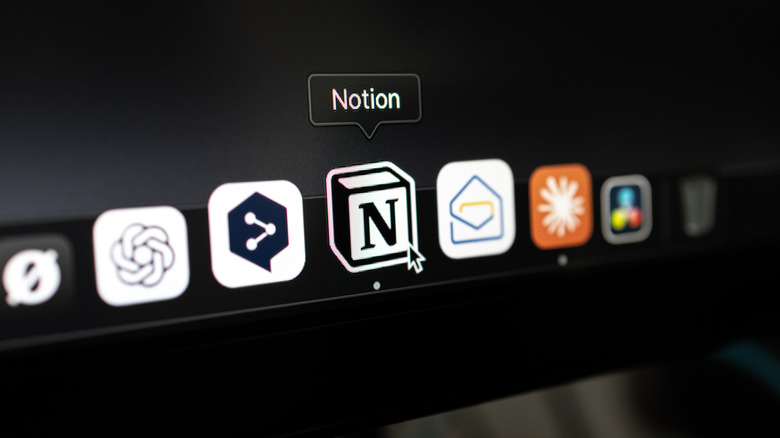
Many users believe that closing unused apps helps them save battery on their Macs, but this is not true and not recommended. macOS is intelligent enough to manage background apps automatically, without any user intervention.
Macs handle your apps differently from Windows. When you close an app's window, it doesn't close that app automatically. If you aren't using an app actively, macOS puts it into a suspended state to save system resources, but doesn't fully close that app. This allows for faster re-opening the next time you wish to use that app. When you force-quit an app, it does more harm than good. Your Mac requires more power to re-launch an app from scratch than to resume it from the suspended state. It is a slower process and also requires more system resources.
Now, it doesn't mean you should never force-quit an app. There are certain situations where it might come in handy. Apple says you can force close an app only if it's unresponsive or frozen. Also, if you're facing common MacBook problems, such as sluggish performance or a battery-draining app, you can force quit the app to fix the issue.
Software Updates always slow down Macs
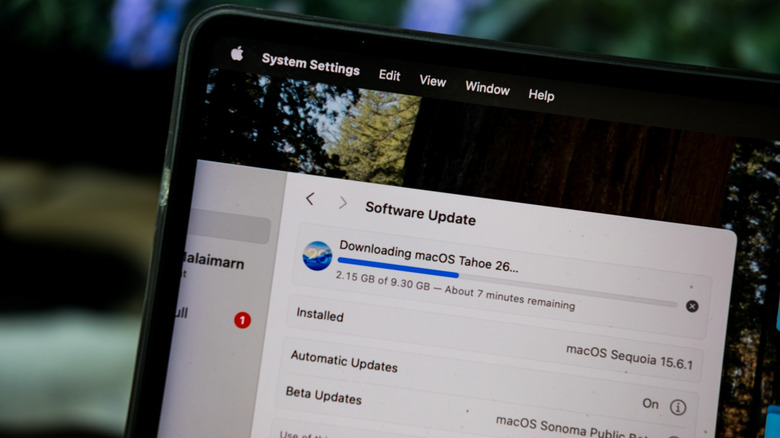
You may have heard that installing software updates will make your Mac slower. But the truth is, macOS updates do not slow down your machines. When you update macOS, it brings new features and also improves performance and stability over time. Yes, your Mac might feel slower right after an update, but that's because of increased background activity and optimizations.
When you update macOS, Spotlight rebuilds its search index to ensure accurate searching for new settings, apps, and other content. Also, iCloud syncing automatically updates your Photos, Files, Contacts, Notes, and other data across your devices. Due to all this, the CPU usage increases for up to several hours or even days. This should typically get normal in a week or so.
A software update requires a few gigabytes of free space on your drive. If you already have a lot of data on the system, the drive might run out of storage space, which can slow down your Mac. Some apps on your machine might not be fully optimized for the newer macOS version. This incompatibility can also lead to excessive resource consumption and slow down your system. How to deal with it? You just have to give your Mac some time or restart it after a few days. Meanwhile, check that you have updated all the apps and have ample free storage space on the system. You can also check Activity Monitor to understand what's happening behind the scenes.