

5 Clever Uses For Wireless HDMI Adapters
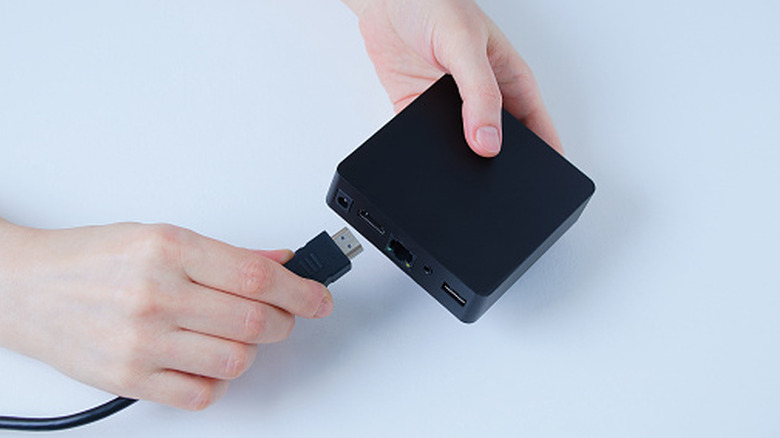
Wireless HDMI adapters eliminate the need for physical cables between video sources and output displays. This makes them handy pieces of tech for anyone looking to reduce cable clutter or share their screen wirelessly. The home and office are the most likely use cases for wireless HDMI adapters, as they allow users to share content from smaller devices, like laptops, onto larger TV screens. This is particularly effective when streaming movies and TV shows, or when needing to share a laptop screen for a work presentation.
But the obvious applications barely scratch the surface in terms of how wireless HDMI adapters can be used. Most are capable of Full HD 1080p video transmission, if not 4K resolution. Additionally, their plug-and-play nature makes them easy to set up, and with transmission ranges covering more than 300 feet, most adapters can be used in a number of different ways. Wherever you currently use an HDMI cable, a wireless HDMI adapter can be used as a replacement. But if you're looking to get creative, we've come up with some alternative uses for wireless HDMI adapters.
Wireless webcam
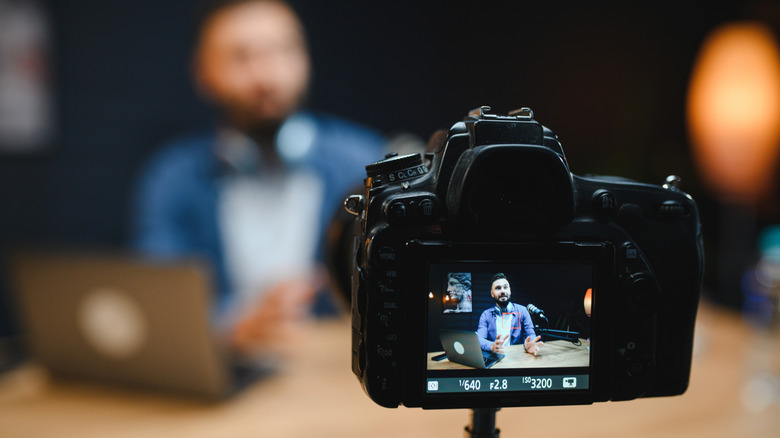
Webcams often deliver average image quality, which can affect things like professional video calls and even content creation. Cheap webcams can max out at just 720p resolution, but DSLR and mirrorless cameras offer far better image quality. They have larger sensors, better autofocus, and an interchangeable lens system that provides control over depth of field. Really, any dedicated camera you may have lying around the house has the potential to produce a better image than a standard webcam, and with a wireless HDMI adapter, you can connect it to your laptop, PC, or other HDMI output source.
In a situation like this, you'll need to ensure the camera has HDMI out capabilities. If that's the case, you can connect the wireless HDMI transmitter to the camera's HDMI port, then connect the wireless HDMI receiver to the device you want to transmit the video image to. Positioning the camera in the right place will be important, but this setup gives you far more versatility than using a standard laptop or PC monitor webcam. With everything connected wirelessly, you can place the camera above the computer display for a more traditional view, or you can get creative with your video chat composition.
Home security
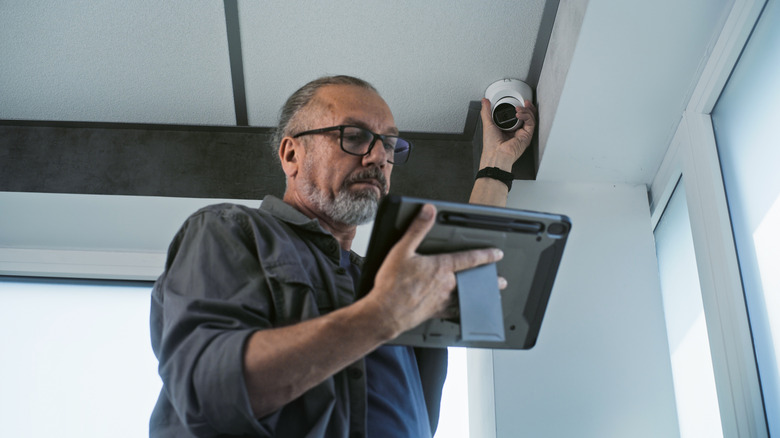
A home security camera can provide peace of mind by keeping an eye on your front door, your yard, and even the inside of your home. Wired security systems will require running cables to various extents, though there are a lot of wireless security cameras on the market. These kinds of cameras, however, rely on your home's Wi-Fi network, which can eat up bandwidth when you want to stream a movie or video chat with family or friends. As well, a smart home security setup isn't necessarily the kind of smart home upgrade non-tech enthusiasts want to spend time learning how to set up.
But similarly to setting up a wireless webcam, a wireless security camera can be created out of an old camera and a wireless HDMI adapter. Again, as long as that camera is capable of HDMI output, you can connect the transmitter and set the camera up just about anywhere around the house. Most wireless HDMI adapters have a transmission range of 300 feet, and several can transmit a video signal up to 400 feet. This setup won't allow you to check in on your home from anywhere as a true smart home security system would, but that kind of range will let you see what the camera sees as long as you're around the house.
Outdoor movie nights
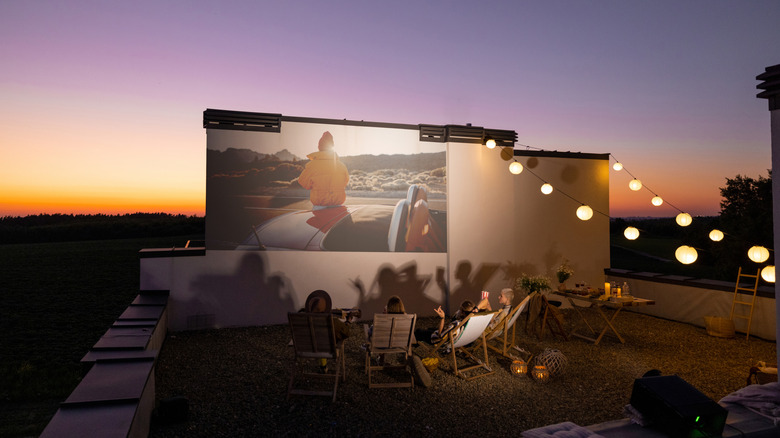
One of the primary purposes of a wireless HDMI adapter is to display streaming content on a TV from a smaller device like a laptop, tablet, or phone. But a lot of home theater users are switching to smart projectors, and this opens up the possibility of using a wireless HDMI adapter for outdoor movie nights. In such a scenario, all you would need to ensure is that the projector has an HDMI input. The wireless HDMI adapter's receiver would connect to that port, allowing the projector to receive a video and audio signal from other HDMI devices.
Convenience is a big part of this setup, as the HDMI output device won't need to be outdoors alongside the projector. With the capability to stream wirelessly, you can leave your home theater set up exactly as it is, and instead of transmitting to your smart TV, you can transmit straight outside to the projector. The wireless HDMI adapter's transmitter can be connected to almost any HDMI device, which allows you to tap into media like Blu-ray discs in addition to more common streaming services via laptop or phone. A setup like this also works for media streaming at any kind of outdoor event.
Portable gaming
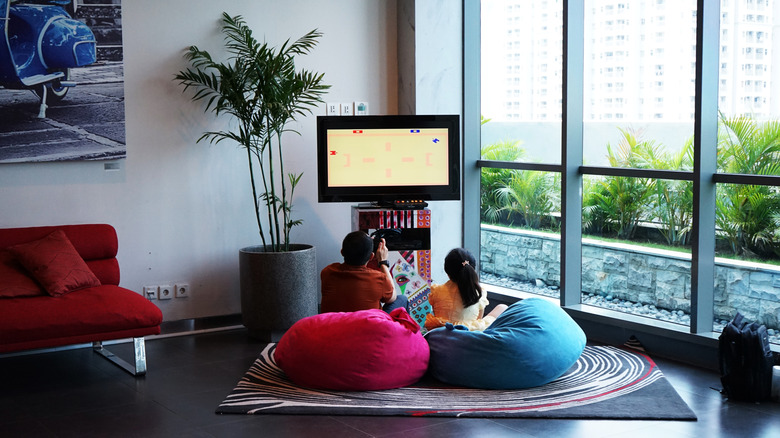
Gaming consoles are another kind of HDMI device that you can connect a wireless HDMI adapter's transmitter to. Modern consoles like PlayStation 5, Xbox Series X, and Nintendo Switch 2 all utilize HDMI for video output. While many gamers keep their gaming setups tethered to their home smart TV, a wireless HDMI adapter allows the setup to go anywhere. The wireless HDMI adapter's transmitter would need to remain connected to the gaming console, but the receiver can be connected to any input display. This allows you to pack up the gaming console and connect it to any display you come across that has HDMI connectivity.
This isn't going to be an ideal setup for multiplayer or competitive gaming sessions. Latency is important when it comes to gaming, as any amount of lag is going to disrupt the experience. More expensive wireless HDMI adapters can come with minimal transmission delay, but cheap, budget-minded options are likely to show some lag between the gaming console and the display output. But this is a setup that can work if you travel often or have multiple places to game within your own home. It would allow you to keep your gaming console stationary while simply moving the wireless HDMI adapter's receiver from one TV to another.
Education and training
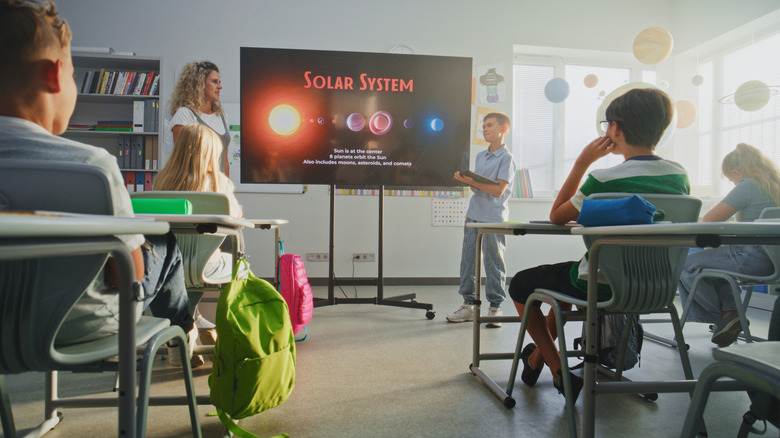
The ability to transmit documents, tutorials, and other information from one screen to another is critical in educational and professional training environments. Classrooms are designed around a central point of focus, with TVs and other displays now almost as important as the chalkboard once was. Similarly, HR representatives and others involved in training employees have a lot of information to pass along to new hires. With a wireless HDMI adapter, teachers and training experts can transmit all kinds of information to a centralized display. This includes not only video training and tutorials, but information in spreadsheets, word processors, calendars, and any other kind of document.
This, of course, includes photos and other imagery, which opens the door to all kinds of use-case scenarios. Doctors and emergency room specialists can transmit X-rays and other images onto large screens for discussion. Medical and scientific researchers can do the same with data and experiments that need to be shared. Because the wireless functionality can accommodate rotating equipment configurations, a wireless HDMI adapter setup works well in shared spaces like schools, colleges, hospitals, and research facilities.