

iOS 26.3 Now Available With 6 New Features
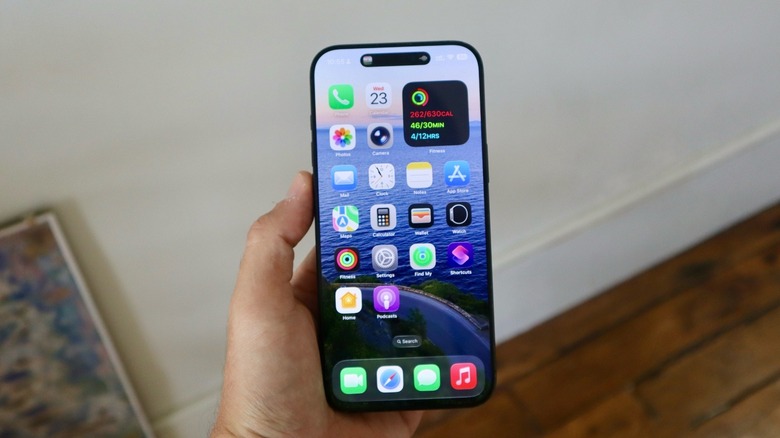
A couple of months after Apple started testing iOS 26.3, the company is finally releasing it alongside iPadOS 26.3, macOS Tahoe 26.3, watchOS 26.3, tvOS 26.3, and visionOS 26.3. Unlike previous software updates, this one is more focused on bug fixes and general stability. Still, iOS 26.3 adds a new iOS-Android transfer feature, improved privacy settings, and four exclusive European functions that Americans won't be getting.
The lack of several new features could be explained by the fact that Apple is readying a major iOS 26.4 update, which is rumored to have a super-powered Siri enhanced by Google's Gemini AI, new emojis, and more. That said, while iOS 26.3 might not feel groundbreaking for most of us, it's an important step towards iOS 26.4, which is expected to be released around April.
For example, iOS 26.3 is splitting Weather and Astronomy wallpapers in two different sections. While it's unclear why Apple decided to make that move, it shows how little the system has changed. Here's everything you need to know about the top iOS 26.3 features that just arrived for iPhone users.
Easier iOS-Android data transfer
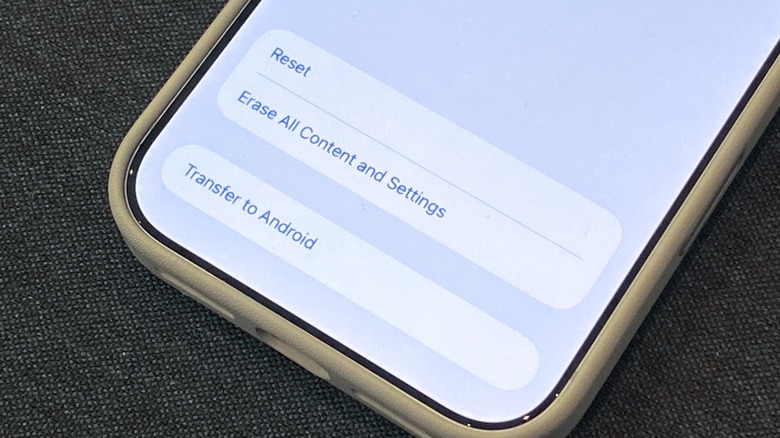
So far, Apple and Google have relied on its Move to iOS and Android Switch apps to help users transfer data between operating systems. Now, both companies are making the process more straightforward by releasing a new standard for transferring data. With iOS 26.3, iPhone users can place their phone side-by-side with an Android phone to start the process (and vice-versa).
Right now, Apple and Google allow users to transfer photos, messages, notes, apps, passwords, mail accounts, phone number, voice memos, and WhatsApp content. In the future, the two companies might offer additional features that could be transfer between one system to the other, such as health data and Bluetooth-paired devices, which continue to be tied to their original software.
Both devices need to be connected to the same Wi-Fi and have Bluetooth enabled. Once the new device senses the other, there will be a QR code displayed so users can initiate the transfer.
Hide your location setting
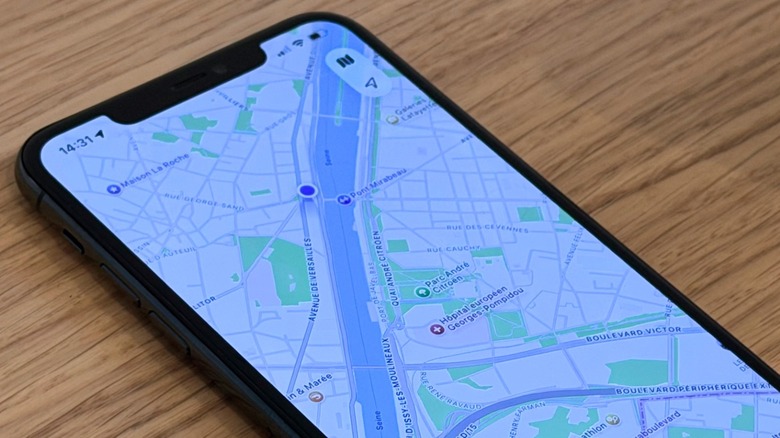
Probably the most interesting feature of the iOS 26.3 cycle is a new privacy setting that lets you hide your exact location. Unfortunately, this feature is still limited to devices with Apple's own 5G modems, including the iPhone 16e and iPhone Air, though that list will expand once the upcoming iPhone 17e and iPhone 18 devices are released. The 17e is expected to feature Apple's C1X chip, but all iPhone 18 models should get Apple's future C2 modem.
This extra privacy layer makes it harder for cell service providers to know precisely where a user is at any give time. Instead of providing your exact address, this feature could only identify your approximate neighborhood; without interfering with apps that intentionally share your exact location, such as the Find My app.
The only "issue" so far is that hiding your location is not only limited to a few devices, but also a few mobile carriers, including Telekom in Germany, EE and BT in the United Kingdom, Boost Mobile in the U.S., and AIS and True in Thailand. If you have a compatible phone and carrier, just go to the Settings app > Cellular > Cellular Data Options, and you'll find it there.
Exclusive European features
If you're in Europe and you also have a European Apple Account, you're getting four new additional features with iOS 26.3. The first one is the ability to reply to messages using a third-party smartwatch. By choosing Apple's new Notification Forwarding feature, you could react to notifications using a smartwatch that's not an Apple Watch.
The second update is that Apple will need to offer an AirPods-like smooth pairing for third-party headphones. While an app might be required for additional features, accessory makers will be able to use a similar system that Apple has for AirPods, so you just have to approach the new earbuds to your phone to get a fast-pair.
The third exclusive feature gives developers the ability to use NFC capabilities in their apps, so instead of relying on the Apple Wallet, a bank could let you use a digital card to make payments using NFC from inside their app. Lastly, Apple is allowing other devices to better communicate with an iPhone, so data transfers like AirDrop, AirPlay, or Continuity Camera can be implemented to other devices, instead of being exclusive to Apple devices. While implementation from developers might take a while, iOS 26.3 finally unlocks those perks to them.