

8 Uses For Your Old External Hard Drives (Other Than Storage)
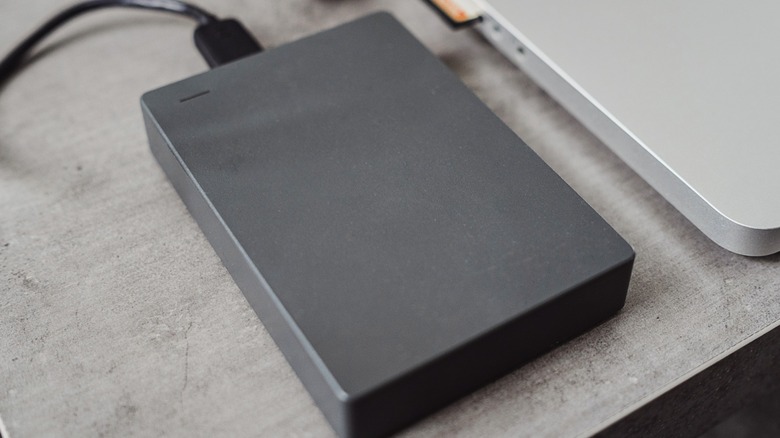
External hard drives have quietly become one of the most overlooked pieces of modern tech. Many people buy them as backup devices, use them for a few years, then replace them with the faster and bigger SSDs you can buy, or cloud-based solutions. Once that happens, perfectly functional drives are often left sitting in drawers, despite having plenty of life left in them. What makes this particularly wasteful is that external hard drives are far more versatile than most users realize.
Unlike internal drives, external hard drives can be moved between systems, reformatted at will, and repurposed without risking the data or stability of a primary computer. That flexibility makes them ideal candidates for roles that demand isolation, experimentation, or portability. In many cases, an old external drive can solve real problems: from protecting against ransomware, to expanding game libraries, or troubleshooting broken computers — without requiring any new hardware purchases.
This article explores eight practical, proven ways to reuse old external hard drives for tasks that go well beyond simple file storage. Each use case is supported by real-world documentation, established software features, or widely adopted technical practices. Whether the goal is security, creativity, convenience, or learning, unlike the five PC upgrades that aren't worth the money these ideas show how older hardware can still deliver meaningful value long after its original purpose has faded.
Make a dedicated lab drive for testing risky projects
Old external drives are ideal for experimentation because they create a safe environment that doesn't affect your main system. Instead of testing new operating systems, recovery tools, or unfamiliar software directly on your primary drive, you can run those experiments on a separate disk that's easy to wipe if something goes wrong.
This kind of 'lab drive' acts as a sandbox. If a file system becomes corrupted or an install fails, the damage stays isolated. That's especially helpful when trying unfamiliar Linux distributions or testing configuration changes you wouldn't risk on a daily-use machine. Full Linux installations can run from external drives just like internal ones, meaning you're not limited to temporary live sessions.
Because external drives connect over USB, they're also easy to unplug when testing is finished, which reduces the risk of accidental data loss. Instead of treating an old hard drive as obsolete, turning it into a testing environment gives it a clear purpose while protecting your primary storage from experimentation. What's more, storage drives have benefits over alternatives like USBs, such as more storage space and better data reliability.
Use it as a photoshop scratch disk or creative cache drive

Creative software often needs temporary storage space when working with large files. In Photoshop, this space is called a scratch disk: an additional drive used when available RAM isn't enough to handle complex edits. Instead of letting those temporary files fill your main drive, an older external hard drive can handle that workload instead. While some users swear by using a free Photoshop alternative these days, Adobe explicitly supports using external drives for this purpose.
Using a secondary disk for scratch data can help keep your primary storage organized while preventing performance slowdowns caused by limited space. While faster SSDs are ideal, even a traditional external HDD can improve stability by offloading temporary files and keeping project data separate. Photoshop is designed to allow multiple scratch disk locations, so assigning an external drive is fully supported within the software itself.
This approach doesn't turn the drive into long-term storage. Instead, it gives the hardware a background role that helps large creative projects run more smoothly. This is especially useful when working with layered images or high-resolution assets.
Use it as a Steam game library drive

External hard drives can also work as secondary install locations for games, letting you keep your main SSD focused on everyday tasks. Steam supports multiple library folders, meaning you can move existing games to another drive; without reinstalling them from scratch.
Rather than long-term storage, this is more about flexibility. Large modern games can take hours to download, depending on your internet speed, but transferring files locally between drives is usually much faster. That makes an external hard drive a convenient option for storing titles you don't play every day but still want available without waiting for a full download.
As the process is handled directly inside Steam, game files remain intact, and saved data isn't affected. The drive effectively becomes an extension of your gaming setup rather than just another storage device sitting idle.
With what you will save by using an old external hard drive instead of buying a new internal SSD, you can invest in one of the latest cheap but effective GPU upgrades that will compete with Nvidia's newest RTX 50 cards.
Create a portable emergency computer using Linux

Installing a full Linux system on an external hard drive turns it into a portable recovery environment that works independently of your main operating system. Unlike live USB drives, which often reset after reboot, a complete installation allows persistent storage, updates, and user customization.
This can be useful if your primary computer becomes unstable, infected, or simply needs troubleshooting. By booting from the external drive, you gain access to a clean operating system that can scan files, recover data, or test hardware without modifying your internal storage.
Due to modern Linux installers supporting UEFI booting, external installations behave much like internal ones. That makes the drive function less like removable media and more like a self-contained emergency computer you can plug into compatible machines when needed. For IT professionals it's great in a troubleshooting or repair capacity, and the ideal tool when it comes to cybersecurity and penetration testing.
Build a simple home network drive using your router
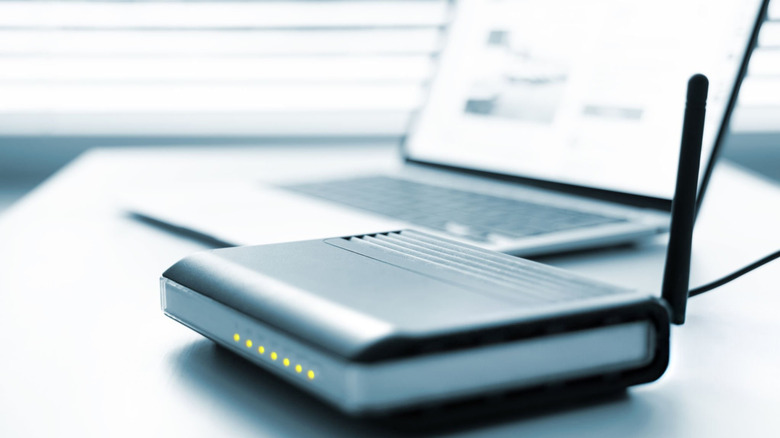
Many modern routers include USB ports that allow connected storage devices to be shared across a local network. Plugging an external hard drive into one of these ports can transform it into a lightweight network drive that multiple devices can access at once.
Depending on the router model, access is typically provided through standard file-sharing protocols such as SMB, FTP, or WebDAV, all of which are supported by Windows, macOS, and Linux systems. Instead of moving files between machines manually, the drive becomes a central drop zone for household sharing, backups, or collaborative projects.
While performance won't be able to match a dedicated NAS (Network Attached Storage), this approach can often be more appealing because it is cheaper, using hardware many people already own. It also requires minimal extra equipment, giving an older drive a practical role inside a home network without complex configuration.
Turn it into a home media server with a Raspberry Pi

Pairing an external hard drive with a small always-on device like a Raspberry Pi can create a compact home media server. In this setup, the external drive stores movies, music, or photos while software such as Plex or Jellyfin organizes and streams the content to other devices around the house.
One reason this approach remains popular is its efficiency. Raspberry Pi systems consume very little power compared to full desktop PCs, only requiring 12.5W to 27W USB power supplies. This makes them well-suited for tasks that need to run continuously. The flexibility of these media servers also means libraries update automatically as new files are added, reducing the need for manual organization.
External drives integrate easily with Raspberry Pi systems because USB storage is treated like standard disk space. That makes the combination accessible even to hobbyists experimenting with DIY home servers, while still giving older hardware meaningful utility beyond simple backups.
If you have been looking for an improvement to cloud-based streaming, this method will provide full control over personal media collections without recurring subscription costs. If you own any of the best IMDb-rated movies of all time, this is a great way to enjoy them.
Create an offline 'cold backup' vault

Keeping a backup drive permanently connected to a computer potentially exposes it to ransomware, which often targets any storage device it can access. Using an external hard drive as an offline vault helps reduce that risk. Instead of leaving the drive plugged in all the time, you connect it only when running a scheduled backup and then disconnect it afterward.
This physical separation creates an air-gapped backup, meaning malware on your system can't reach the drive while it's unplugged. Security organizations frequently recommend offline backups as part of a broad defense strategy, because ransomware can encrypt local disks and network shares if they remain accessible.
Turning an old external drive into a dedicated backup vault doesn't require new software or advanced configuration. It simply changes how the drive is used, giving aging hardware a role that improves security instead of just storing files passively.
Use it as a PXE or network boot support drive
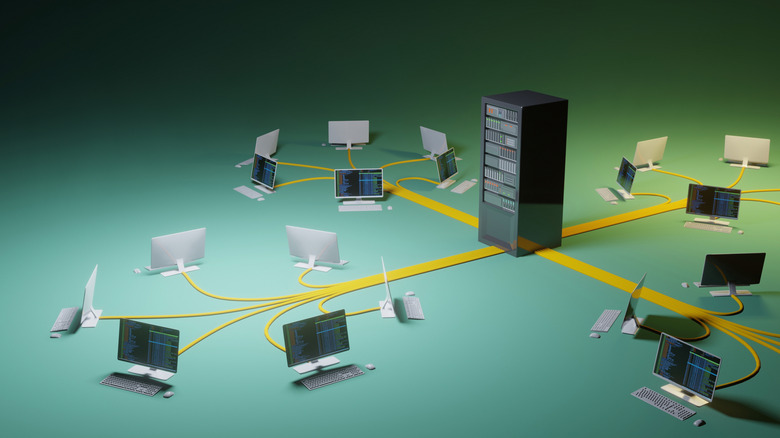
External hard drives can also act as storage for a Preboot Execution Environment (PXE) server. In these setups, a small always-on system (such as a Raspberry Pi or Linux server) hosts installation images and delivers them to other computers across a local network. Instead of creating separate USB installers for every machine, the server provides a centralized resource that can be reused whenever systems need to be repaired or deployed.
The external drive doesn't perform the booting itself. Instead, it stores the operating system images, configuration files, and installers that the PXE server distributes. This approach is common in home labs and IT environments because it simplifies system recovery while reducing the need for physical media.
Although more technical than some of the other ideas on this list, using an old drive in this way gives it a specialized use that goes far beyond basic storage. This is particularly relevant for users who enjoy experimenting with networking, or deployment tools.