

4 Common Online Credit Card Scams (And How You Can Avoid Them)
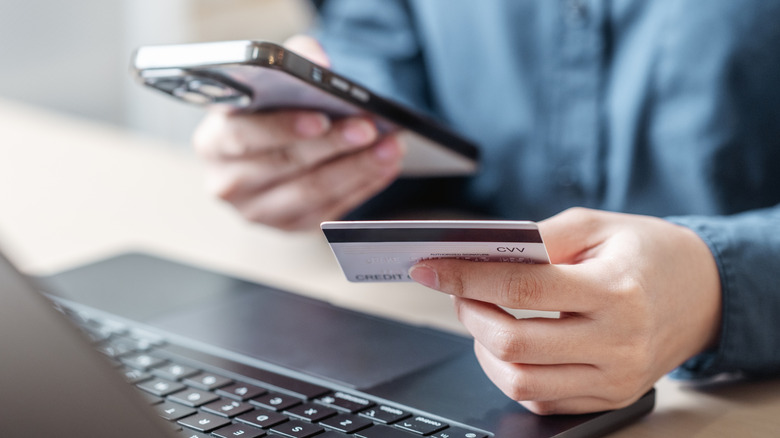
The risks of walking around with your credit card are obvious, but it's hard to be aware of all the countless online scams that may target your card. The scammer's objective in both situations is the same: to steal your card details and use it for payments.
Online scams typically operate on a sophisticated level, especially since AI-based tools became mainstream and made it harder to identify certain traps. Scammers are now replicating websites, creating malicious browser extensions, hacking into public Wi-Fi networks, and impersonating tech support, all with the aim of either stealing your card details or tricking you into making payments for them. The entire setup behind credit card scams, or scams in general, has become more convincing in recent years. Fake websites are often surprisingly identical to the original, phishing emails don't have those easy-to-spot mistakes anymore, and malicious extensions and software quietly operate in the background without showing any signs of activity.
In 2025, there were over 503,000 cases of credit card fraud in the U.S., a 54% jump over the previous year, according to The Motley Fool. It highlights how these scams are increasing exponentially and underscores the importance of knowing how you can avoid them. Most scams follow predictable patterns, and once you learn to identify them, spotting other attempts becomes much simpler.
Phishing emails and messages
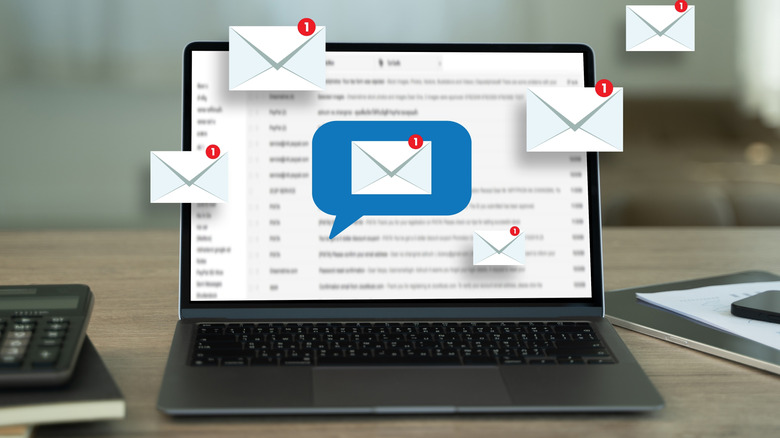
One of the most common ways scammers steal your credit card information is through phishing emails and messages. In this scam, you may receive a legitimate-looking email or message from your bank or any service provider claiming there's a problem that requires immediate attention, something like failed payments or the service's expiry. The message will include a link that redirects you to a website that resembles the original but is set up to scam unsuspecting users.
Any information you enter there, whether personal or banking details, is likely to be stored on servers set up by the scammers. They may even trick you into providing one-time passwords or approving payment requests, if these are set up. Apart from credit card information, these data thieves can also put your personal details up for sale on the dark web.
To protect yourself from phishing scams, avoid clicking on links in emails, always check the sender's email address, and never enter your card information on shady-looking websites. Instead of clicking on links you receive, manually enter the website's address and check your account. The links added to emails look almost the same as legit ones, but with small changes. For instance, if the scammers are impersonating Microsoft, the address may say "rnicrosoft" instead of "microsoft," because it's difficult to differentiate between the two at first glance.
Fake browser extensions
Many of us use browsers to surf the web, and some users install free extensions to streamline their experience. Everyone has a few add-ons installed, maybe for security or to complement their workflow. But malicious extensions can be used to steal your credit card details and keep logs of your web activity, such as the websites you visit, the actions you take, and the details you enter.
These malicious browser extensions may not be as widespread as phishing emails, but they still are a threat to your browsing experience and your credit card's safety. An easy way to avoid falling prey to this scam is to only install add-ons from your browser's dedicated extension store. Even then, you must check the software reviews and ratings, and only trust reputed publishers. Any extension that requests permissions beyond its core functionality should be avoided. Additionally, always keep the browser updated, so that there are no known vulnerabilities that can be exploited by scammers or threat actors.
Data theft on public Wi-Fi

Public Wi-Fi, such as those at cafés, shopping centers, hotels, and airports, may not be as secure as you think. There is always the risk that your network activity could be intercepted by public Wi-Fi owners or hackers. They may even see the information you enter on websites and payment gateways, since they are unlikely to offer proper encryption. In many cases, these networks don't have password protection either, especially in smaller setups like cafés. But scams are also one of the dangers of using the Wi-Fi at an airport. Apart from that, connecting your device to free networks increases the risk of malware infection.
To protect your credit card on public Wi-Fi, the safest approach is to avoid doing transactions altogether when connected. If you have to, switch to mobile data or use a reliable free VPN that encrypts your traffic. This way, even if someone is trying to intercept your network activity, they would receive encrypted data, rendering it useless.
Tech support scams
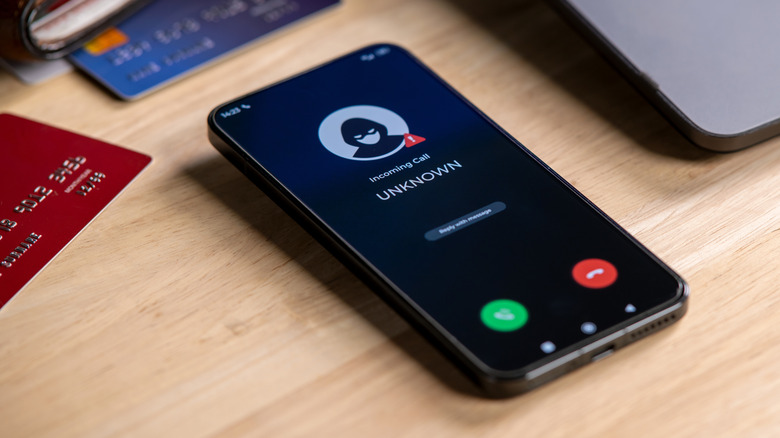
Tech support scams have been going on for years. In these attempts, potential victims come across pop-ups or messages on the web claiming that their system is infected with malware, has major problems, or something similar. The users are then asked to call fake tech support numbers, run by scammers, for immediate resolution. Once contact is made, scammers may make the user install remote monitoring software on their system or request their credit card details for processing alleged licensing fees. In either case, the impostor will be able to steal your credit card information and use it for fraudulent payments. However, with remote monitoring software, they will even be able to access the data on your PC.
Tech support scams are the easiest to spot, as legitimate companies almost never display pop-ups through random websites — and, more importantly, they typically don't ask you to contact them if there's a critical issue. When you see such pop-ups, immediately close the tab and check your browsing history for the website's address. In most cases, scammers create fake pages with domain names similar to legitimate service providers to push these scam pop-ups.
As you can see, online credit card scams are common, and you have different ways to fight scammers trying to steal your details. By being vigilant and adopting safe browsing habits, you can significantly reduce the risk of credit card fraud.