

3 Devices You Should Never Connect To A Smart Plug
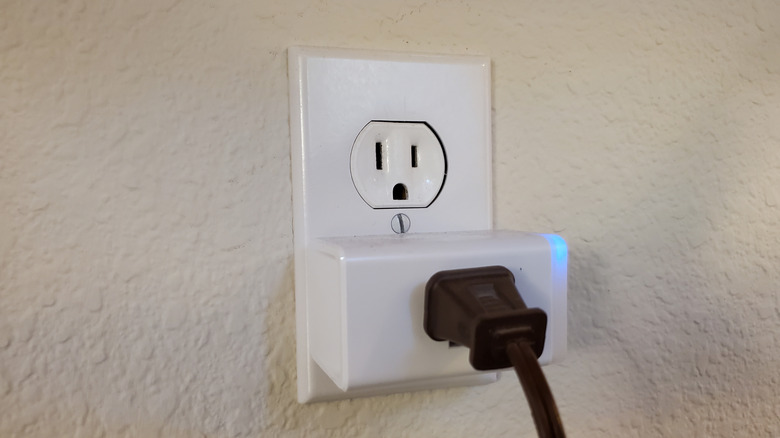
A smart plug is easily one of the cheapest ways to turn your house into a smart home and can save you hundreds of dollars in energy costs. So, there is no real reason for you to not add this smart home gadget to your living space. You can grab one for under $10 during your next Ikea trip or order one for around the same price on Amazon. However, while there is a lot to like in a smart plug, you can't just put one on all the wall sockets in your home and call it a day. Different smart plugs are rated for different power capabilities, and not being careful with the rated capacity is an invitation to disaster. Moreover, these connected plugs aren't suitable for all devices.
For example, you wouldn't want to risk medical equipment with something that's connected to the internet. So, in order to make sure you are using the smart plug with the right devices, here are some products that are best left away from a smart plug. As always, it's a good idea to consult the smart plug's manual for any other important notes.
High-wattage appliances
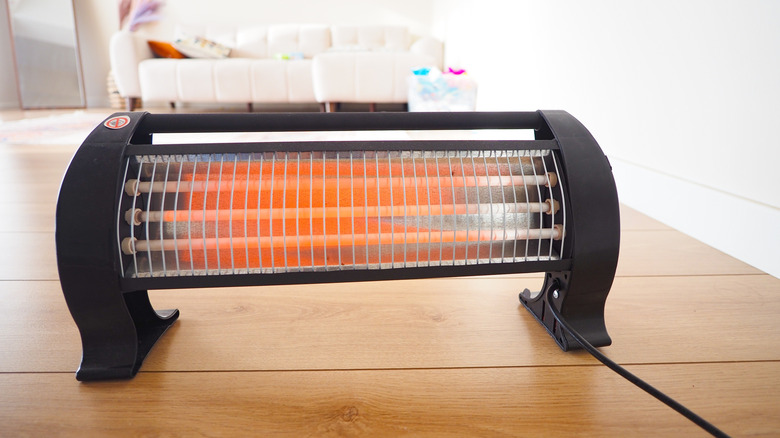
Smart plugs are versatile gadgets, and there are several cool ways to use them. However, a vast majority of smart plugs are rated for 10A-15A of current, which makes them only suitable for devices needing at most 1,200-1,800 watts of power in the U.S. However, high-draw appliances, such as space heaters, air conditioners, dishwashers, and ovens, can easily exceed them, particularly during "startup" surges, which can cause the smart plug to melt or fry.
If you're unsure of the power requirements of a device, you can consult the device's manual or the device manufacturer to avoid landing in a pickle. As much as you want the convenience of a smart plug, it's best to keep them away from high-wattage appliances and devices. In the best case scenario, you'll lose your smart plug; in the worst-case scenario, it may cause a fire or a major incident, so it's best to avoid it.
Life support and medical equipment
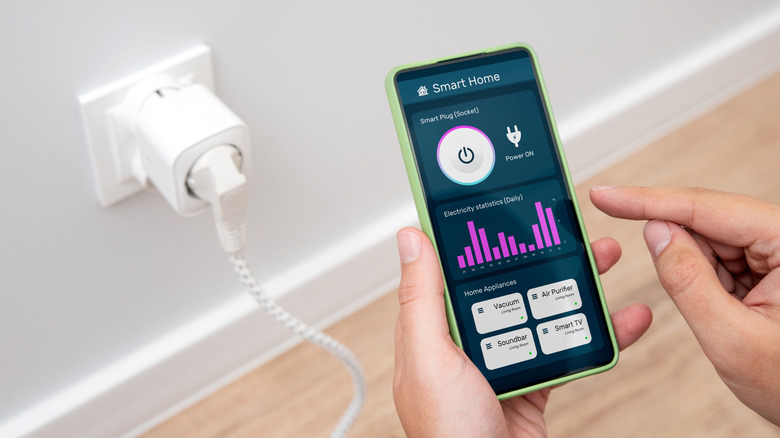
Although smart plugs are reasonably reliable, it's best not to use them with critical medical and life support equipment that you may be using in your home. You don't want your critical equipment to lose power because of a glitch in the smart plug software, or want it to turn off because you accidentally tapped the wrong button in the smart plug's app while navigating it. A restart because of a firmware update can also become a problem, and so can any abnormal behavior that occurs due to a lack of internet connectivity.
It's also a good idea to avoid plugging any life support or medical equipment into a power strip or extension cable, and it should ideally be connected to a medical-grade UPS (Uninterruptible Power Supply) or power backup to avoid unintended consequences. In addition to medical equipment, any home safety devices are also better off not being connected to a smart plug. You won't want to compromise your home's safety or security because of the mentioned reasons.
Power strips and devices with manual settings
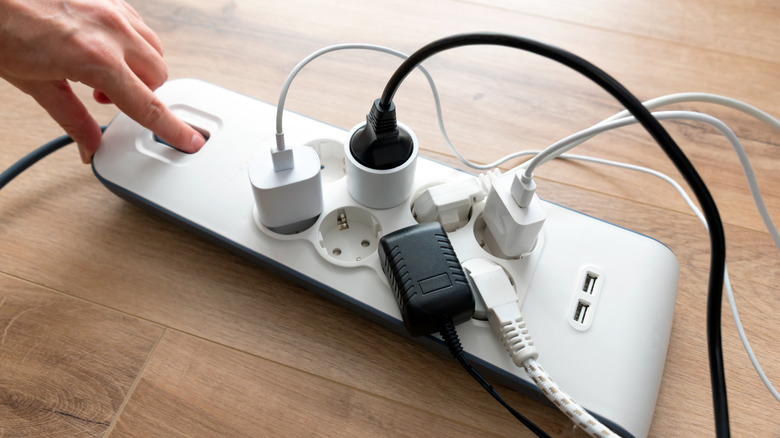
While you might find it tempting to control multiple devices by connecting a power strip to a smart plug, it's not a good idea, as you risk exceeding the load rating of the smart plug. As mentioned earlier, most smart plugs in the U.S. are rated for 1,200-1,800 watts, and it's easy to overshoot this wattage by plugging in multiple devices. You can alternatively connect each device to a separate smart plug or buy a smart power strip. However, keep in mind that smart power strips have their own wattage limits and restrictions. So, you'll only be able to connect relatively lower-power devices.
Moreover, if you have devices that require additional input from your side before starting operation, there is little sense in automating them using a smart plug, as you'll still need to go to them to make the additional inputs. For example, a washing machine requires you to select a wash cycle and other options before it can start its operation; simply turning it on with a smart plug is useless.