

How To Clean Your Phone's Speakers Without Damaging Them

We may receive a commission on purchases made from links.
Our smartphones go through a lot on a daily basis. We cram them into handbags, toss them in cup holders, and rely on them for everything from messaging and to-do lists to music streaming and the occasional YouTube video. This is why it's important to deep clean your phone the right way every now and then and clean the screen at regular intervals, and it certainly doesn't hurt to know tricks for cleaning your dusty charging port. But even if you clean your phone regularly and keep it sealed tight in one of the best cases on the market, the itty-bitty speaker holes on your device will still be exposed to dust and moisture.
If you've been dealing with muddy-sounding phone calls and similarly affected audio from your phone's speakers, there's a good chance the grilles are in need of a thorough cleaning. Not to worry, though: with a bit of patience and all the right tools (don't worry, there aren't too many), you'll be able to get those speaker ports back to their fresh-out-of-the-box days.
First and foremost, let's gather our supplies: You're going to need a soft-bristled brush (something like a toothbrush or smaller paintbrush), a couple of non-scratch dental picks, a few cotton swabs, and isopropyl alcohol. The latter isn't necessary, but it's one of the most effective ways to sanitize the surrounding areas once you've plucked a bunch of debris out of your speaker grilles.
Gather your tools, which probably just means dipping into your medicine cabinet
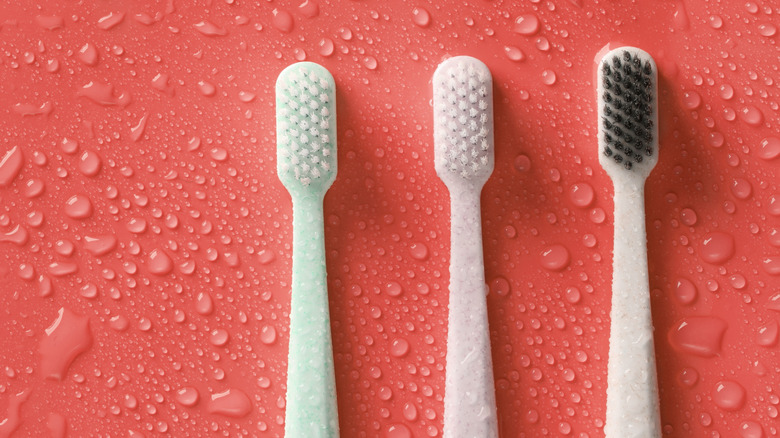
Once all your tools are in place, go ahead and remove your phone case and screen protector. You'll also want to make sure your iPhone or Android device is powered off. Like any good doctor, observation is key before resorting to medical instruments, so use a flashlight to take a close look at the state of your phone speakers. If you see any type of trapped debris, keep reading; if the speakers look clean, the first cleaning step (coming up next) might still be worth it.
Grab your dry soft-bristled brush and use it to gently brush from side to side along the receiving speaker (located near the top of the phone), as well as the bottom two speakers of your smartphone. If any debris is dislodged, lightly tap the speaker area with your hand to remove the detritus. The brush might take care of the lion's share of the dirt, but not all of it. Enter the almighty dental pick.
While toothpicks are sometimes recommended for this next cleaning step, we fear they're too brittle to hold up, and the last thing anyone wants is wooden shards stuck inside an iPhone. The non-scratch polycarbonate picks we linked to should do the job, and the longer handles (compared to toothpicks) will give you more dirt-digging leverage. That said, you'll only want to use this tool on the bottom speakers, as the top-facing grille is too fine to be agitated by a prying tool.
Use cotton swabs and a little isopropyl alcohol for a clean and sanitized final look
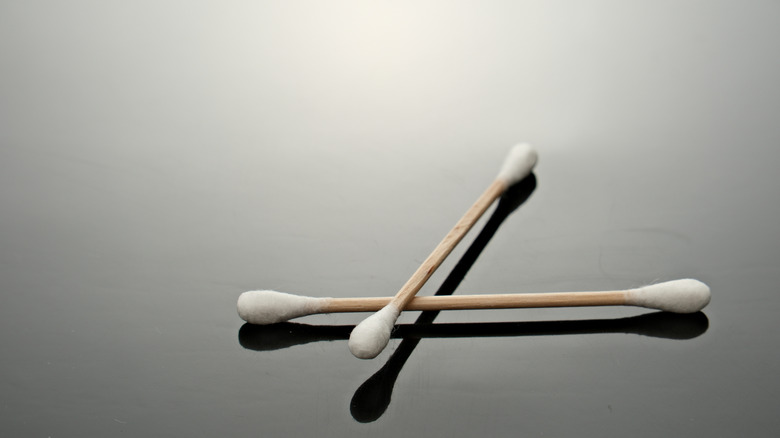
Once you've dislodged any remaining debris from your phone, we recommend using a bit of isopropyl alcohol — applied to a cotton swab — to remove any remnants from the area around your phone speakers. Apple's own support page for iPhone cleaning suggests using 70% or 75% isopropyl alcohol, or even a Clorox Disinfecting Wipe to polish up an iPhone. However, you don't want to use too much, because an over-saturated swab could push liquid into openings on your device, which is something Apple cautions against.
After you've sanitized, use a dry cotton swab to absorb any leftover alcohol. Now it's time to test your phone speakers: Power up your iPhone or Android and play some test audio. If everything sounds crisp and clear, pat yourself on the back for a job well done. Re-attach your phone case and screen protector, then tell everyone in your family that you cleaned your phone speakers successfully. Or, you know — read a book or something.