

10 Common Mistakes Robot Vacuum Owners Should Try To Avoid
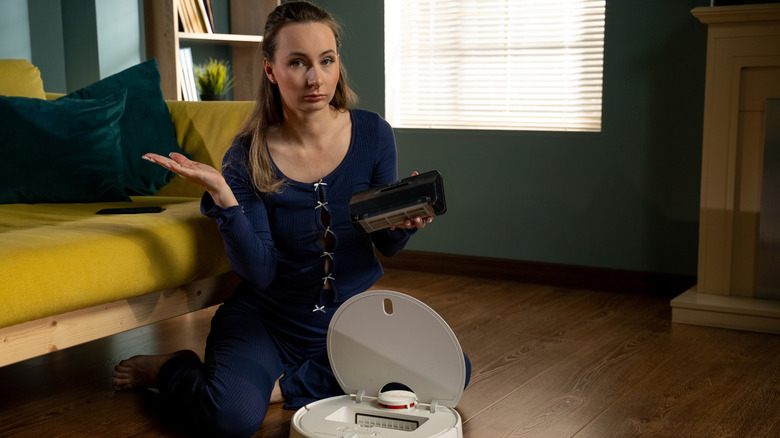
In 2002, the first Roomba robot vacuum cleaners rolled off the assembly line and into our homes. Well, into the homes of wealthy people, at least. It would be many years before these household robots became affordable to a broader demographic, but that ended up being a good thing — even entry-level modern-day robovacs are smarter, more effective, and lower-maintenance than their earlier counterparts.
Some of the most cutting-edge robovacs have impressive features, too, like robot arms that can move your dirty socks out of the way. Thanks to AI and advanced sensors, you can expect these little cleaning robots to work independently most of the time. However, that doesn't mean you can just turn on their power switches and ignore them for good. It's going to be a long time (if ever) before household robots can autonomously maintain themselves. Maybe someday, China's humanoid robots or Tesla's Optimus robot will be capable of cleaning and maintaining your robot vacuum for you, but that time is not now.
While robot vacuums are generally sophisticated enough to compensate for our instincts to avoid reading manuals, there are still some common mistakes that many robovac owners make. Even if you've been cleaning your home with automated help for years, it's possible you've been making one or two of these errors all along.
Not knowing the privacy risks
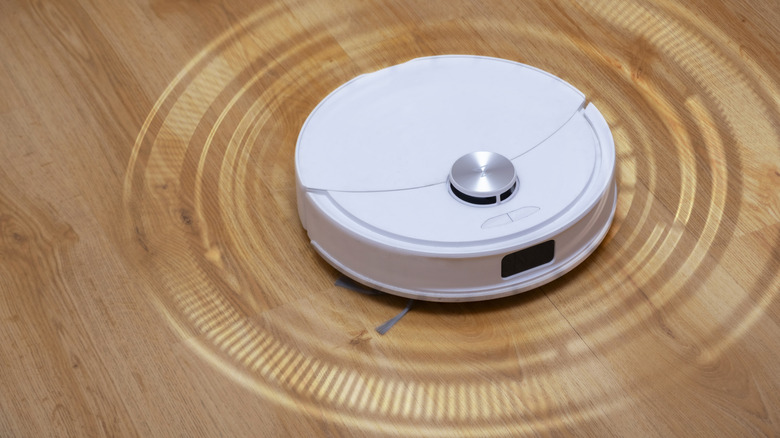
What is a robot vacuum, really? From one perspective, it's an automated cleaning machine. However, it's also an internet-connected device loaded with sensors that can scan your house during its routine operations. Just like with internet-connected cameras in your home, there's a non-zero chance that someone could collect private data about you and what you do by hacking into your robovac.
In 2022, MIT Technology Review reported on a woman being photographed by a Roomba while in the bathroom. In 2026, a man named Sammy Azdoufal accidentally gained control of thousands of DJI-brand robovacs, thanks to a hole in the manufacturer's backend security. Per The Guardian, Azdoufal obtained access to "live camera feeds, microphone audio, [and] maps from nearly 7,000 devices across 24 countries." It's by no means conspiratorial, then, to be concerned about robovac security vulnerabilities.
Before you unbox a robot vacuum — before you put one in your shopping cart, even — make sure you look into its privacy risks. Carefully read and understand the privacy policy of the company that makes the robot vacuum you're interested in. That way, you can find out what sort of information you'd be agreeing to share, anonymously or otherwise. It's also prudent to research whether the company in question has been breached before and if it has a good reputation for security. For added peace of mind, you can also limit your vacuum's access to areas of the home where nothing sensitive can be seen. While you're at it, you should learn how to prevent your smart TV from spying on you, too!
Forgetting to close a door that leads outside
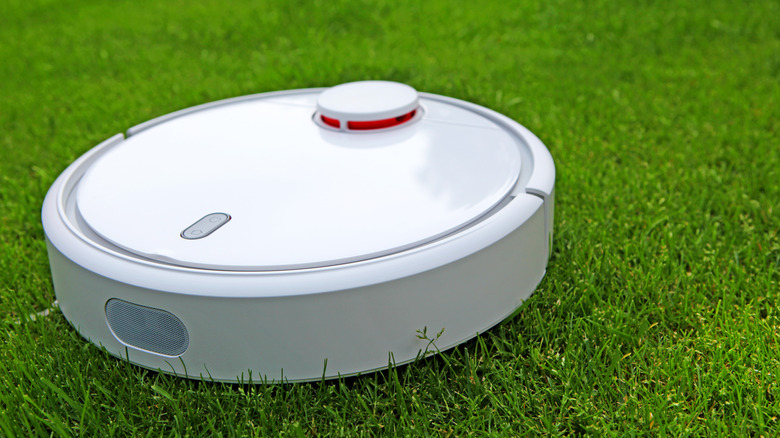
Although robot vacuums are indeed getting smarter, that's not to say they don't do silly things every now and then. Many robot vacuums use a mapping process to get the lay of the land. However, if you rearrange your home after that, your robovac may end up somewhere you wouldn't expect it to go. Once it's lost sight of its pre-programmed landmarks, things can get out of hand.
If you leave your front door open, for instance, your robot vacuum might find itself outside. Since a robot vacuum doesn't have a GPS receiver the way a robot lawn mower does, it's anyone's guess where it might go (or how far). Funnily enough, some robot vacuum makers are starting to diversify their product lines by selling robot lawn mowers, with the Ecovacs GOAT A3000 robotic lawn mower being one example. We hopefully wouldn't have to worry about those devices coming into our homes, though.
While a fun robot escape story sure could net you some viral online fame, replacing a lost robovac wouldn't exactly be cheap. So, remember to keep those front, back, and side doors closed while your robovac is running. You can also use your vacuum's virtual barrier feature so the machine doesn't cross specific thresholds, even when nothing physical is barring its path.
Playing fast and loose with the robot vacuum maintenance schedule
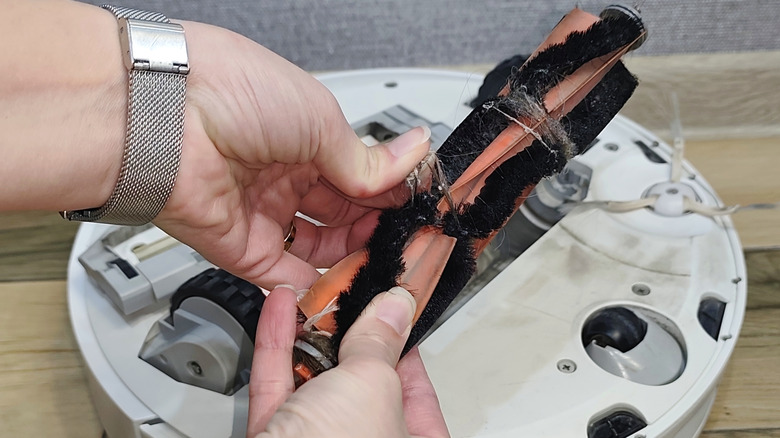
Higher-end robot vacuums often come with a docking station where they can empty their dust compartments, clean their brushes and mop pads, and refill their mop tanks with fresh water. These features are all welcome improvements to robot vacuum tech, but they aren't set-and-forget solutions to maintaining your robovac. Even the best self-cleaning solutions only reduce how often you need to perform maintenance on your robovac, and they don't eliminate the need for hands-on care.
Your vacuum's dustbin needs to be emptied when full; the frequency just depends on your home's dirt and dust levels. When you first begin using your robovac, check its dustbin daily until it's full. That way, you can get a sense of how often you should empty it. If you have a model that empties itself into a larger bin, you'll have much longer maintenance intervals — typically a couple of months. Mop pads and filters should also be cleaned regularly and occasionally replaced.
Robot vacuum manufacturers cite proper maintenance as a key pillar in extending a robot vacuum's lifespan. Brushes and rollers generally come first on the maintenance list, since plenty of hair, lint, and other materials build up and get tangled in them. Buying a robovac model with a built-in detangling mechanism would help with that, but no matter the case, be sure to check the intervals at which your manufacturer recommends performing manual maintenance. If you hear any strange noises or observe reduced performance, though, those are also cues to perform maintenance.
Not running your robot vacuum regularly
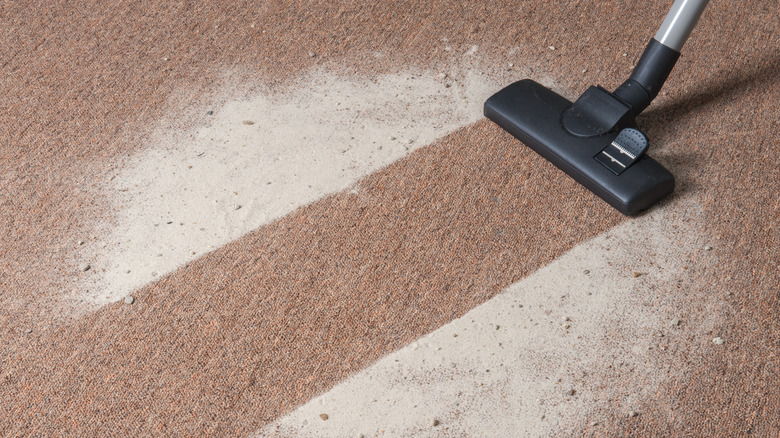
While both traditional vacuums and robot vacuums have the same basic job, they aren't meant for the same uses. Robovacs are designed for light cleaning, so you're not supposed to wait until dirt is packed on your floors before running them. You should do a thorough manual clean before running a robovac for the first time, then use it on a regular basis to prevent your floors from getting too dirty in the first place.
How often are we talking, exactly? The exact recommendations differ with each major robot vacuum cleaner brand, the capabilities of your specific model, and how quickly your home accumulates dirt. Four times per week is a reasonable baseline for small, low-traffic households. But if you have pets, children, or otherwise increased foot traffic that tracks dirt indoors, then daily use may be in order.
It's even worth considering using multiple robot vacuums and giving them each one portion of the home to clean. This will not only increase their individual lifespans but also allow you cover more surface area in a shorter time. Additionally, some robovacs are designed to be quiet or otherwise have special night modes. If you'd rather not see your robovac in action all the time, you can make use of such features to schedule automated cleaning at night while everyone's asleep. Besides, who would complain about waking up to a clean and shiny kitchen floor?
Not properly prepping your home for a robot vacuum
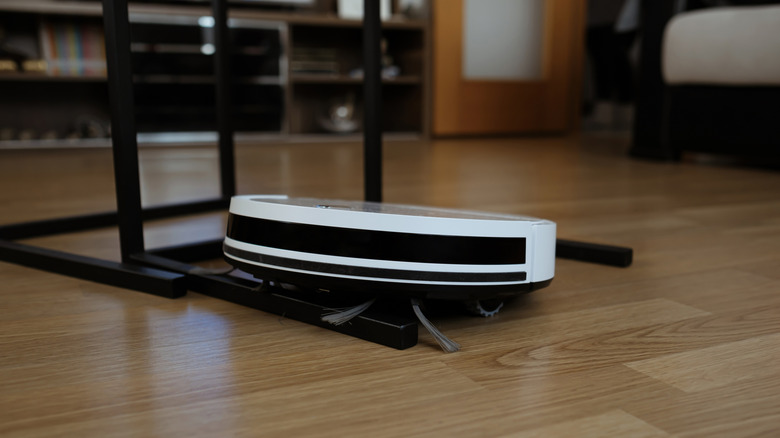
Concepts for robot vacuums with "legs" that can climb stairs already exist, but the robovacs you can buy right now have far less mobility. While modern bots are much better at climbing over small obstacles than their predecessors, there's a good chance you'll have to meet them halfway before they can run freely in your home.
Prepping your home for a robovac includes a few general precautions. The dock should be positioned so that it doesn't obstruct anything, but also doesn't make it hard for the robot to leave or return. Clutter like children's toys, blankets, or messes involving thick or sticky substances need to be cleared manually. Cable management is also a top priority. It would be a shame to come home to find that grandma's priceless antique lamp — or worse, your new gaming console — lies in pieces on the floor because your robot managed to yank its power cable.
Your furniture may also need to be rearranged for your robovac to work properly. Between all furnishings, you'll need a gap large enough for your robovac to pass through, especially if your furniture sits too low for it to pass under. Otherwise, you'll create areas it can never reach, and therefore never clean. If there are spaces you can't adjust to accommodate your robovac, it's best to clean those areas manually and mark them as no-go zones in the robot's software.
Thinking a robot mop works the same as a real mop
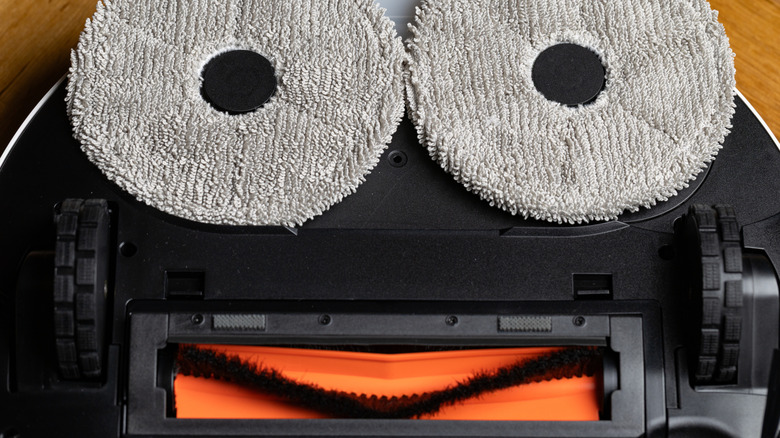
Take a moment to imagine how a traditional manual mop works. You take a bucket of clean water, dip your mop in it, and then mop the floor. You then wring the dirty mop water into a bucket so you can pour it down the drain. With this method, dirt is transferred from the floor to the mop bucket and then discarded, so dirt actually gets removed from your floor.
Several robot vacuum mops don't work like that, though. Between spinning discs, rollers, and basic pads, there are a few different robovac mop pad designs. Your vacuum's onboard water tank may automatically add fresh water to those pads, but if your floors are dusty and grimy, the pads would largely be redistributing thin layers of dirt around your floor instead of doing any sort of deep cleaning. In this fashion, dirt per square inch might be reduced, but dirt remains on your floor. Worse yet, wet mop pads and water tanks can become havens for bacterial or fungal growth that can pose health hazards, so sanitizing them is essential.
Granted, many new robovacs use sterilization solutions in their water reservoirs, and some cutting-edge robovac mops are self-cleaning — so they really can clean your floors properly. But for most robot vacuum cleaner owners, manual mop pad maintenance is crucial for proper cleaning. No matter what sort of robovac you have, though, your floors are likely to benefit from a thorough manual mopping once in a while.
Adding cleaning solutions to the robot vacuum mop tank
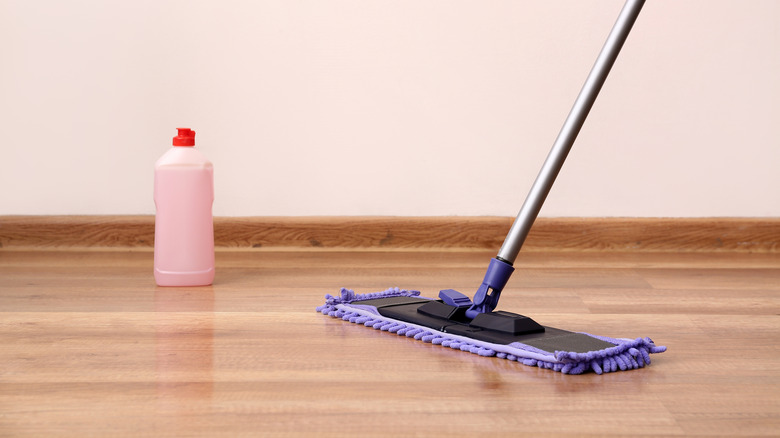
With traditional mop cleaning, it's perfectly normal to add floor cleaning liquid to the mop bucket. Adding floor cleaner kills bacteria, makes stains easier to remove, and typically makes your house smell fresh and clean. So, it might seem reasonable to add a few drops of that same liquid to your robovac's mop tank — except that might end up being a serious mistake. You would think that adding any kind of detergent to your robovac's water reservoir would help the device clean better, but unless your vacuum is specifically designed to allow cleaning additives, you could end up badly damaging it by adding just any old cleaner to it. The Ecovacs Deebot X11 OmniCyclone even has two separate reservoirs for two different varieties of cleaning solutions, so it's important to discern what you're using and in what reservoir.
Your robovac manufacturer will specify which cleaning agents you can safely use with your device. If you don't follow those recommendations, then certain substances could end up causing blockages or corroding internal components of your robot vacuum, after which you'd likely have to invest in a new cleaning robot entirely.
Ignoring sensor maintenance
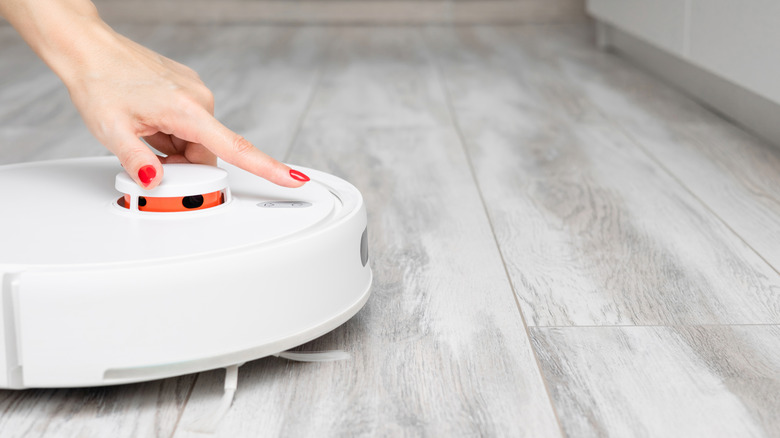
Remember how we mentioned that robovac sensors and cameras could be used to spy on people? Unfortunately, they're necessary evils that enable robot vacuums to do their jobs. After all, how well would you be able to vacuum your house if you were blindfolded?
There are many types of sensors on a robot vacuum, including ultrasonic sensors, LiDAR sensors, and cameras. All can be fouled by dust and dirt. While your robot vacuum probably has a way of detecting whether a sensor needs to be cleaned, it's better to avoid waiting until dirt is covering your robovac's sensors such that error correction can't compensate for the blockage. Edge-detection sensors should get particular attention every time you perform maintenance. If those fail, your vacuum could find itself spilling down a flight of stairs.
Take care when cleaning sensors, as they can be delicate. Always refer to the manufacturer's instructions on how to clean specific sensor types safely. It's important to clean robovac sensors so they can detect surroundings accurately, but damaging a sensor in the cleaning process would obviously be counter to your interests.
Ignoring battery health
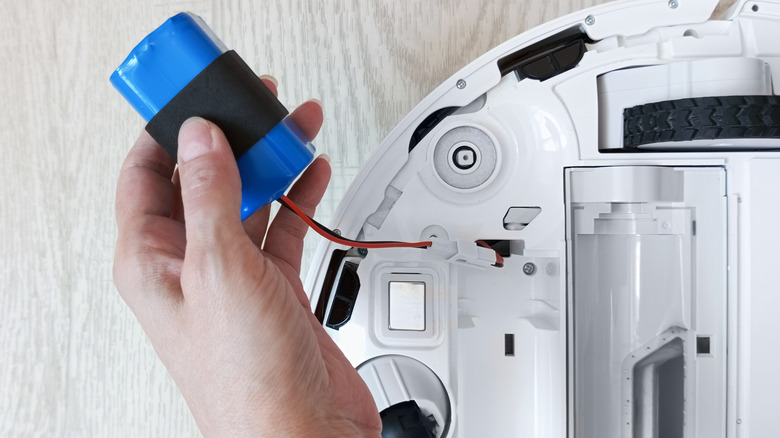
Robot vacuums run on battery power, and they use the same general lithium-ion battery technology found in phones, power banks, and laptops. These kinds of batteries wear down with every recharge, which means they lose a bit of capacity every time. New battery technologies are emerging that take longer to wear out, but given how often vacuums need to run and recharge, battery wear is a key concern.
The good news is that, in many cases, you can simply replace your robovac battery. As always, it's best to do so using a new battery from the original manufacturer. Using lithium batteries with the wrong specifications or poor quality control can give you more trouble than you bargained for. An old lithium-ion battery could even catch fire if it's been used well beyond its capacity.
While some robots can warn you when a battery replacement is in order, you may end up noticing that without any explicit warnings. Your bot might have to recharge more frequently, or it might fail to make it back to its charging dock. The battery may also no longer charge to 100%. Either way, your robovac's battery could need replacing in as little as two years depending on usage, so don't forget to stay attentive to battery health.
Not updating device firmware

Firmware is a core piece of software that tells a device how to work properly. You're probably familiar with the concept; everything from smartphones to smart refrigerators uses firmware, and firmware updates are required for the continued function of most tech.
There are many benefits to updating your robot vacuum's firmware. Bug fixes and security patches are the main concerns here, especially in the context of privacy issues. However, new firmware can bring about new features — and, in turn, improve robovac performance — at no additional cost to you.
In most cases, your robot should be configured to update automatically. There's nothing wrong with disabling automatic updates so you can review new patches or wait for feedback from other users, but you should always ensure that critical security updates get installed on your device. Just make a point of installing non-critical updates once you've determined they won't brick your robovac.