

Bluetooth Vs Wireless Controllers: Which Is Better?
We may receive a commission on purchases made from links.
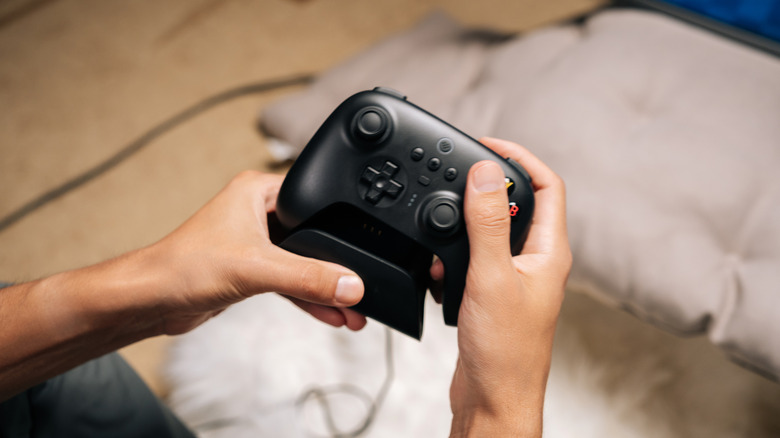
Wireless gaming peripherals are more abundant than ever these days. We're talking everything from mice and keyboards to cable-free headphones for gaming to wireless controllers. Regarding those game controls, there are two main connectivity options for wirelessly linking a gamepad to a console (be it a tabletop unit or a handheld like the Steam Deck) or PC: Bluetooth and 2.4GHz. There are pros and cons to using both of these connectivity methods, but generally speaking, a dedicated PC gamer shouldn't bother with Bluetooth, especially for high-octane, online multiplayer titles.
Wireless controllers that utilize the 2.4GHz frequency spectrum will often come with a tiny USB receiver. This type of wireless tech is referred to as USB-RF (the RF stands for radio frequency), and it's vastly superior to Bluetooth when it comes to input lag and overall bandwidth. Historically, Bluetooth also has a much lower polling rate (a measurement in hertz of how quickly the controller sends input data to a console or PC) than 2.4GHz via USB-RF.
The best poll figure you'll get from Bluetooth is 125Hz (the protocol cap), whereas USB-RF is able to deliver poll rates up to 1,000Hz or better. The better the polling, the less input lag you'll have to contend with. All USB-RF controllers are proprietary, too, so the USB receiver won't need to share its wireless connection with devices from another manufacturer.
USB-RF may be preferred, but Bluetooth extends battery life
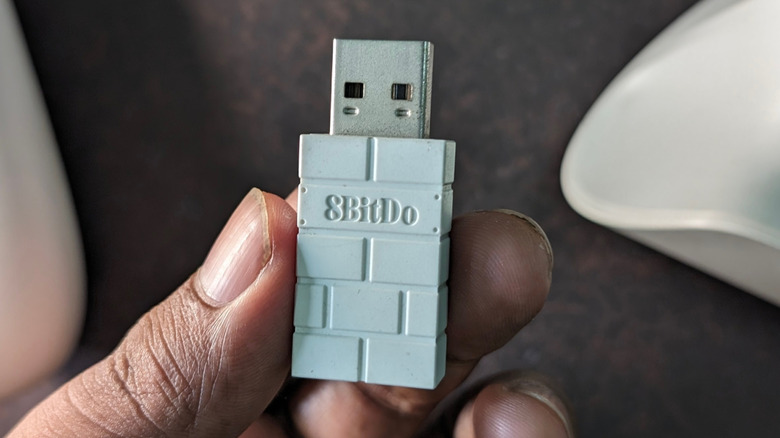
USB-RF is also superior to Bluetooth when it comes to wireless range. A standard like Bluetooth 5.2 maxes out around 30 feet, while USB-RF provides nearly double the distance (about 60 feet), which will come in handy if you're the type of gamer who likes to move around a lot. So, is there ever a situation where a Bluetooth controller comes out on top? Yes, two in fact: battery life and compatibility.
Unlike proprietary 2.4GHz, Bluetooth dabbles in the low-power, short-range frequencies of the 2.4GHz radio spectrum. And a lot of the time, lower power translates to efficient battery usage, especially if the Bluetooth controller uses Bluetooth Low Energy (BLE). You may only need to charge a Bluetooth controller every few weeks, while a USB-RF controller might need attention every few days.
Bluetooth is also a universal standard with wider compatibility across devices, so switching between a gaming laptop and a PlayStation 5 in the living room should be relatively simple. Compare that to USB-RF, which requires you to disconnect and reconnect the 2.4GHz dongle every time you want to switch hardware. Oh, and if you lose the dongle, you won't even be able to use your controller until you replace the receiver.
Picking a controller boils down to performance vs. versatility
Responsiveness is the name of the game for USB-RF connectivity. This proprietary, 2.4GHz wireless pathway is a pretty firm guarantee that the controller you own, or plan on investing in, is going to deliver exceptional response times and maximum bandwidth. But if you care more about battery life and multi-device connectivity, a Bluetooth controller might be the better choice.
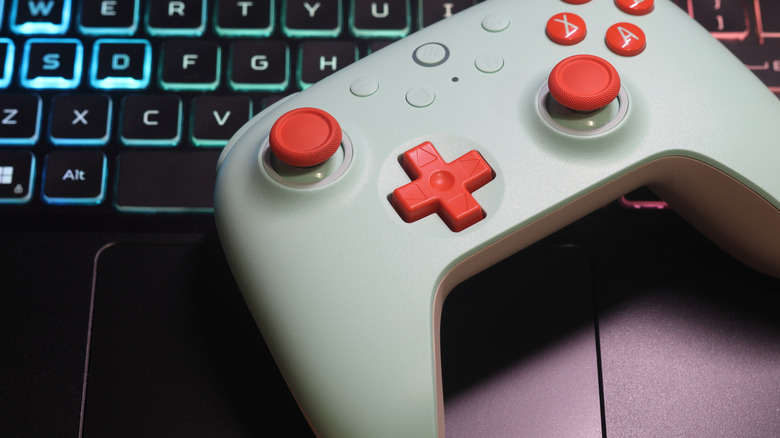
Fortunately, controller manufacturers are starting to incorporate both wireless technologies into their designs. Products like the 8BitDo Ultimate 2C Wireless Controller are great examples of this double-wireless implementation, and this particular model — which is available in numerous colors — has earned a 4.5 out of 5-star rating on Amazon, based on over 8,500 reviews.
The 8BitDo Ultimate 2C toggles between Bluetooth and 2.4GHz with the flick of a switch. There are also multi-connectivity controllers like the GameSir Nova Lite 2, a peripheral that ditches the toggle switch for button-activated Bluetooth pairing (just press and hold the Home and B buttons simultaneously).