

How Often Should You Unplug Your Router?
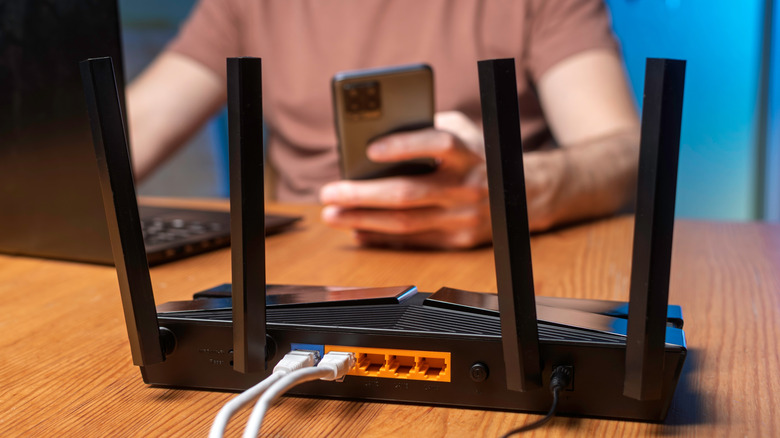
Performing a restart has become something of a meme in the public zeitgeist, simply because of how often the process resolves problems with modern electronics, especially computers. Powering a device off and on allows it to reload its operating system, which is particularly helpful with computers where background processes can continue to run silently. That extends to many other electronics as well, including TVs, mobile devices, game consoles, and even modems and routers. In fact, some routers include an automatic restart function in the administrative or mobile app interface. Enabling this will automatically restart the router at certain intervals — daily, weekly, or otherwise.
But exactly how often should you be restarting your router? Proponents recommend rebooting or restarting monthly, sometimes even weekly, but it also depends on what's going on with your local network. For example, if your modem shows that it's connecting fine, but your router and local network show no internet access, a power cycle might help reconnect everything.
You can reboot your router in a couple of ways. The easiest way is to simply unplug the power cord or power adapter and wait 30 seconds before plugging it back in. In some router apps, like TP-Link's Tether app, you can use the software to either power down the router and restart it manually, or to set it on an automatic schedule. Besides mobile apps, most routers come with an administrative software tool that can be accessed by entering the router's IP address in your computer's internet browser — most commonly, this address is either 192.168.0.1 or 192.168.1.1. Upon entering the right IP address, you'll see an administrative login screen. This is where you can change the settings for your Wi-Fi router, and you can also use the tool to reboot the router manually.
What does rebooting or power cycling a router actually do?

Like a computer and other electronics, when you power cycle your router, you are essentially clearing the device's internal cache of records or files it uses to operate. The process of powering off clears that cache, but also stops everything that's running, including security processes and other critical functions. Powering the router back on restarts everything, giving it a fresh start. Think of it as a very limited form of computer, specialized for network connectivity. The processes and security operations are all related to that mission, but a reboot or power cycle restarts them all. The router reboot also forces it to reconnect with the modem.
This should not be confused with "resetting" or returning the router to its factory defaults. That's an entirely different process and will clear out all user-saved preferences and settings to return the device to a clean install state, just like when it was first removed from its packaging. A complete reset is best used when the system malfunctions and has difficulty connecting to the internet even after several restarts. It's one of the best ways to speed up your router if it's experiencing major setbacks or slowdowns, particularly if your router settings are what's slowing down your internet, but it's more involved than a simple restart.
Ultimately, resetting a router is a last resort, but rebooting is more like routine maintenance. When all is said and done, rebooting your router monthly or weekly can help it run better.