

Never Do Any Of These 5 Things On Your Router
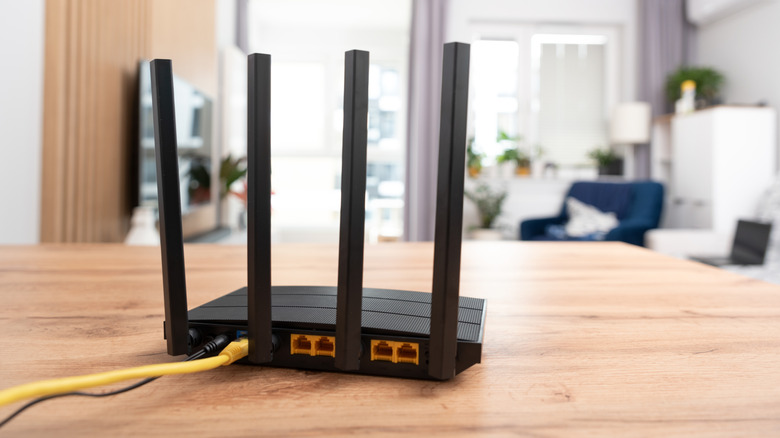
Over 47% of people never change their router's default settings, and 72% have never modified their Wi-Fi password, according to Broadband Genie's 2025 survey. That's likely because they feel the device is doing its job, which is to provide wireless internet access. But the router is one of the most important pieces of equipment in your home, as it's a channel between the internet connection and devices like your laptop, smartphone, security camera, smart TV, gaming console, and smart plug. That's why even a small setup mistake can impact the connectivity and security of all devices or get on the way of speeding up your router. Other bad settings have more serious implications and may expose your network to attackers.
Most of these errors are common enough that people make them without realizing the consequences — everything works fine, until it doesn't. Smart users, on the other hand, take care of these the day they set up the router — and so should you, both for better network reliability and safety.
Use the default passwords
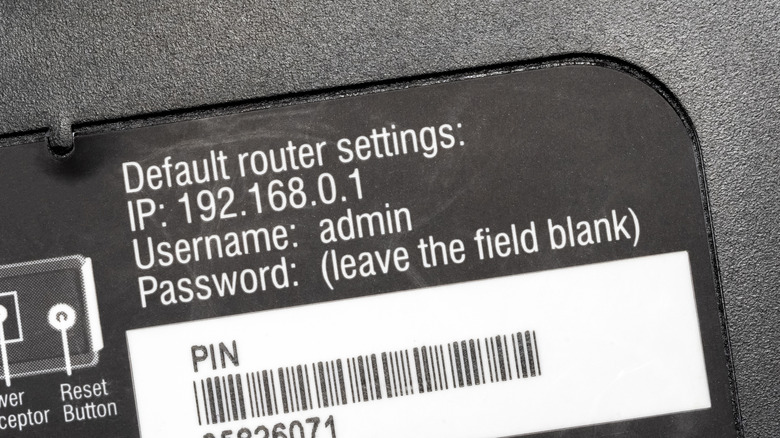
One of the most common mistakes people make is not changing the default network login credentials. They likely think no one would bother hacking into a home network, which is largely untrue, and factory passwords make it incredibly easy for hackers to access your network.
Routers have two important sets of passwords: one to connect a device to the router via Wi-Fi and another for the router's admin panel. If you have never changed the router's Wi-Fi password, and your service provider follows a standard while setting them up, your neighbors could guess it. Even if we keep the security aspect aside for a while, other connected devices can overload your network and reduce the internet speed.
The admin panel password is used to reconfigure the router's settings. By default, the username-password combination to the admin panel on most routers is either "admin" on both fields or "admin" with no password. Once someone is already on the network, these are the first set of combinations they will try; if they gain access, they can remotely monitor network activity, exploit firmware vulnerabilities, and even redirect you to malicious websites. So, if you haven't changed these passwords yet, now is the time to do it.
Turn off automatic updates
Like your smartphone and computer, your router occasionally receives firmware updates from the manufacturer, which are aimed at patching vulnerabilities and improving its performance. But some users disable these updates or ignore them completely, putting their network's security at risk. From a purely practical perspective, disabling updates is harmless because the router will keep working anyway. But with unpatched issues, the device becomes easier to hack, which is why it's recommended that you enable automatic updates and occasionally verify which updates were installed.
Some network administrators like to check each update before installation. While this approach sometimes works, especially when other security features are active, everyday users should install firmware updates as soon as they are available. If you have an old router that doesn't receive security patches, it's time to upgrade to a newer, more secure, and faster router.
Disable Wi-Fi password protection
You may have run into issues while connecting a device to your router. At that point, it may feel like turning off password protection could improve communications, particularly on home networks, as the convenience that comes with it is unmatched. While doing so would allow you to connect devices in a single tap, it's a major security risk.
An open Wi-Fi network allows anyone within the router's range to connect to it. Their gadgets will consume your internet bandwidth and leave a smaller share for your devices. Other than that, there is also the risk of people using your network for illegal activities. If you have a flash drive connected to the router, they will even be able to access its files.
That's why it's recommended that you set a strong password for your router. Although this translates into an additional connection step, it significantly improves the network's security.
Enable WPS
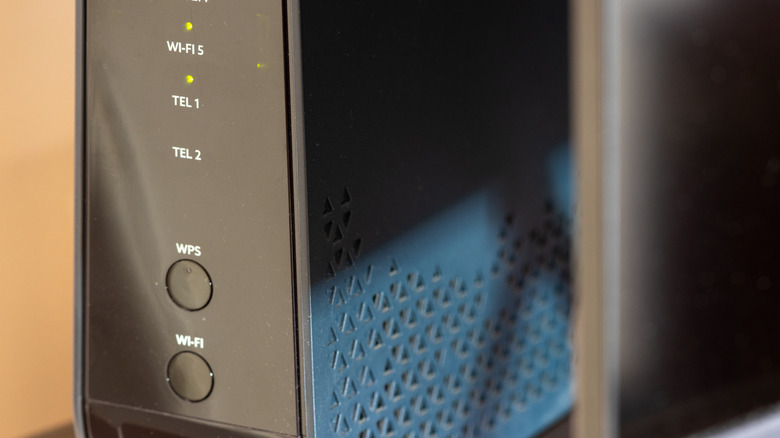
WPS, or Wi-Fi Protected Setup, is a router feature that allows devices to connect without entering a password. Instead, you press the WPS button on the router to establish the connection. This may feel convenient, especially on home networks or while connecting devices like old printers, where entering text is difficult. But WPS is a major security risk.
With WPS turned on, anyone close to the router can connect their smartphone or laptop to it and access other parts of the network, such as the admin panel. Even with routers that use an eight-digit WPS authentication PIN, that number is often printed on the back of the router and, on some models, it can't be changed. The PIN is also vulnerable to brute-force attacks and can be cracked in eight hours or less.
Given the security concerns surrounding the feature, most router manufacturers now disable WPS by default, but the option is still available in the admin panel. Even if you have to use WPS to connect a device, make sure to disable it right after. WPS is a common Wi-Fi mistake, and its convenience is not worth the security trade-off.
Set it up near a dead zone
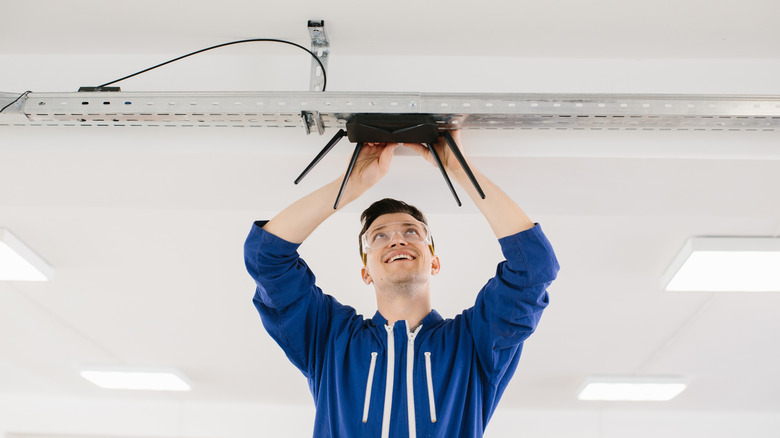
While this doesn't exactly belong to the software side of things, wrong router placement can worsen your Wi-Fi coverage, as it may lead to weaker signals and slower internet speeds. So, it's important to ensure an optimal router placement. While the best spot will be different for every home, following a few recommendations can help you.
Avoid placing the router behind a desk or in a cabinet, as the surrounding space should be free of obstructions. The router should sit between 5 feet and 7 feet from the floor, not near the ground level. Additionally, it should not be installed near wave-emitting devices like microwaves, baby monitors, and Bluetooth speakers.
If you avoid these common router mistakes, devices around the house will benefit from stronger signals, better reliability, and higher internet speeds. And the best part is that applying these changes usually takes only a few minutes, so a quick check today can prevent network problems from arising later.