

5 Devices You Can Plug Into Your TV's Old HDMI 2.0 Port – Without Losing Quality
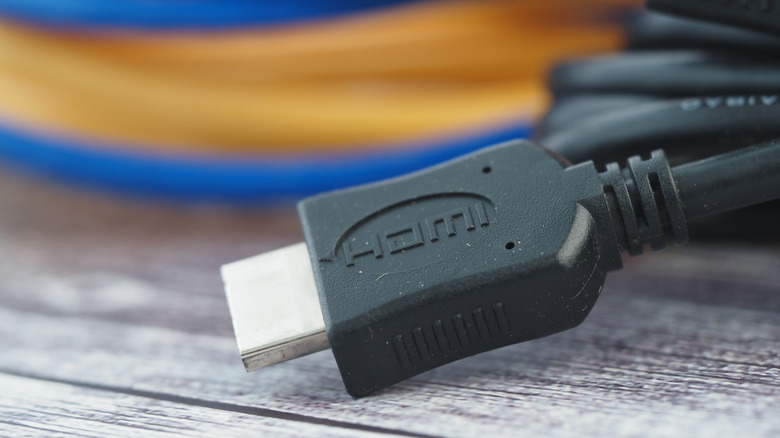
Keeping up with audio-video technology can be quite the hassle, especially once you start getting into the nitty-gritty of format support. On the one hand, we're super thankful that HDMI did away with composite cables and made it simple for most folks to enjoy HD. Over the last couple of decades, though, HDMI technology has seen its fair share of upgrades.
When HDMI 2.0 hit the scene in 2013, the standard broke new ground for 4K UHD and made features like HDMI ARC mainstream. But HDMI 2.1 would enter the arena only four years later, with a major increase in bandwidth – 48Gbps, compared to 2.0's 18Gbps – being one of the main selling points. The more ones and zeroes traveling back and forth between your source devices and TV (or projector), the better the picture and sound quality you can get.
Now, what if you own an older TV that only has HDMI 2.0 ports? As luck would have it, there are a ton of AV devices that still deliver excellent picture and sound when connected to an HDMI 2.0 port. We put together a list of five AV components that are typically capped at 2.0, and even if you own a newer TV with HDMI 2.1 ports, 2.1 is fully backward-compatible with older HDMI generations.
Eighth-generation game consoles (or older)
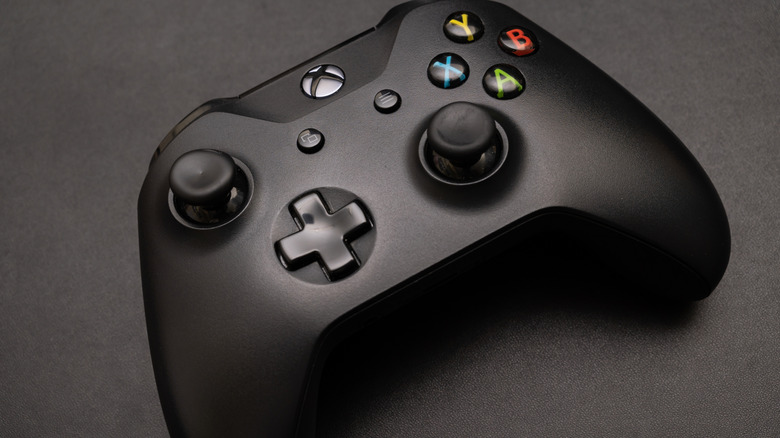
The world of video games has gotten very expensive over the last several years. The ongoing RAM shortage has driven up the prices of many electronics, and brand-new PS5 or Xbox Series X/S aren't likely to get cheaper anytime soon. So, don't feel bad if you're still rocking a PlayStation 4 or Xbox One as your go-to hardware. In fact, if you've got one or both of those consoles (and/or the original Nintendo Switch) connected to your TV's HDMI 2.0 port, you're already maxed out for picture quality and performance.
None of the major eighth-gen consoles (except the Xbox One X) offer anything better than HDMI 2.0b, which supports up to 4K/60Hz, HDR10, and HLG formats, and delivers up to 18Gbps. Many older titles (and even some modern games) won't output anything beyond 4K/60Hz, and most TVs have motion features that can be leveraged for smoother-looking gameplay.
Unfortunately, HDMI 2.0b doesn't officially support gaming specs like Variable Refresh Rate (VRR) or Auto Low Latency Mode (ALLM), so if your TV has a Game preset, you may need to manually switch to it.
Older laptops, mini PCs, and desktop PCs

You may not always connect your PC to your TV, but it's something that can come in handy when you need an extra screen to increase your productivity. The world of computers brings video outputs like DisplayPort, USB-C, and VGA to the table, and some older and newer machines also include HDMI.
Hear us out: if you own a modern gaming PC that's often connected to a TV purchased after 2017 (when HDMI 2.1 debuted), you'll want to stick with HDMI 2.1 ports and cables for the best visuals and performance. But if you're using an older PC setup that predates HDMI 2.1, you shouldn't have any issues plugging it into a newer TV's HDMI 2.0 port.
Even if your PC only has an HDMI 2.0 output, you'll still be getting chroma 4:4:4 support when connected to your TV, so you shouldn't have any problems with muddy-looking UI or blurry text. That said, you may still need to go into your PC settings to activate chroma 4:4:4. You may also need to head into your TV settings to turn on "PC mode" for the HDMI port you're connected to.
Streaming devices
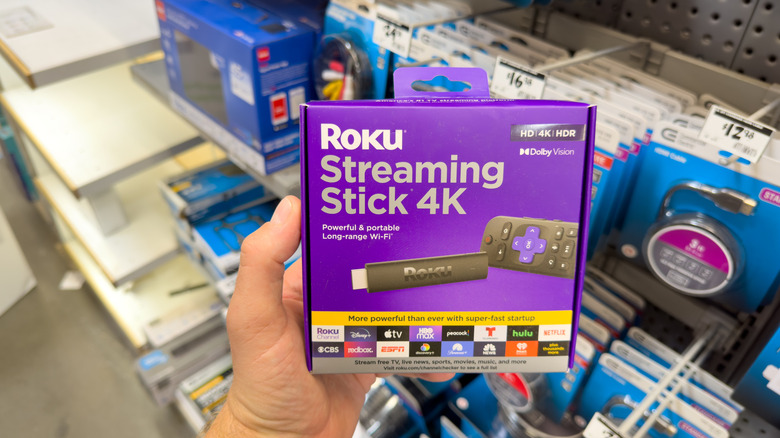
There is no shortage of good streaming devices on the market, and the lion's share of these plug-and-play components use HDMI. Products like the Roku Ultra, Amazon Fire TV Cube, and Apple TV 4K are equipped with HDMI 2.1 outputs, which bodes well for cinema fans looking to take advantage of HDR and features like Quick Media Switching (QMS). But here's a fun fact: the majority of movies and TV shows are only encoded for 60Hz playback or lower.
One of the main benefits of HDMI 2.1 is 4K/120Hz playback, but similar to 8K resolution (another HDMI 2.1 perk), you'll be hard-pressed to find content that takes advantage of that performance spec. Even a film like 2019's "Gemini Man" that was shot with 4K/120Hz cameras is capped at 60Hz for its Netflix stream and 4K Blu-ray release. As a matter of fact, most movies and shows are shot at 24 FPS – it's your TV's motion-processing tech that boosts things up to 60Hz.
Long story short, even if you're using a streaming device you purchased several years ago, the most you'll be missing out on is HDR support. And if the streamer supports HDMI 2.0a or 2.0b, there's a good chance it's compatible with all mainstream HDR formats.
4K Blu-ray players
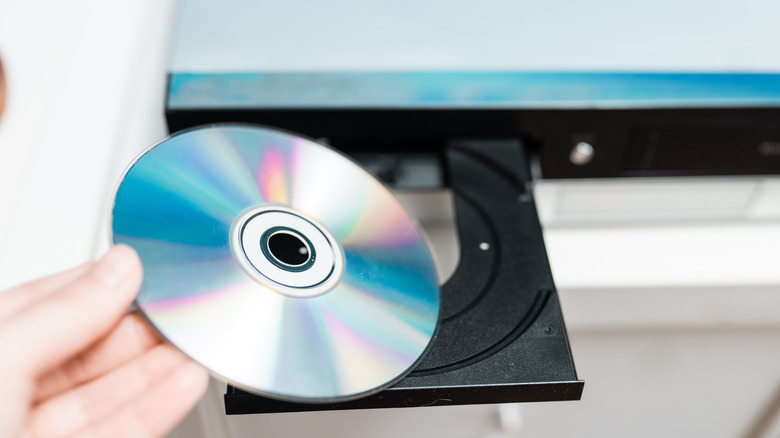
One of the best ways to experience a new home video release is with a 4K Blu-ray player. That's because you won't be streaming anything; all the picture and sound data gets extracted from the UHD disc. While game consoles like the PS5 (with a disc drive) and Xbox Series X have built-in UHD players, you can save a few hundred dollars by investing in a standalone player from brands like Panasonic.
Remember when we said that most movies and shows are capped at 24 fps, and that your TV does all the 60Hz upscaling? The same is true for 4K Blu-ray players, so plugging one into your TV's HDMI 2.0 port should still result in great picture and sound. As mentioned, you might run into some roadblocks with HDR compatibility, but most movies and shows won't be affected by HDMI 2.0 connectivity.
As far as 4K players go, your only real obstacle might be finding one, if you don't have the newest consoles. Panasonic and Sony are the two main companies that sell UHD players in the U.S., and there are only a few models available to consumers, mainly due to the exponential increase in streaming's popularity.
Soundbars and AV receivers
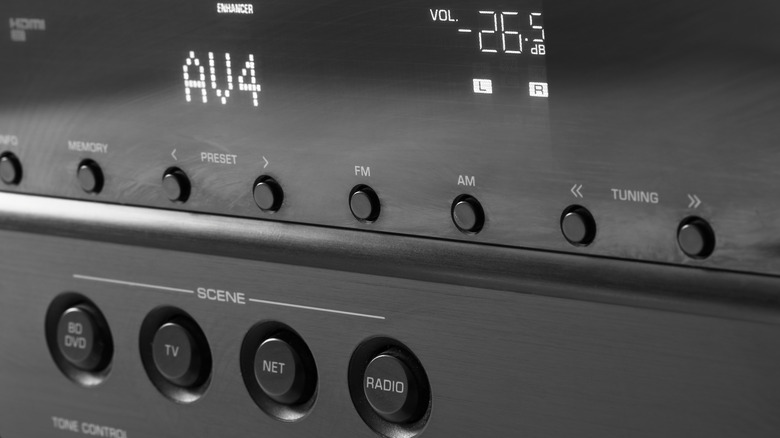
Audio is an integral part of the average home theater, and HDMI 2.1 introduced the HDMI eARC standard – a game-changing upgrade for high-bitrate, object-based surround formats like Dolby Atmos and DTS:X. But that doesn't mean you won't be able to connect a newer soundbar or AV receiver to one of your TV's HDMI 2.0 ports.
The 2.0 standard officially supports surround codecs like Dolby Digital Plus and DTS. Certain 2.0-certified soundbars and receivers may even support compressed versions of Atmos and DTS:X when using HDMI ARC. The latter starts getting into "fine print" territory, though, so we recommend reading up on your TV, soundbar, or receiver's official specs to learn exactly what your gear can handle.
Fortunately, non-object-based surround formats still sound fantastic. While you'll miss out on height effects and object tracking — the bread and butter of Atmos and DTS:X — traditional 5.1 tracks are engineered to fill most listening spaces with punchy, immersive, and detailed sound.