

If Your LG TV Is Laggy Or Slowing Down, Try Turning Off This Setting
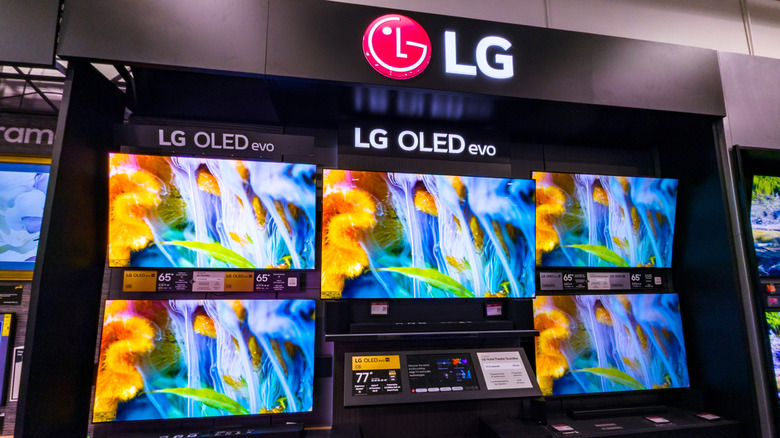
LG often tops the lists of the most reliable smart TVs you can buy at any given point, with several of the company's OLED models ranking among the TV models cinephiles swear by. It's hard to beat the inky blacks and rich colors that a premium LG OLED delivers, but picture quality and overall performance can be two entirely different things — a TV can deliver a beautiful picture while being bad at running built-in apps. To that end, there's something all current and prospective LG TV owners might want to do: turn off Quick Start+.
Quick Start+ is a feature found on many LG TVs, and when enabled, it prevents the TV from completely powering down. Instead, pressing the power button to turn your TV off will put it into standby mode. The main idea behind Quick Start+ is a faster boot-up when you first turn the TV on, but oftentimes, users report that this feature actually causes LG TVs to start running sluggishly.
When a smart TV doesn't get turned off, apps and other software can continue running, even if there's no picture on the screen. That's a lot of background activity, even for an LG OLED, and without powering down every so often (more on that in a minute), your TV's processor, RAM, and other web-connected vitals aren't able to get a break. Thus, you're left with the trickle-down effect of reduced performance, which could manifest in a couple of ways.
Smart TVs need rest, too, and features like Quick Start+ prevent that from happening
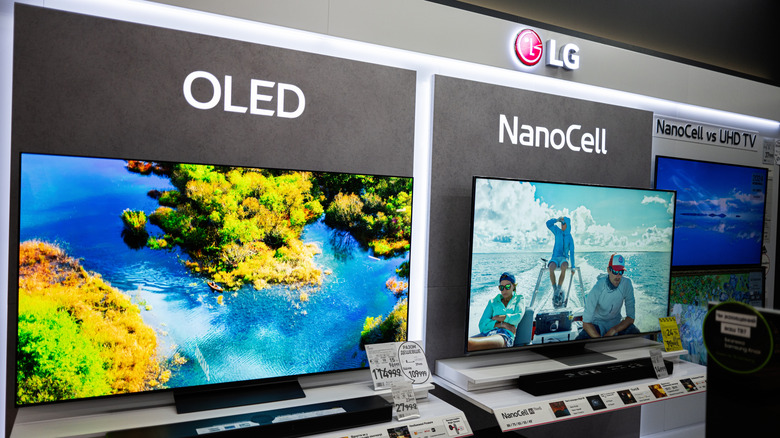
While it's not unusual for smart TVs to run a bit on the sluggish side now and then, having Quick Start+ enabled may introduce lag on a regular basis. If you've noticed that apps are taking longer to launch, that apps freeze or crash, or that your LG TV isn't responding to remote inputs the way it used to, disabling Quick Start+ should be one of the first things you try.
Where exactly the menu option is located will depend on what LG TV you own, but for most sets produced after 2023, it's a matter of going to All Settings > General > System > Additional Settings, then toggling the Quick Start+ option off. Exit out of all menus, then power off your LG TV. This should clean up your TV's temporary memory, and you may notice a boost in performance right away. Now that Quick Start+ is disabled, it might take an extra few seconds for your LG TV to boot up, but faster internet features and smoother UI navigation are what you stand to gain.
Alternatively, you can shut off your TV's internet connection altogether and use a streaming device or game console to stream movies and shows instead. The writer of this article owns an LG C5 Series OLED, which only gets connected to Wi-Fi a few times per year to download the latest firmware update. Otherwise, it's a glorified "dumb" TV that doesn't have to balance picture quality with networking.