

There Might Be A Drawback To Using Your Roku On A Monitor
We may receive a commission on purchases made from links.
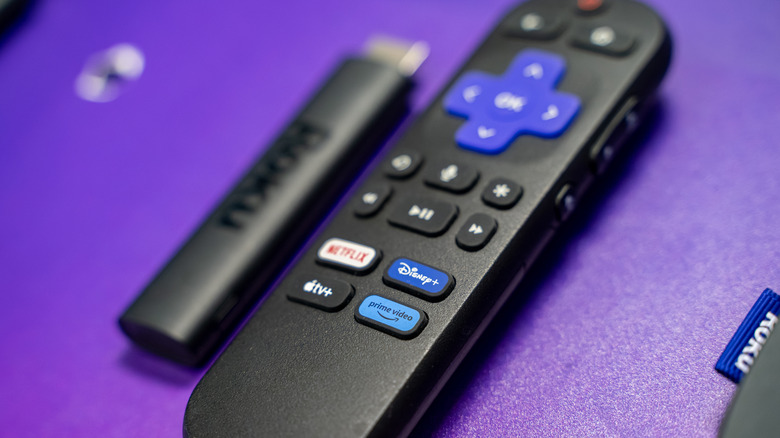
One of the smartest ideas streaming device manufacturers had was adding an HDMI connector to dongle hardware like the Roku Streaming Stick Plus. That means no more fretting over whether or not you have a spare HDMI cable hanging around — just plug the streaming device into an HDMI input and connect it to an AC outlet or USB port for power. As long as the display you're connecting to has a free HDMI port, the initial setup should be fairly plug-and-play, outside of choosing a Wi-Fi network.
There aren't many drawbacks to using any of the major streaming devices these days, but one issue you may come up against is audio — or the lack thereof — when connecting a Roku or Fire TV Stick to a computer monitor. Unlike TVs and projectors, it's far more common to find a monitor that delivers exceptional picture quality but lacks speakers altogether. This isn't a brand-centric design choice, either; monitor companies like HP, Asus, Acer, and several others are all guilty.
For those of us strictly using our computer monitors for word processing and other PC-friendly tasks, missing speakers may not be such a big deal. But if you planned on hooking up your Roku streaming device to watch movies and shows, you probably won't get any sound. Fortunately, there's a pretty handy workaround, and it's completely free. There's also a second workaround that's not free.
Roku's Headphone Mode for the win (and a USB soundbar as the runner-up)
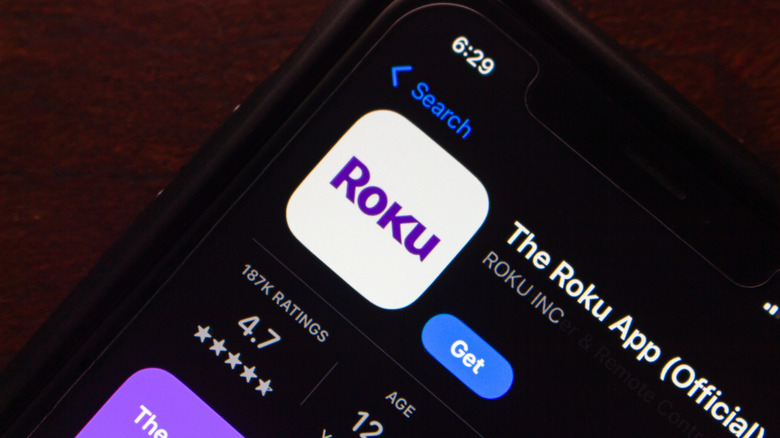
The entire Roku lineup (whether that's streaming dongles, boxes, or smart TVs) is supported by the Roku mobile app, which is free to download for iOS and Android. We recommend getting familiar with the app's many features and settings, particularly a function called Headphone Mode. This is an icon you'll find on the app's remote screen, and when activated, it allows you to play the Roku's audio on any pair of wired or wireless headphones connected to your mobile device.
As long as you have the latest version of the app installed, and both your phone (or tablet) and Roku device are on the same Wi-Fi network, Headphone Mode should work without a hitch. Now it won't matter in the slightest that your brand-new gaming monitor doesn't have any speakers, and you also figured out a way to watch TV at night without disturbing sleeping family members.
Roku isn't the only streaming brand to figure out how to isolate audio to a pair of headphones, either, as companies like Amazon, Apple, and Google all support private listening, too. Alternatively, you could also add an inexpensive soundbar to your monitor, but you'll want to look for models with USB connectivity — that way, you're not hogging up any other HDMI inputs your monitor may have.