

USB Sticks Might Be The Best Way To Listen To Music In The Car - Here's Why
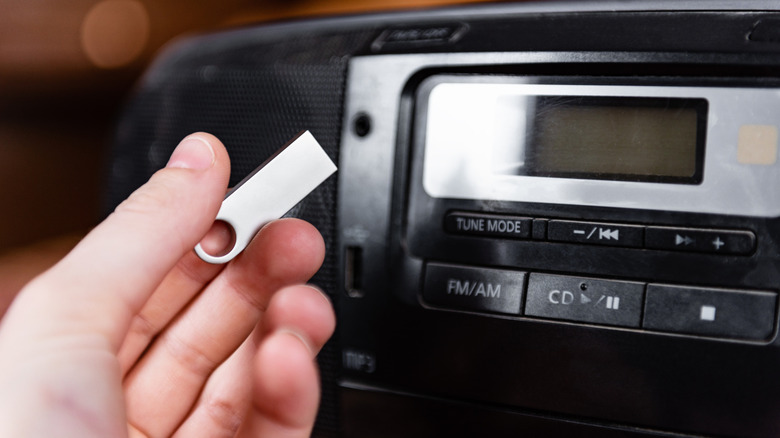
Some will never know the glory of creating a mixtape — an actual cassette mixtape — or burning your favorite playlist to a CD before heading out the door. Both were strangely enjoyable, but also added a lot of character to music playlists. Sure, now you can open an app, add a bunch of songs with a few taps, and go. But if you want to listen in your car, Bluetooth isn't actually the best way to do it. The wireless connection is convenient and fast, but you'll get much better quality if you plug your phone directly into the system using USB. There is another way that has a lot of parallels to the mixtapes of yore. You can use a USB drive and load your favorite tunes.
Why? For starters, depending on where you source your music, you don't have to pay for subscriptions to listen. Moreover, you can play FLAC and lossless audio with their true fidelity via USB. Bluetooth does not support lossless audio except through very specific codecs, like Qualcomm aptX Lossless.
Moreover, you can make your own collection, adding whatever artists, songs, genres, and playlists you want. With USB drive capacities so high, you can fit a lot of music on a single drive. A 256GB USB drive can hold over 83,000 songs at 3MB each. You can also remove the USB anytime to add more tracks, or leave it plugged into your car's port indefinitely. Most cars offer this functionality, but if your car doesn't have a USB port, you'll need an adapter or a device with an aux-output like a DAC. If your car's USB port isn't working, you'll need to troubleshoot first.
How to add music to a USB drive to play in your car?
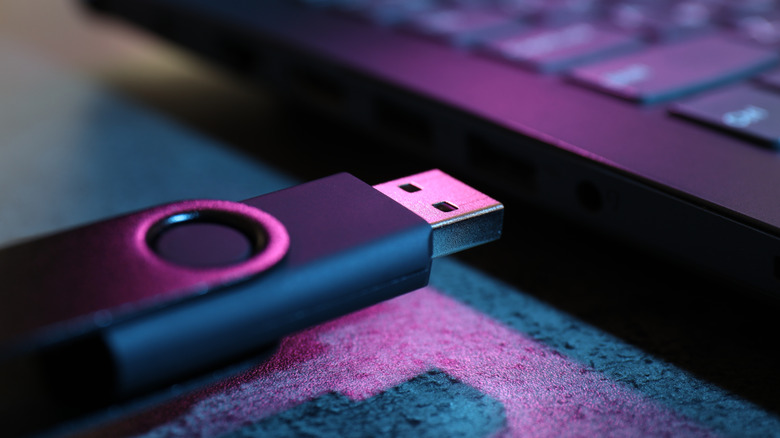
I highly recommend loading a single MP3 or music file on your fresh USB drive and testing it out in your vehicle before loading a ton of tracks. Try to use the file format that you will primarily have, whether that's MP3, AAC, OGG, FLAC, or something else. Make sure to format the USB drive using a common file structure, like FAT or FAT32. Move a single track over to the drive when it's ready, plug it into your car's entertainment-related USB port, as there can be multiple USB ports available, and make sure to select the correct input. If the track plays without a problem, you're good to go. Make sure you use the same file format for future tracks.
You should also organize the tracks on the drive, instead of sticking them all in a single root folder. It's best to use a logical hierarchy, with folders such as artist > album for each group or artist. You may be able to use your phone for this, but you'll have an easier time using a computer or a laptop. It's definitely easier to organize the file structure on a computer. Once your music is on there and organized, you're good to go.
In addition to playing music, there are some really cool gadgets you can use in your car's USB port, even some that will make your car safer, but nothing quite so entertaining as making your own playlists and listening in high-fidelity audio while you're cruising down the highway.