

This Is The Best MacBook For Every Budget
We may receive a commission on purchases made from links.
Apple's MacBook lineup has some of the best laptops you can buy on the market, which is also why it's considered one of the most reliable laptop brands. The recent introduction of its most affordable MacBook in the form of the MacBook Neo has made its computing portfolio even more enticing. The lineup now has MacBooks for buyers from pretty much every price segment. So, if you're in the market for a brand-new laptop and are considering Apple's offerings, you have quite a few excellent options.
However, despite the relatively small MacBook portfolio, it can be tricky to figure out the best MacBook for your needs. So, we have done all the research and considered expert reviews as well as buyer feedback to recommend the best MacBook for different budgets. Although individual needs can vary, our recommendations strive to provide a good starting point for the majority of MacBook buyers.
Best starter MacBook: Apple MacBook Neo
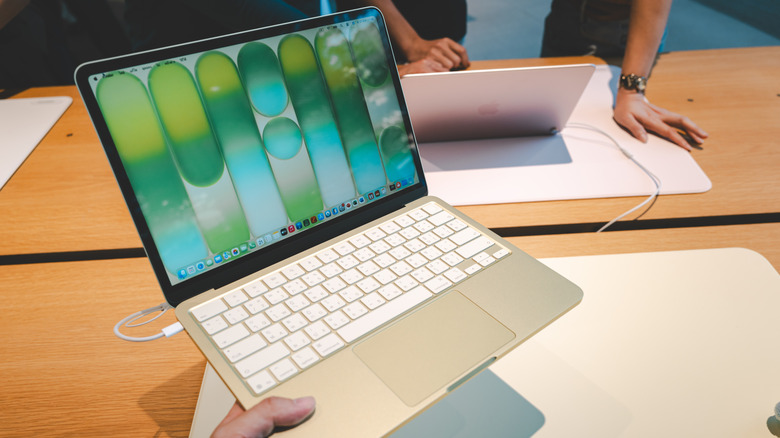
For long, Apple's MacBook Air carried the title of the best starter MacBook, but the arrival of the MacBook Neo has swiftly changed that. It's not only the most affordable MacBook ever, but it manages to be pretty good without making deal-breaking compromises. We recommend going with the MacBook Neo if you have a budget of around $500. As mentioned in our MacBook Neo review, while it may not be as powerful as Apple's other MacBooks, the Neo packs sufficient power for everyday tasks, including browsing, social media, office documents, and media consumption. Of course, its 8 GB RAM can be a bottleneck if you push too hard, and the port selection leaves a lot to be desired. While you can't fix the RAM, it's easy to upgrade your Neo's port selection with the right USB-C gadgets. Moreover, it has a premium design, an excellent keyboard, a good display, and decent battery life.
It has received excellent reviews, with most experts saying that Apple has cut corners in the right places. The consumer sentiment is similar, and there are hardly any notable complaints. While it starts at $599 ($499 for students), the $699 upgrade gets double the storage at 512 GB and Touch ID for quick authentication. However, it may not be worth splurging so much on the higher variant since you may be able to find an older M4 MacBook Air for under $800 or an M3 variant for under $700, and that would offer a faster processor, a backlit keyboard, Thunderbolt ports, better battery life, and support for MagSafe, which essentially saves one of your USB-C ports from getting blocked when charging. If you're fixated on the Neo but want more storage, getting an external SSD is a more economical solution.
Best MacBook for most people: Apple MacBook Air (M5)
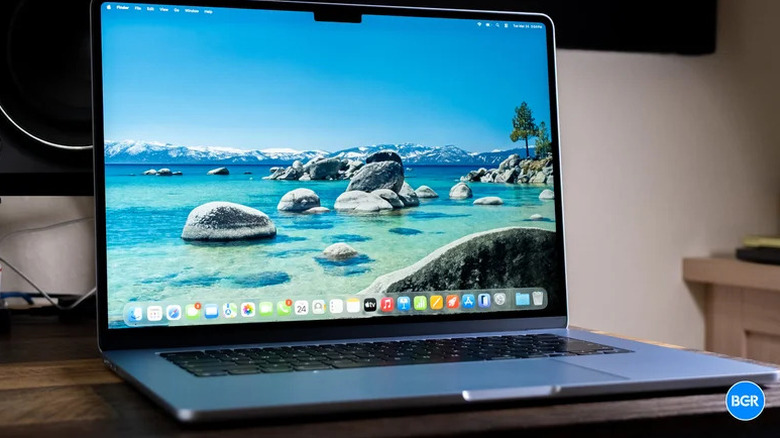
If you're willing to spend up to $1,500 on your MacBook purchase, the MacBook Air (M5) is the best option for you. It's capable, comes in two sizes, and is often recommended as one of the best laptops you can buy in 2026. One of its major selling points is its ability to handle everything from everyday tasks to demanding creative work without breaking a sweat, as we noted in our MacBook Air M5 review. Of course, you won't get the same level of performance as the Pro models featuring the M5 Max, M5 Pro, or even the M5 chip, but unless you're dealing with 3D renders, complex AI tasks, or heavy video edits, the Air has enough gas in the tank to keep you satisfied.
It also shines on the battery front and packs an attractive display, excellent keyboard and trackpad, and the latest connectivity options. Moreover, its aluminum alloy build feels premium and sturdy, and the port selection includes two Thunderbolt 4 ports as well as a MagSafe port for charging. Additionally, you get 16 GB of RAM, which makes a big difference during demanding workflows. Experts have great things to say about this MacBook, and consumers also have largely positive feedback, with no widely-reported complaints.
It starts at $1,100 for the base 13-inch model (often discounted to under $1,000), $1,300 for the 15-inch model, and can go up based on the storage and RAM combination. If you're planning to keep your laptop for a long duration or want it for a heavy-duty workload, we recommend upgrading the RAM, since the storage can always be expanded using an external solution.
Best MacBook under $2,000: Apple MacBook Pro (14-inch, M5)
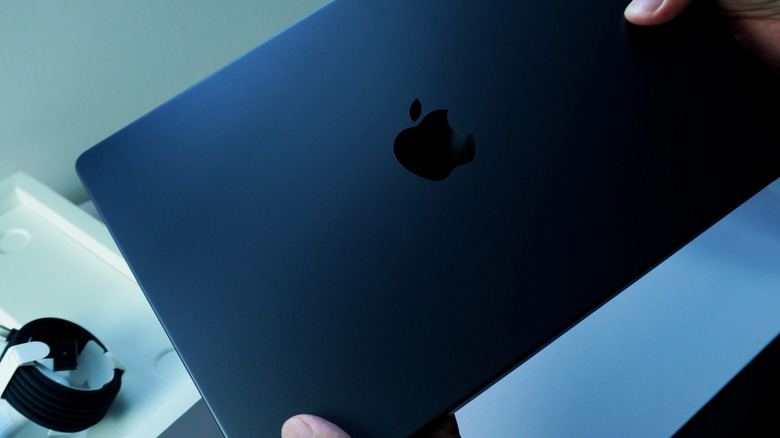
At first glance, the MacBook Pro with the M5 chip doesn't seem like a notable upgrade over the M5 MacBook Air, as both have the same chip. However, there are several changes in the Pro model that make it worth the extra money and the ideal MacBook for anyone with a budget under $2,000. For example, the MacBook Pro with the M5 chip has a 10-core GPU in its base model, as well as 1TB of storage; you don't get both of those things in the base MacBook Air. It also houses a better display with higher resolution, HDR support, 1600 nits peak brightness, and a 120Hz refresh rate.
Other upgrades include a six-speaker sound setup that's known for delivering excellent audio. Port selection is another highlight of the MacBook Pro, as it not only has three Thunderbolt 4 ports but also an HDMI port and an SD card slot, both of which will certainly come in handy for pro users. Plus, the Pro model has a much bigger battery with faster charging, and a 70W charger in the box. All these features have garnered it a lot of praise from experts as well as buyers.
However, we would only suggest going with the base model of the MacBook Pro (M5), which costs $1700, and if your needs require you to upgrade the RAM, you'll be better off spending a bit more and getting the M5 Pro version, which we will talk about next, as it will not only get you the RAM upgrade you want but also a faster chip, faster connectivity, and faster Thunderbolt 5 ports, making it a better value proposition and more futureproof than the M5 model.
Best MacBook upgrade: Apple MacBook Pro (M5 Pro)
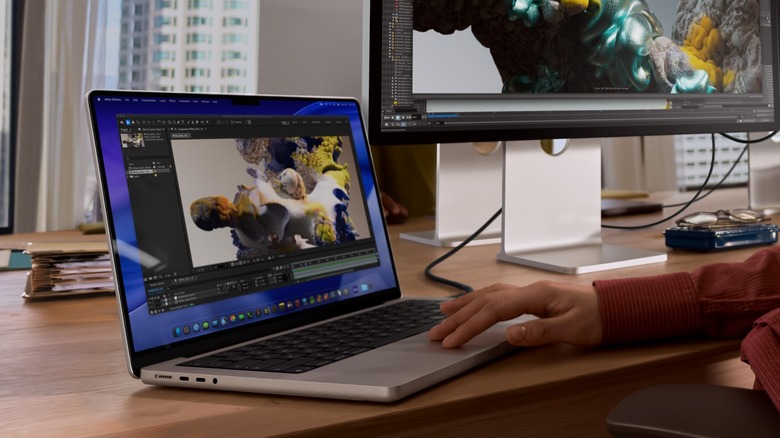
For a vast majority of creatives, engineers, and coders who need a ton of raw power in a portable form factor and are willing to spend north of $2,000, the MacBook Pro with the M5 Pro chip is the right MacBook upgrade. This chip delivers a significant jump in performance over the M5, particularly in multi-core and GPU performance, while offering several other benefits, including Thunderbolt 5 ports, Wi-Fi 7, and a faster SSD. Most of the other features are in line with the M5 version, but you also have the option to upgrade the CPU if you need even more power, and choose up to 64 GB of RAM.
More importantly, if a larger screen real estate is something you need, there is also the choice to go with the 16-inch model, which comes with the upgraded CPU and a 140W fast charger in the box, for an additional $500 on the base model. So, there is no surprise that the M5 Pro version of the MacBook has gotten rave reviews, with experts calling it ideal for professionals and one of the best laptops around. It starts at $2,199 for the 14-inch version and $2,699 for the 16-inch.
The best MacBook money can buy: Apple MacBook Pro (M5 Max)
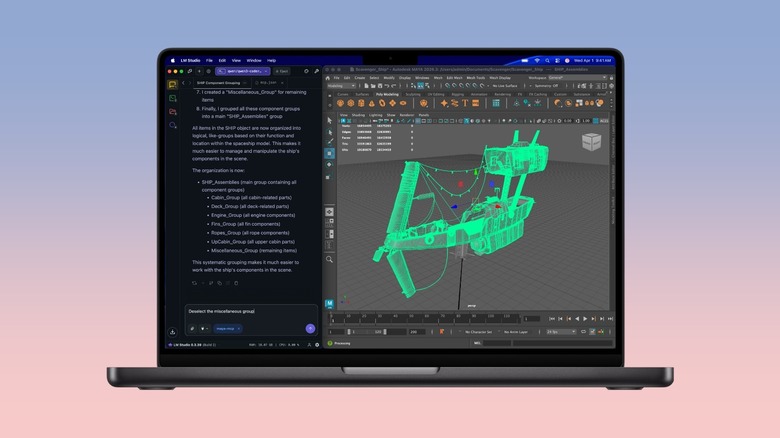
The M5 Pro MacBook Pro, with its optional CPU upgrade, is going to be plenty for pretty much most buyers, except a niche set of customers who either like to get the best regardless of the cost or have extreme performance needs to drive their workflow. If you fall into either of the categories, the MacBook Pro M5 Max is the most powerful MacBook in 2026, with the latest technology that Apple has to offer. You'll need at least $3,600 to spare, but you'll have no trouble flying through your workflow or graphic-intensive gaming sessions at reasonable frame rates.
Like the M5 Pro version, it comes in two screen sizes and has an HDR-capable display, Wi-Fi 7 support, three Thunderbolt 5 ports, an HDMI port, and an SD card slot. It also gives you an optional CPU grade, a base RAM of 36 GB, a base SSD of 2 TB, and a 96W power adapter in the box. Besides the complaints about the increase in pricing and the lack of an OLED panel, the experts only have good things to say about the M5 Max variant of the MacBook Pro. It's said to be a monster when it comes to performance as well as battery life. The customer feedback is limited, which isn't surprising, as we stated it's a relatively niche laptop, but folks haven't highlighted any negatives.
How we selected these MacBooks
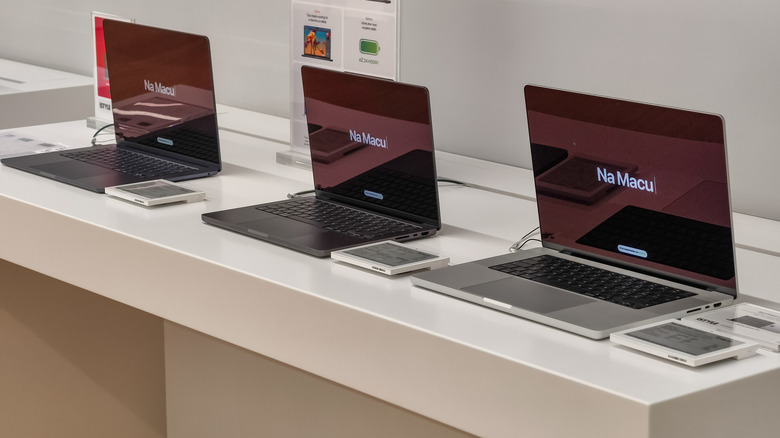
While picking the best MacBook for different price segments, we consulted expert reviews, buyer feedback, and our own experience with different Apple laptops. We focused on MacBooks that can satisfy the needs of most rather than niche users and included possible upgrades or alternatives if available in the same price segment or by increasing the budget slightly. Our recommendations are most suitable for folks buying their first MacBook, upgrading from a less-capable MacBook, or replacing their Intel-era or first or second-generation M-series MacBooks. If you already own a MacBook with an M3 or M4-series chip and aren't looking to move to a different price segment, it'll be better to wait for the next generation of MacBooks, unless, of course, you want a specific feature or feel bottlenecked.