

The Smart Lock Mistake You Won't Notice Until You're Locked Out Of Your Own House
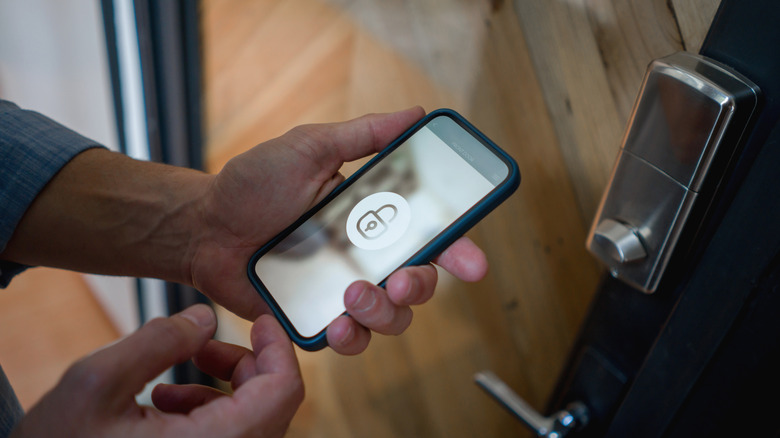
Investing in a smart lock is one of the best things you can do for your house or apartment. Many of these devices can be installed in just minutes, and once it's connected to Wi-Fi, you'll be able to control and monitor your lock remotely. But one of the best features that more and more smart locks are adding can quickly become a nightmare when it doesn't work: geofencing.
Geofencing is a tracking feature that uses GPS signals to determine where a geofence-enabled device is located. Your smart lock's companion app, which you installed on your phone or tablet, is the software used to track your mobile device's whereabouts. Once you're "out of range," geofencing should automatically engage your lock's deadbolt if it wasn't locked. The feature also works in reverse, which is convenient when you're returning home with a bunch of groceries; once you're "in range" of your smart lock, it should auto-unlock the door for you.
On paper and in practice, geofencing is meant to be helpful. But GPS technology isn't foolproof, and it doesn't take much in the way of signal interference to prevent the feature from working correctly. This can lead to unplanned locks and unlocks when you least expect them, which is why it's important to have a handful of smart lock failsafes you can rely on.
Smart locks need a backup plan, too
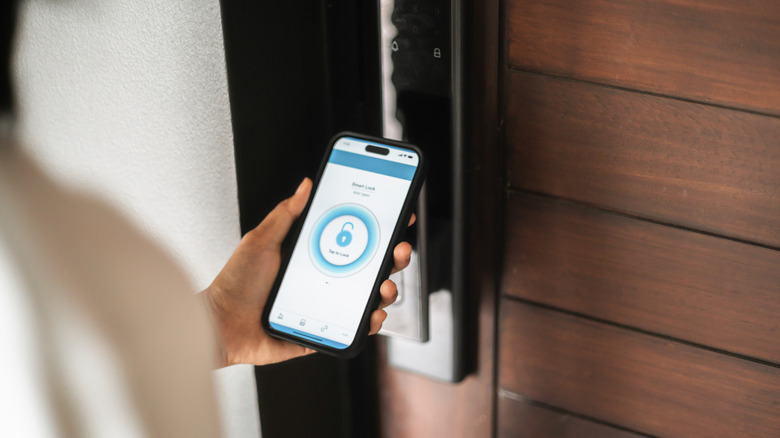
Geofencing may occasionally fail without much rhyme or reason. Over on the Apple HomeKit subreddit, a few users complained about geofence triggers being set off randomly. If you don't want to be the poor soul dealing with a location-tracking glitch at 3 AM, you should invest in a smart lock that comes with a manual key. You can keep it in the glovebox of your car, or another hiding spot you always have access to.
Fortunately, geofencing is often just one of several lock/unlock features smart locks use. Oftentimes, the app itself has a lock/unlock button you can easily tap. Many devices are also equipped with biometric scanners and keypads, allowing you to scan a fingerprint or input a code to unlock your door. Some locks will even let you share app access with friends or family.
Smart home devices are great when they work, but we can't think of any consumer tech gadget that isn't without its bugs and glitches. But if you start planning for these potential issues in advance, you'll already have two or three lock/unlock methods you can lean on if geofencing decides to give you problems.