

4 Things Your Google Pixel's USB-C Port Does (Besides Charging)
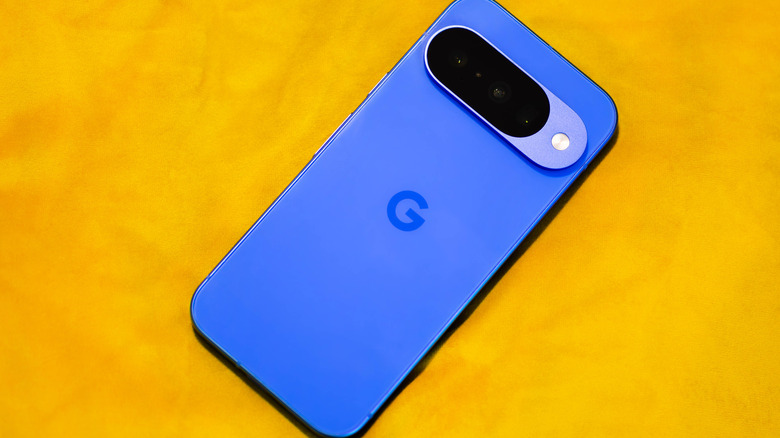
USB-C is pretty ubiquitous nowadays, used to charge virtually every phone brand, including Apple's latest iPhones since the iPhone 15. You'll find it for charging tons of other devices, too, from wireless earbuds to headphones, even rechargeable TV remotes. When it comes to the latest Google Pixel phones, the USB-C port can be used for more purposes than just charging.
From connecting a pair of wired headphones to transferring files and mirroring on a big screen, the port can be leveraged for lots more. The one downside: you can't charge your phone via wires while you're using the port for something else. But you can still pop it atop a wireless charging pad to recharge wirelessly if there's one available to you. With the latest Google Pixel 10 series phones, you can leverage Qi2 charging via Pixelsnap built-in magnets, making using the USB-C port for other purposes even more enticing.
Connect wired headphones
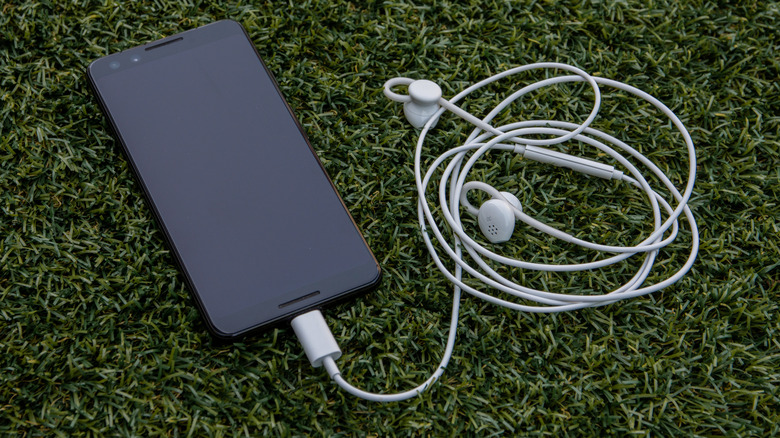
Sure, the world has gone wireless, but there has been a resurgence of wired headphones of late. Since most phones, including Google Pixel devices, no longer have a 3.5mm headphone jack, you'd need to use a pair of wired headphones with a USB-C connector, which are pretty common nowadays. The latest Google Pixel phones running Android 14 and up can support USB-C digital audio, so you can connect a pair of wired earbuds and listen.
Note that if you have an old pair of wired earbuds or headphones with a 3.5mm cable, you can still use them if you have a 3.5mm-to-USB-C adapter. These are cheap and widely available. I keep one in my travel bag to use any time I need to connect an old pair, or if I forget my headphones at home and need to use the free 3.5mm earbuds provided on an airplane.
File transfers
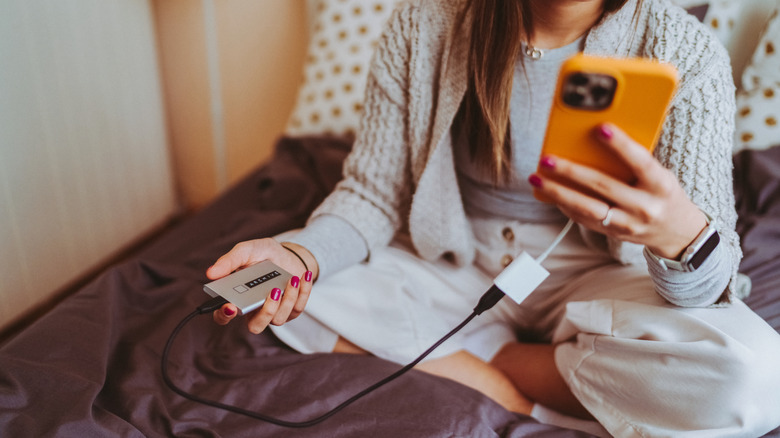
Connect one end of a USB-C cable to a Google Pixel phone and the other to a device like a portable hard drive, and you can transfer files easily without bringing a PC into the equation or using the cloud. Pixel 7 and higher devices now use the USB 3.2 spec, which affords faster transfer speeds. For the latest devices with USB 3.2 Gen 2 ports, transfer speeds can reach 10 Gbps.
If you have a Pixel phone with limited internal storage or you save a lot of high-res photos and large video files, you can offload them to a separate drive or another device via a single cable connection. This means you don't have to subscribe to a bigger cloud storage plan, plus you can keep content locally. Note that you'll need a cable that supports the same fast transfer speed. If you're working with a Google Pixel device you no longer use, you could even transfer files to it rather than from it, then use the old phone as a backup storage drive. It's one of the best uses for your Android phone's USB port.
Connecting to a TV or monitor
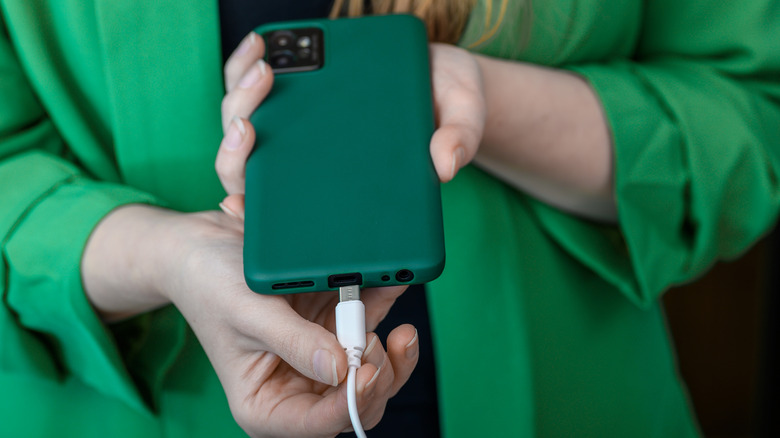
Casting content from a compatible app to a compatible TV is pretty simple and effortless. But it doesn't work for every app and can be finicky at times. You might find a cable connection more reliable. I do this, for example, if I'm watching content from screener apps for which there isn't an available smart TV or Apple TV app I can use.
You'll need either an appropriate cable or a display device to make this work. Connect a DisplayPort or HDMI cable to your big screen and a USB-C cable to your phone, and you can mirror the content from your mobile device on the bigger screen. You might want to do this to display photos or presentations on a TV or to get a better look at spreadsheets or documents on a monitor. I use an HDMI cable with my TV, along with an HDMI-to-USB-C adapter to connect the phone. This feature should work on Google Pixel 8 and above devices, so unfortunately, you're out of luck if you're still hanging onto the Google Pixel 7.
Enjoy enhanced gaming
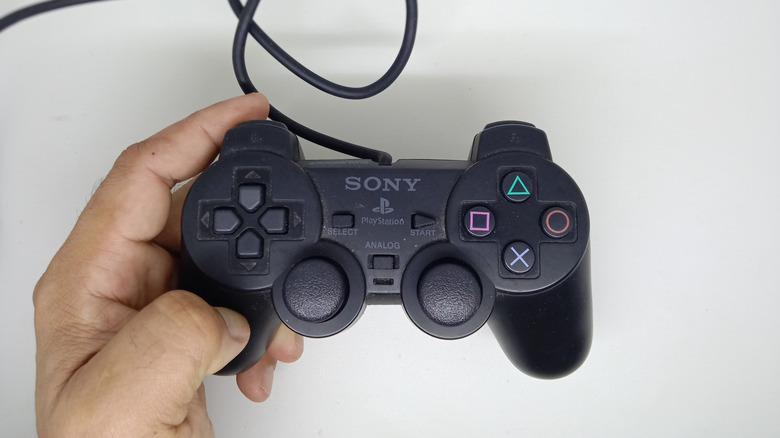
Mobile gaming is a popular pastime, especially since you can easily play on the go without being in front of a TV or even needing a console. While you can navigate many games using the phone's touchscreen, you might want a more tangible experience. You can do this with a Google Pixel phone by connecting a separate gaming controller to the USB-C port. Keep in mind that the controller will keep charging through your phone's battery, which is a good thing for continued gameplay, but can also drain your phone's battery faster.
For more intense mobile gaming, you might prefer a mobile game controller that attaches to the sides and connects wirelessly. These are among the cheapest ways to turn your phone into a portable gaming console. But a wired controller works well in some scenarios, and you might already have one lying around the house. From productivity to fun and practical uses, there are more ways to use a Google Pixel phone's USB-C port than just plugging it in to recharge.