

The Kindle For PC App Is Being Discontinued — And Its Replacement Might Not Work For You
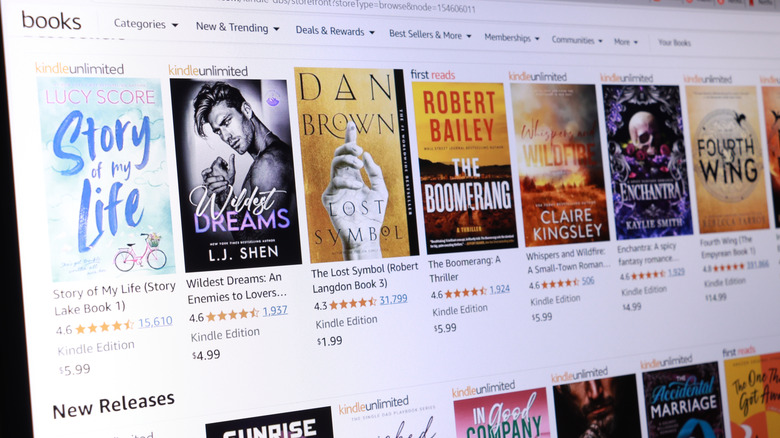
Early in April 2026, Amazon announced it was discontinuing support for older Kindle models. Even if you own one of these devices, you will still be able to use it after the cutoff date — you just shouldn't deregister or factory reset them. However, the same will not be true for other Kindle programs also set for decommissioning.
Recently, Amazon "updated" the Kindle app for PC to show a message whenever users open the software. As reported by Good e-Reader, this pop-up informs users the Kindle app will sunset on June 30, 2026. As with most programs that receive a termination date, you won't be able to download the program after the cutoff. But here is the twist: Unlike the soon-to-be-unsupported physical Kindle models, even if you install the Kindle app on your PC before June 30, you won't be allowed to use the program starting July 1. Say what you will about the tendency of video games to get delisted, but at least you can still (usually) play them so long as they are on your device. Okay, you have to pay for them first, and Kindle for PC is a free app, but the point still stands.
If you enjoyed using Kindle on your PC, all is not lost ... kinda. Good e-Reader got in touch with Amazon and learned the company is currently developing a replacement app that should release later this month. However, here comes the other twist of the knife: This unnamed app will only work with Windows 11, and you can only download it from the Microsoft Store. If you still use Windows 10 (which Microsoft stopped supporting last year), you're out of luck.
Why is Amazon scrapping the Kindle app for PC?

When you read this news, odds are the first thought to enter your mind was "Why?" Why is Amazon discontinuing the Kindle app for PCs, only to replace the program with a different one? Why is Amazon restricting the new app to Windows 11 PCs and the Microsoft Store? Only the company knows for sure, but we can try to make educated guesses.
One possible explanation postulates this decision was made for the sake of security. Apps designed for a specific OS are harder to crack, and it's no secret that Amazon has been waging a war with hackers for years. Perhaps Amazon's higher-ups think an app exclusive to Windows 11 will be less prone to app pirates tricking the program into letting them read books they don't actually own?
Another possibility is that Amazon might be issuing an updated iteration of its Kindle PC app as part of a larger effort to harden its DRM system. In early 2025, the company removed the option to transfer book data to and from USB drives (which was one of the only ways to back up books on older Kindle devices). In late 2025, Good e-Reader reported that the company had made it virtually impossible to remove DRM from Kindle books. These events may be completely unrelated to the old PC app's demise, but there has certainly been a lot of movement on the Kindle DRM front lately either way.
You don't need Amazon's replacement app if you don't want it

While the Kindle is an excellent e-reader device, you don't actually need it to enjoy your favorite books electronically. Amazon itself is full of worthwhile Kindle alternatives, including the PocketBook Verse and the Kobo Clara Colour. The same logic applies to PC: You don't absolutely need the Kindle app now, and you won't need it when Amazon releases the next version.
You can find no shortage of lists throughout the internet that recommend e-reader apps. For instance, TechRadar recommends apps such as Calibre, Freda, and Sumatra, although the first two aren't compatible with Kindle's DRM-protected books. Meanwhile, Aquile Reader is one of the most popular e-readers currently available on the Microsoft Store. And the Apple App Store has no shortage of e-reader programs for Mac, including Apple Books and Epub Reader.
While it's too early to judge Amazon's upcoming Kindle replacement, you might want to consider installing one of the above apps. That's especially true if you mostly rely on programs such as Kindle to read digital books you purchased through third-party services.